Home › Projects & Work › Gantt Chart Excel Template with Dependencies & Baseline
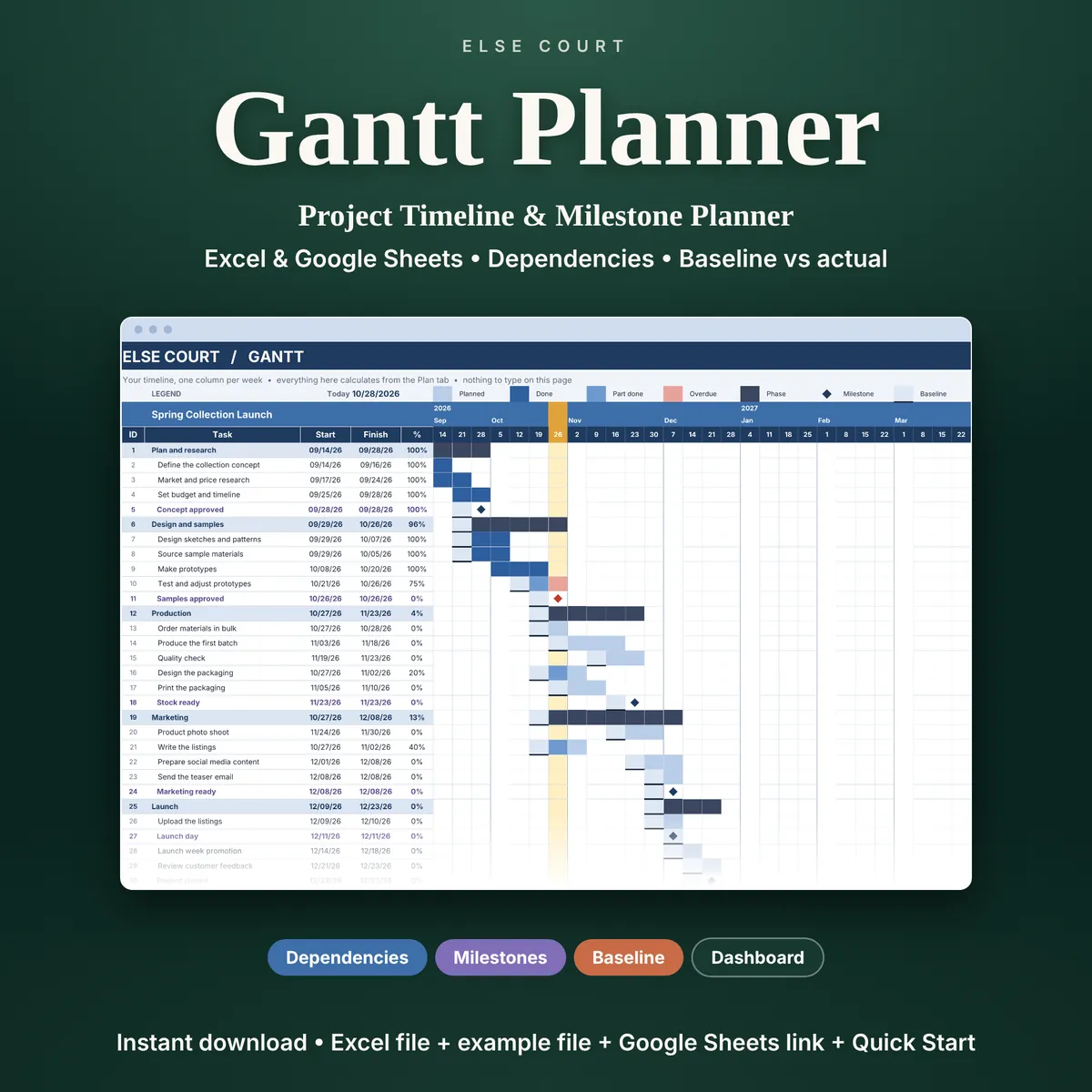
Gantt Chart Excel Template with Dependencies & Baseline
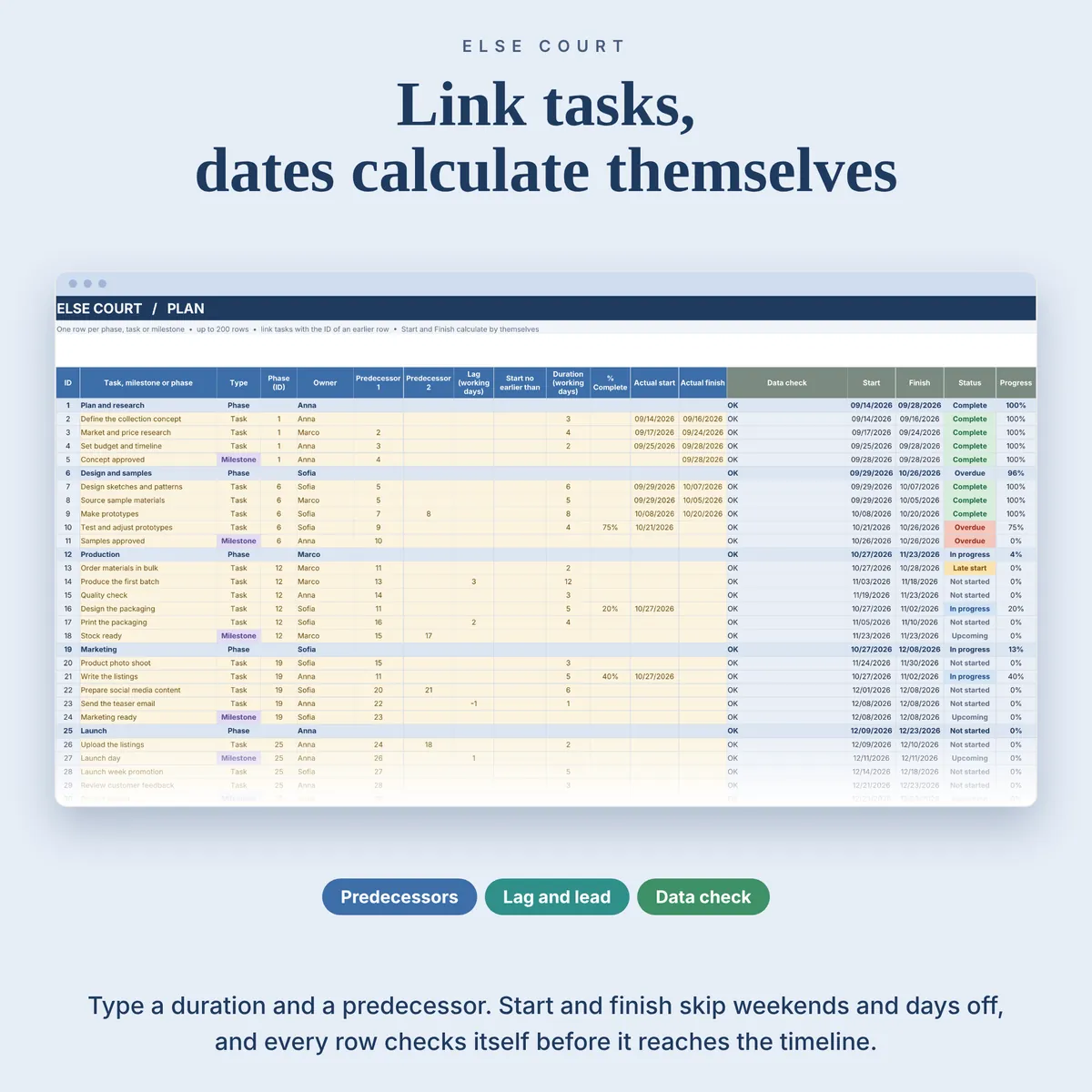
A Gantt chart is only useful if the dates move when the plan changes. In the Gantt Planner you list the phases, tasks and milestones of a project, say which task has to finish before another can start, and the start and finish dates work themselves out.
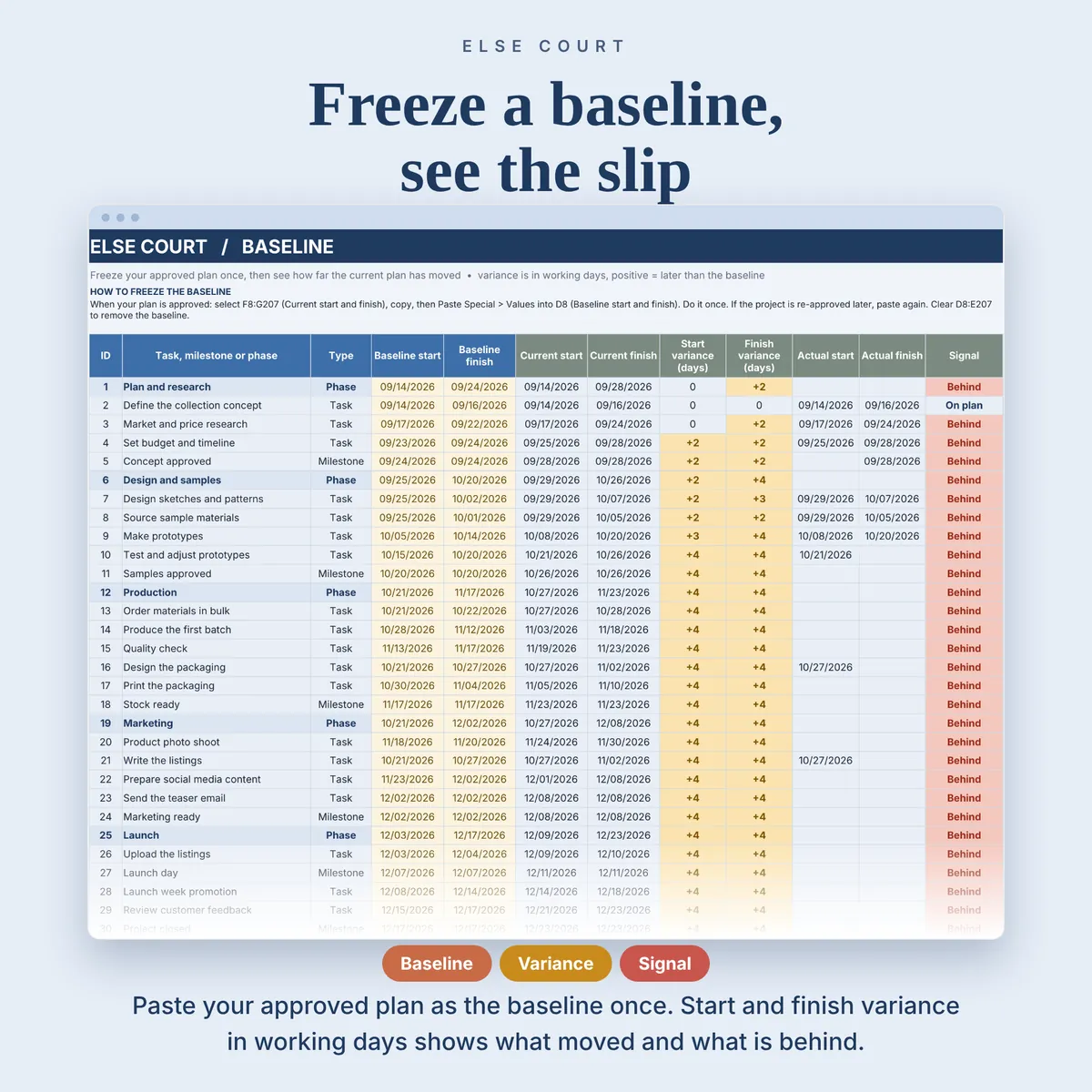
Weekends and the days off you enter are skipped, so a task that takes five working days starting on a Thursday finishes the following Wednesday. When the plan is approved you freeze a baseline, and from then on every row shows how far the current dates have moved from it.
It is a digital download for Excel and Google Sheets, made for small business owners, freelancers, makers and small teams who plan one project at a time.
Digital download. Works in Excel and Google Sheets. Nothing is shipped.
What this spreadsheet tracks
- Up to 200 phases, tasks and milestones in one project
- Dependencies with one or two predecessors, lag or lead in working days and a start no earlier than date
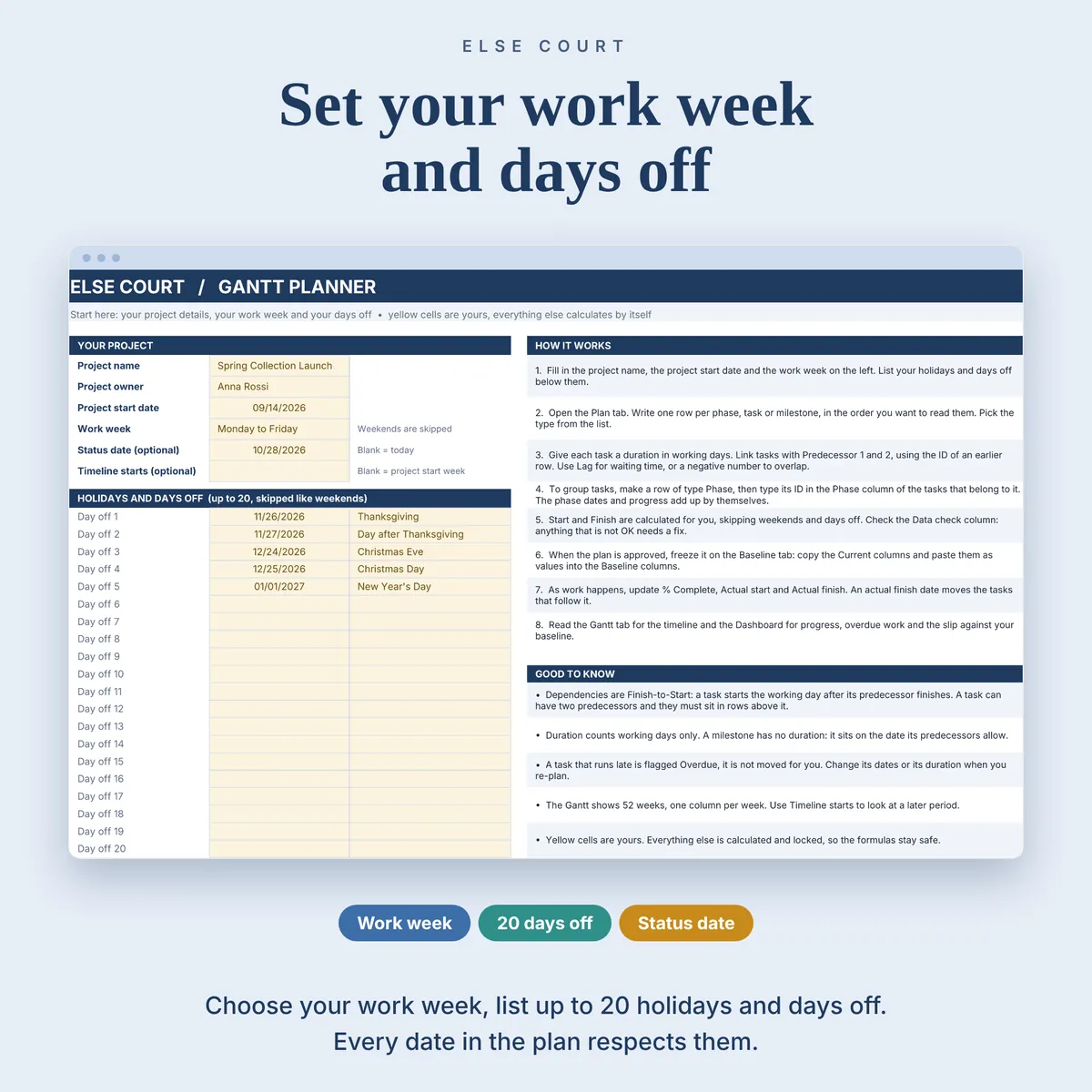
- A work week you choose (Monday to Friday, Monday to Saturday, Sunday to Thursday or every day) and up to 20 days off
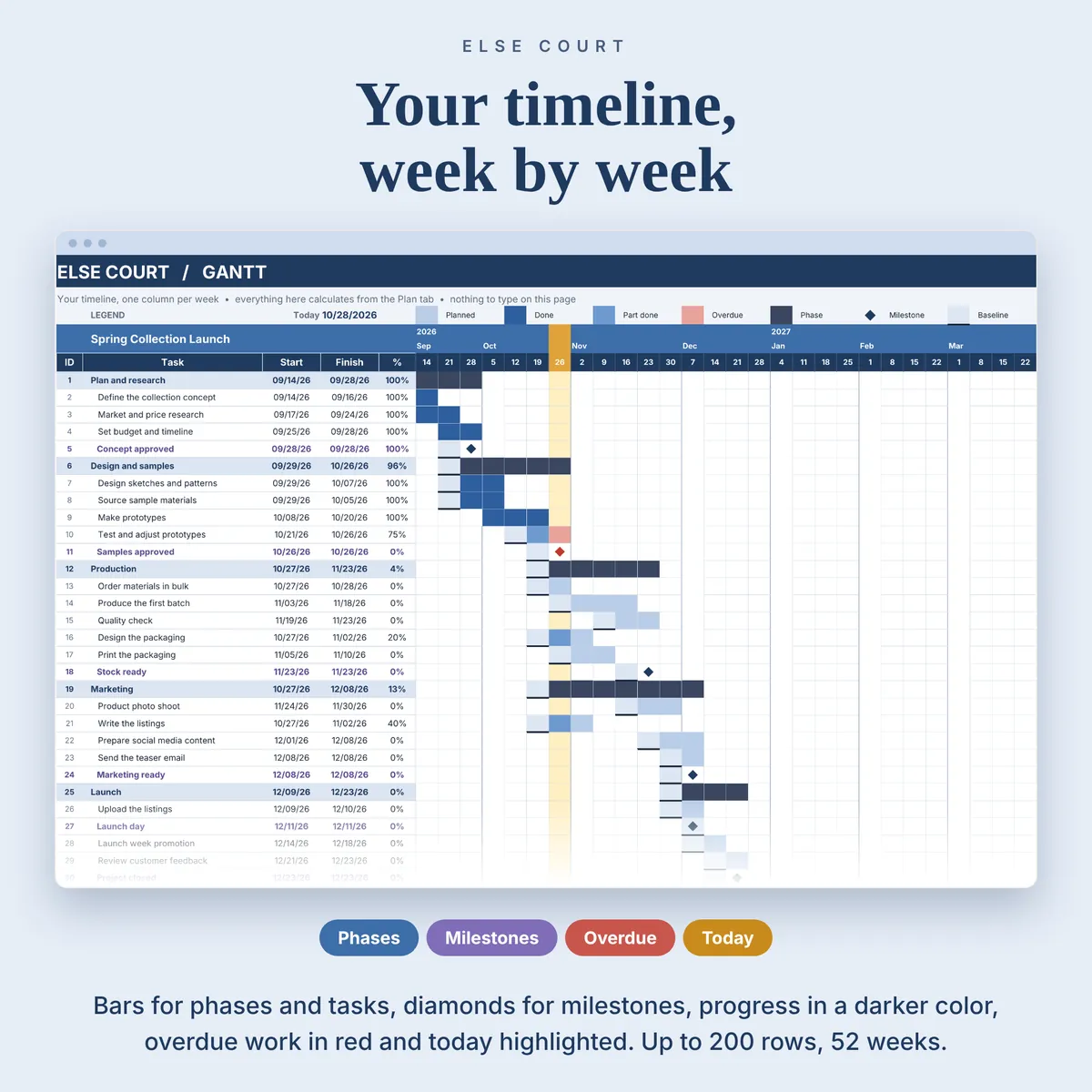
- A 52-week Gantt chart with progress, overdue work, milestones and the current week highlighted
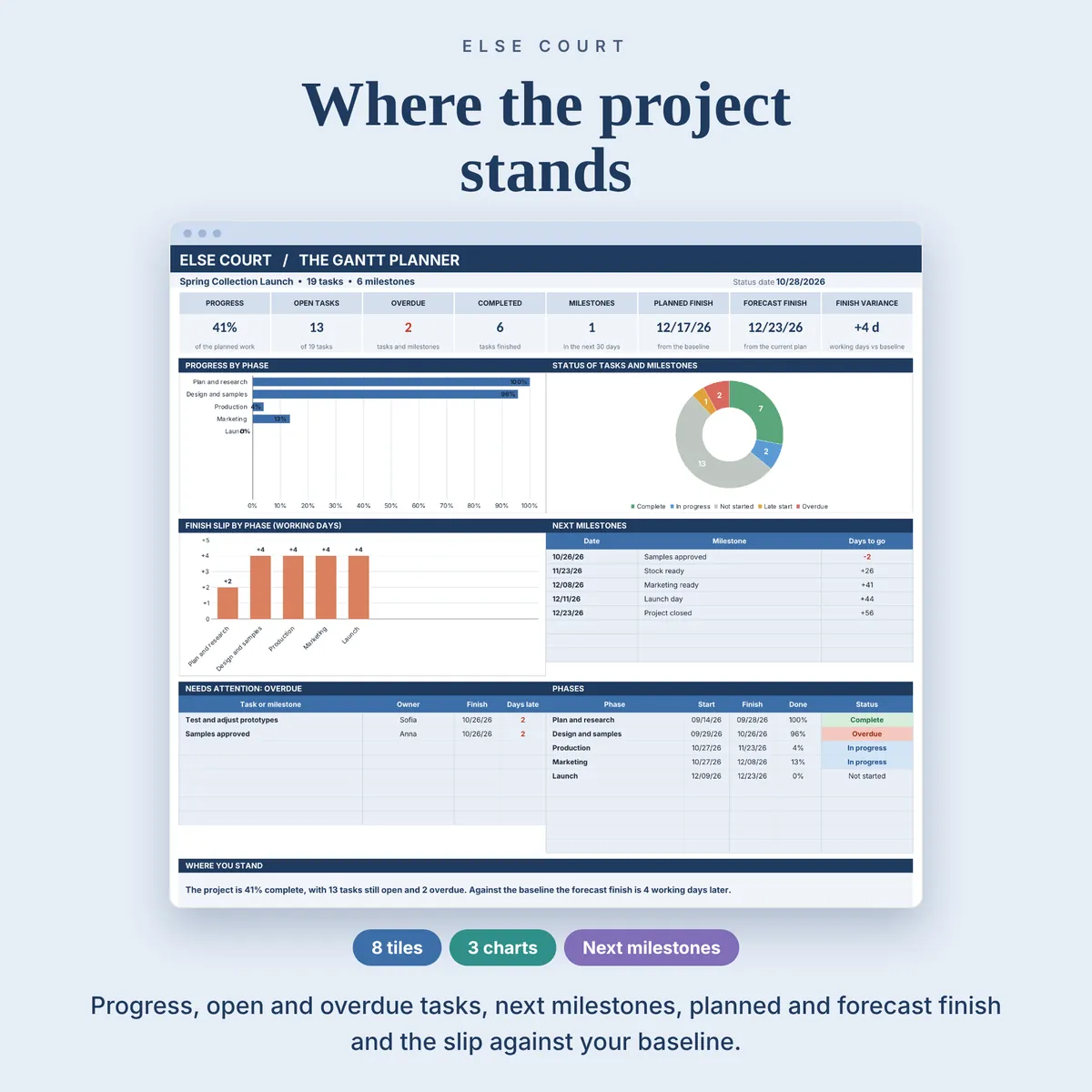
- A baseline you freeze once, then the start and finish variance in working days: Behind, Ahead or On plan
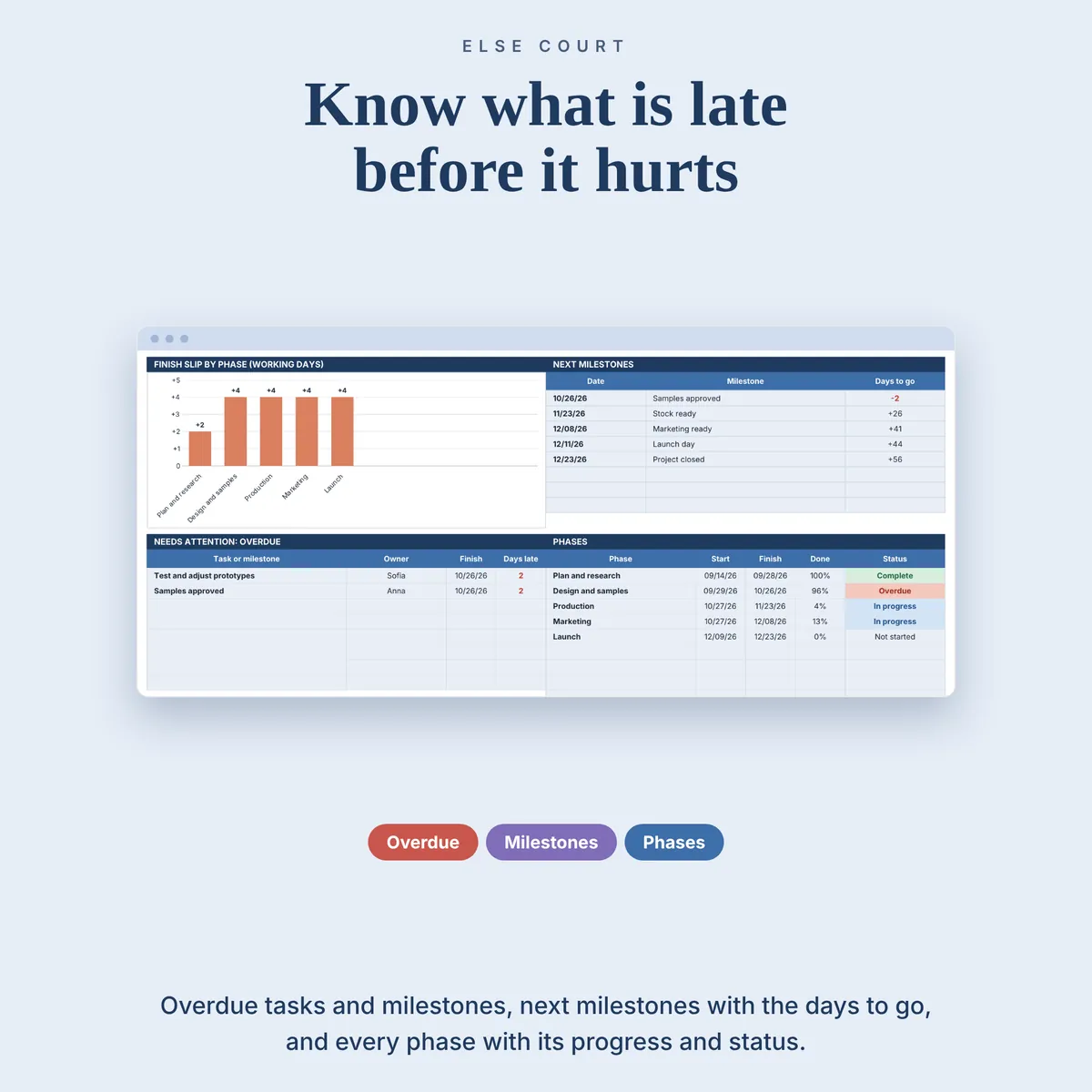
- A dashboard with progress, overdue tasks, the next milestones, the planned finish and the forecast finish
Who it's for
- Small business owners and freelancers who plan one project at a time
- Teams that want to compare the plan with what actually happened
- Anyone who wants dependencies and a baseline without installing project management software
How it works
- Fill in Start Here with the project start date, your work week and your days off.
- Add phases, tasks and milestones on the Plan tab and link them with predecessors.
- Freeze the baseline when the plan is approved.
- Enter % complete and the actual dates as the work happens, then read the Gantt and the Dashboard.
See it in action
See inside
Frequently asked questions
Does it work in Excel and Google Sheets?
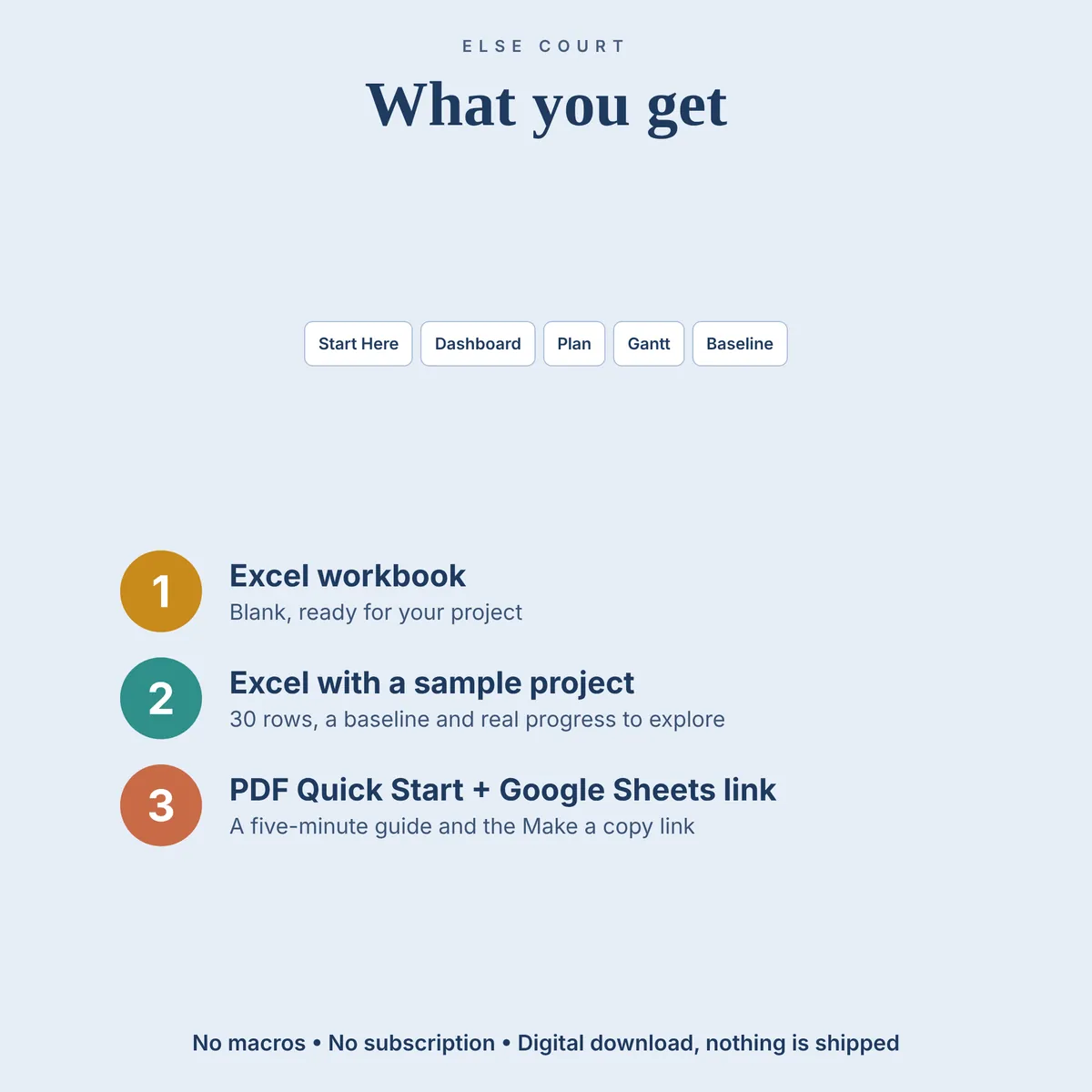
Yes. You get an Excel workbook and a PDF guide with a link to make your own copy in Google Sheets. The two versions are separate files and do not sync.
Does it show a critical path or dependency arrows?
No. Tasks are linked Finish-to-Start with up to two predecessors, but there is no critical path calculation and no arrows. The Gantt shows bars and milestones.
Can I plan more than one project?
One project per file. Make a copy of the file for each additional project.
Is anything different in Google Sheets?
The Google Sheets version is a separate file. The baseline line and the month dividers on the Gantt may not show there, and charts can look slightly different. Excel 365 for Windows shows everything.
Is there an example file?
Yes. A second Excel file is filled with example data (a 30-row project with a baseline and real progress), so you can see how everything works before using your own numbers.
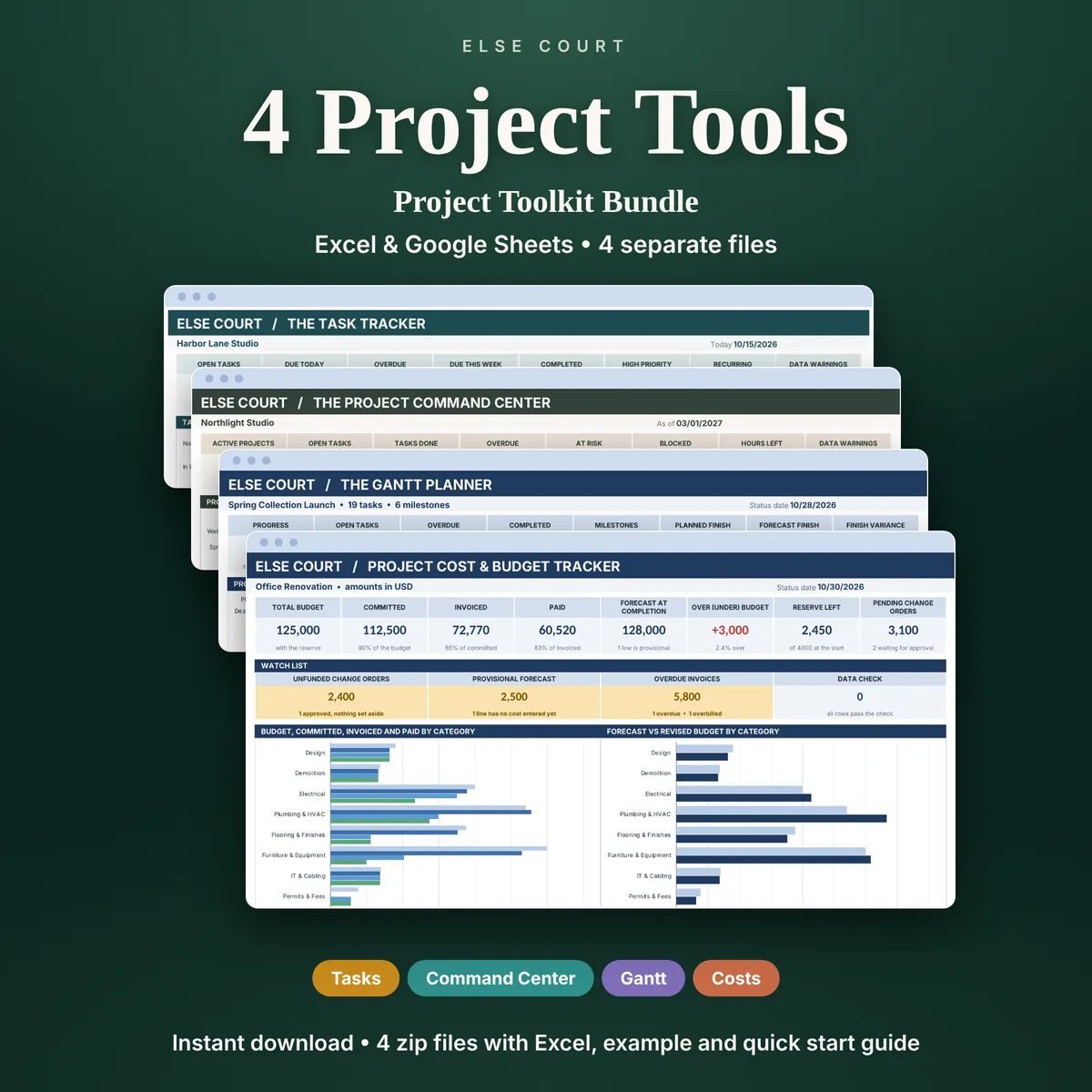
The Gantt Planner is also one of the four tools in the Project Toolkit Bundle.
More in Projects & Work