Home › Projects & Work › Project Cost Tracker Excel Template with Change Orders
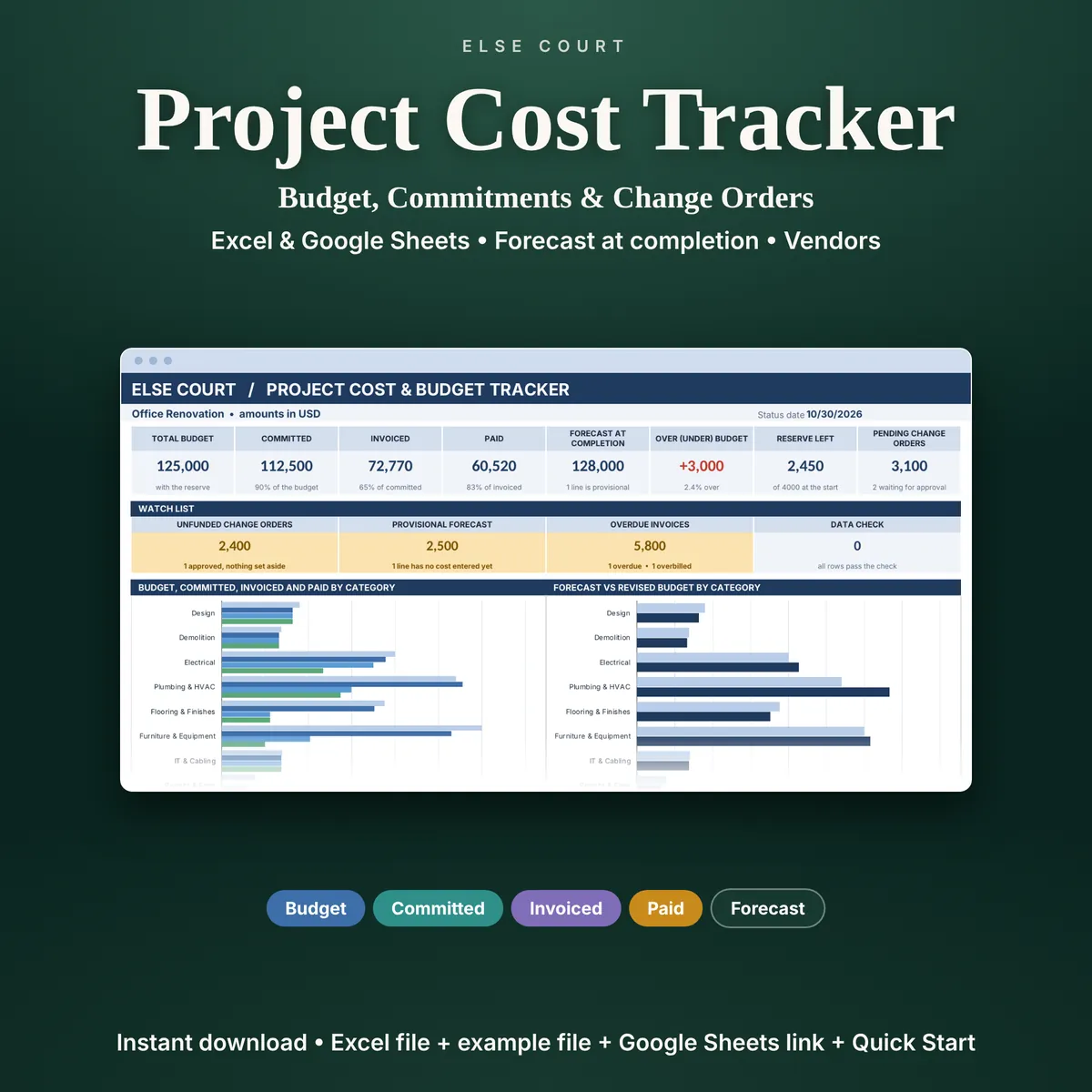
Project Cost Tracker Excel Template with Change Orders
The budget is rarely the problem. The problem is the money you have already promised to contractors and suppliers, the invoices still to arrive and the change orders nobody has priced yet. The Project Cost and Budget Tracker follows the money in four steps: budgeted, committed, invoiced and paid.
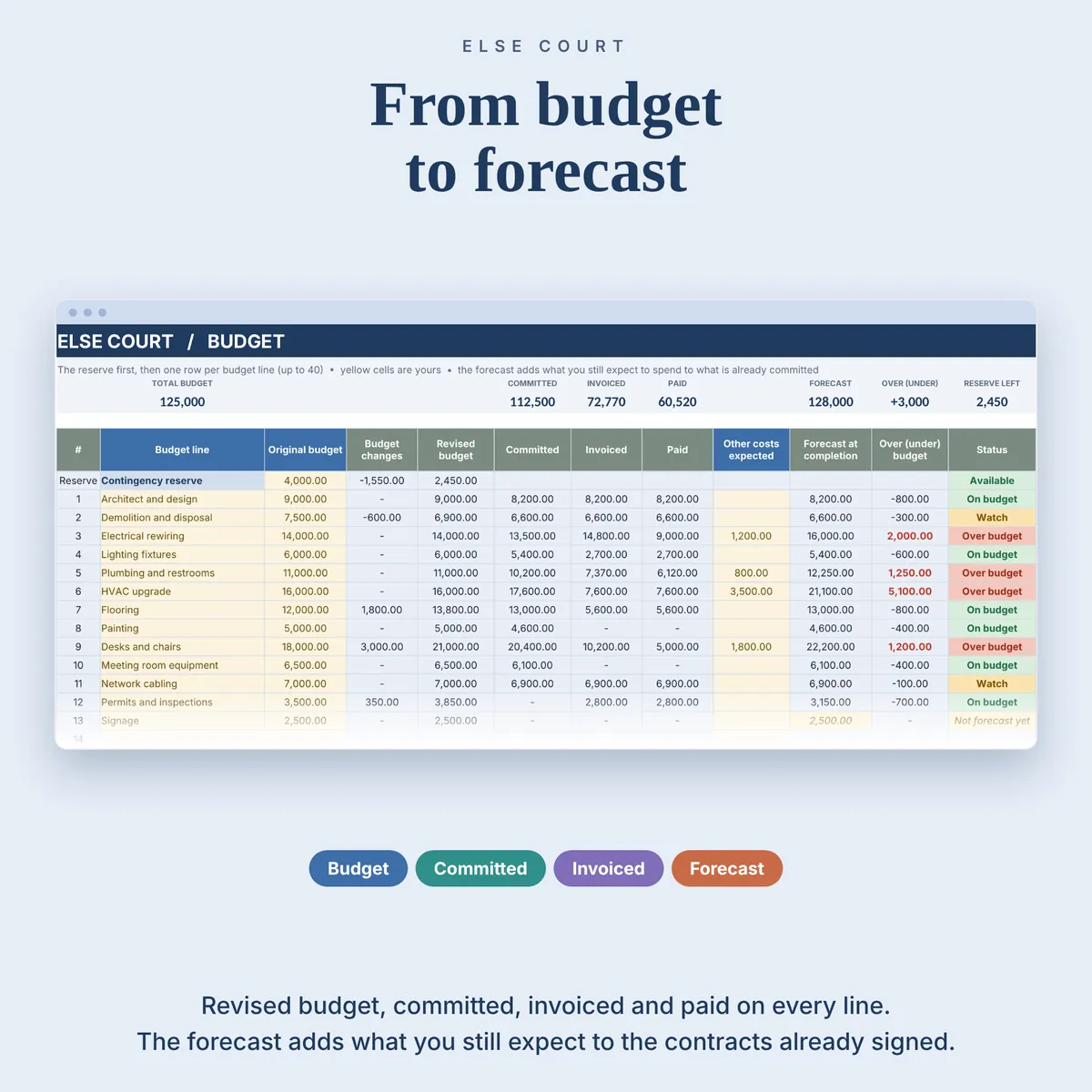
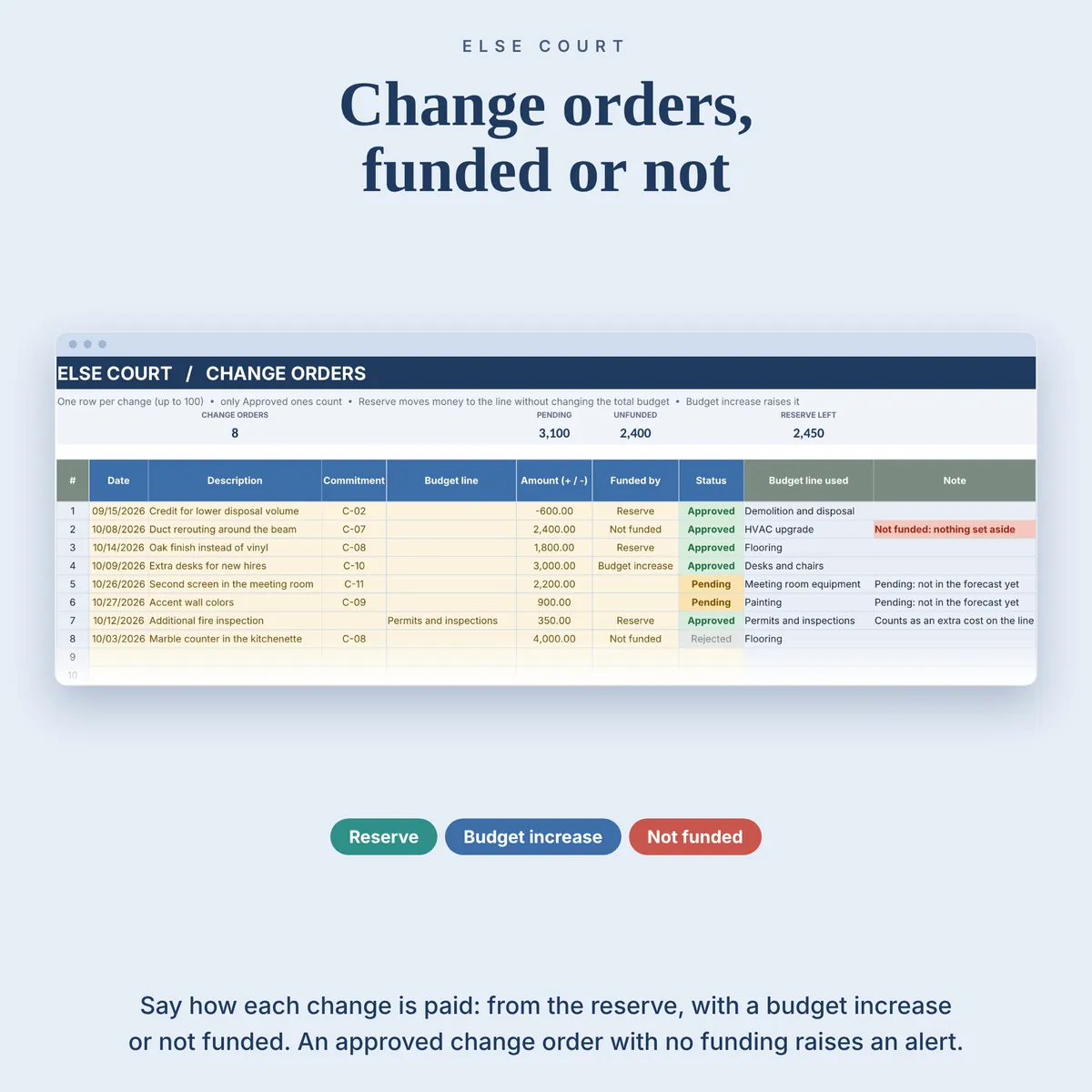
From those figures it works out a forecast at completion for every budget line and shows how far it is from your budget. Change orders can be funded from a contingency reserve, by raising the budget, or flagged as not funded, so you see the effect before you approve them.
It is a digital download for Excel and Google Sheets, made for freelancers, small businesses, makers and project owners who run one project at a time with outside costs.
Digital download. Works in Excel and Google Sheets. Nothing is shipped.
What this spreadsheet tracks
- Up to 40 budget lines, each with original budget, changes, revised budget and a status
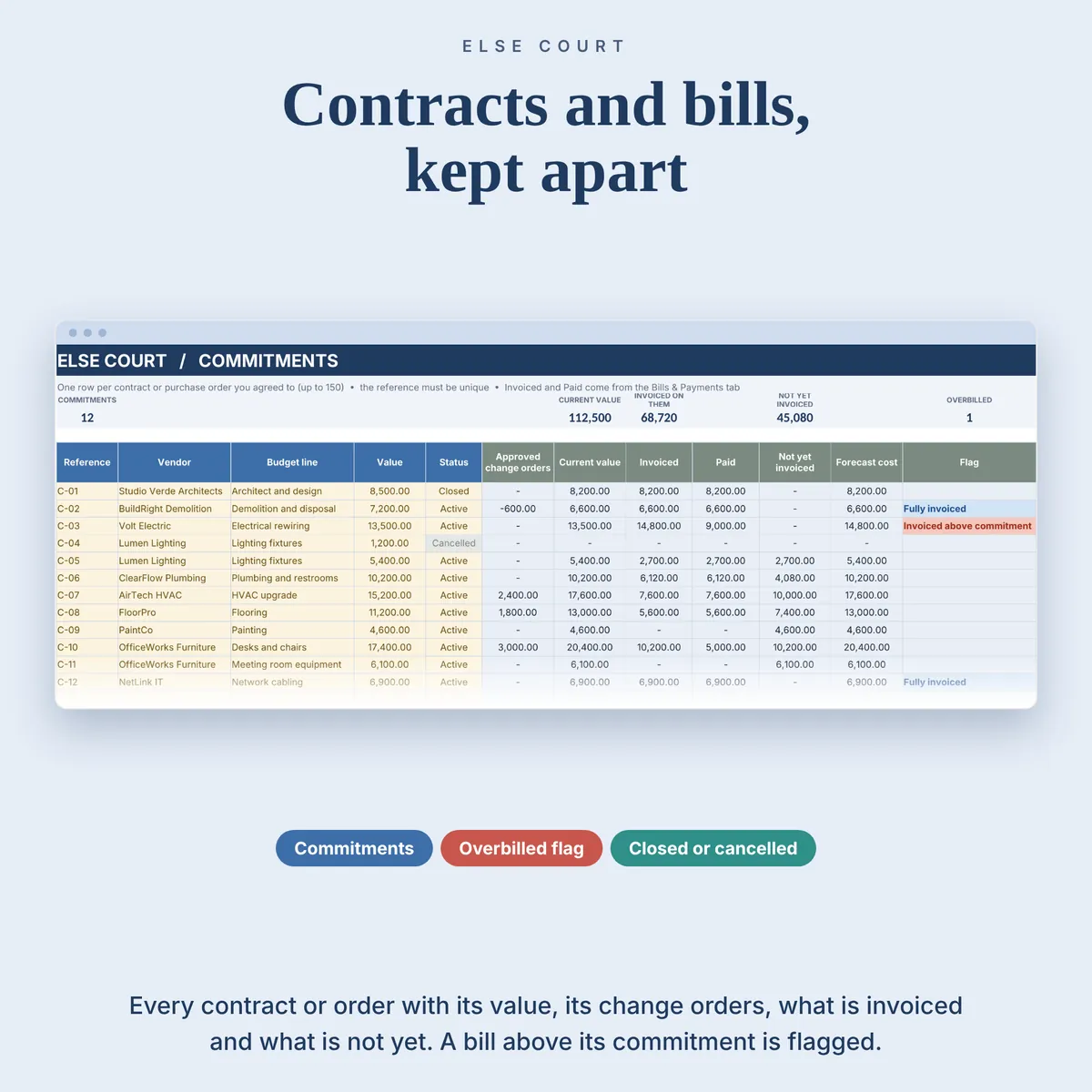
- Up to 150 commitments (contracts and purchase orders) with the vendor, current value, invoiced and not yet invoiced
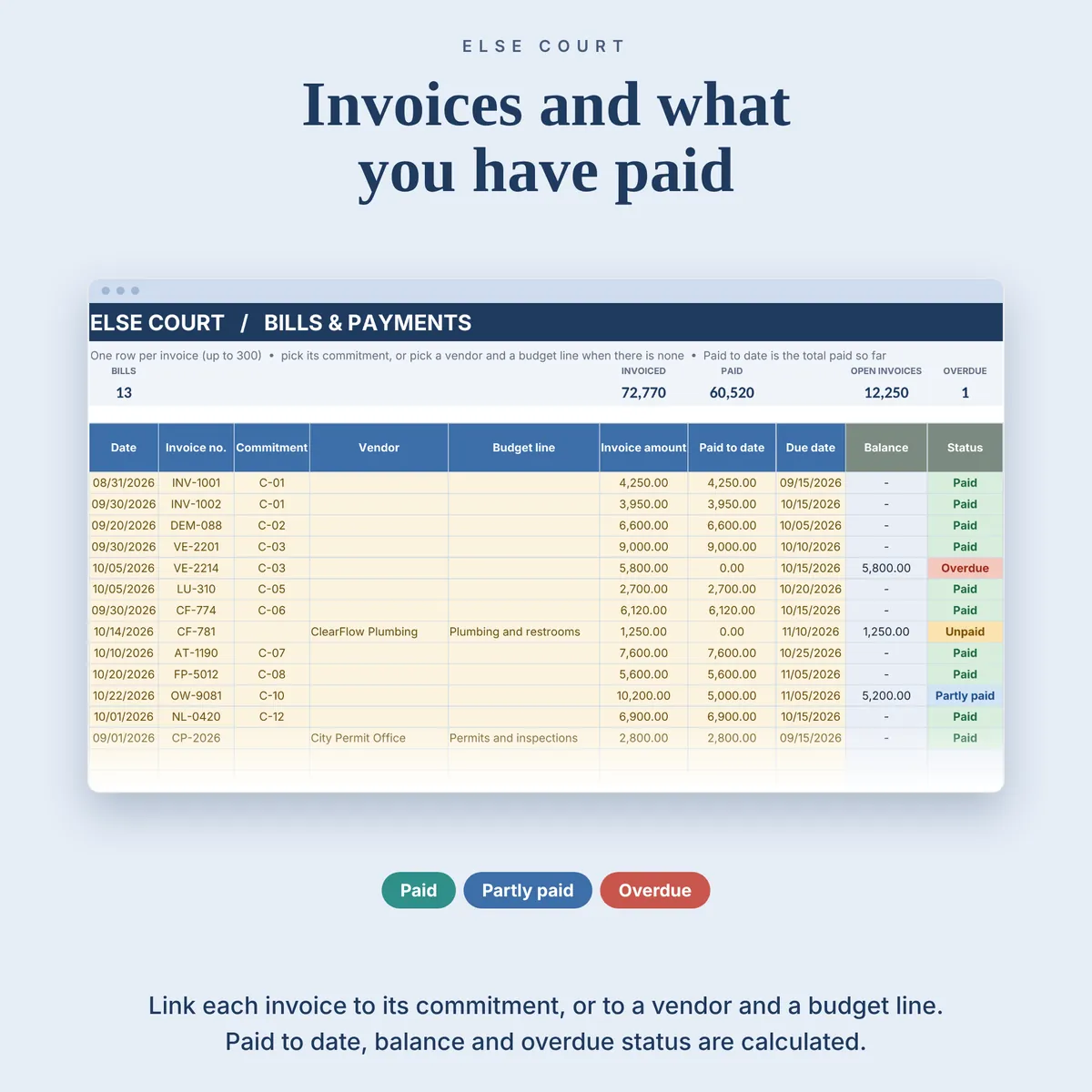
- Up to 300 invoices with paid to date, balance and a status: Paid, Partly paid, Unpaid or Overdue
- Up to 100 change orders, Pending, Approved or Rejected, funded by the reserve, a budget increase or not funded
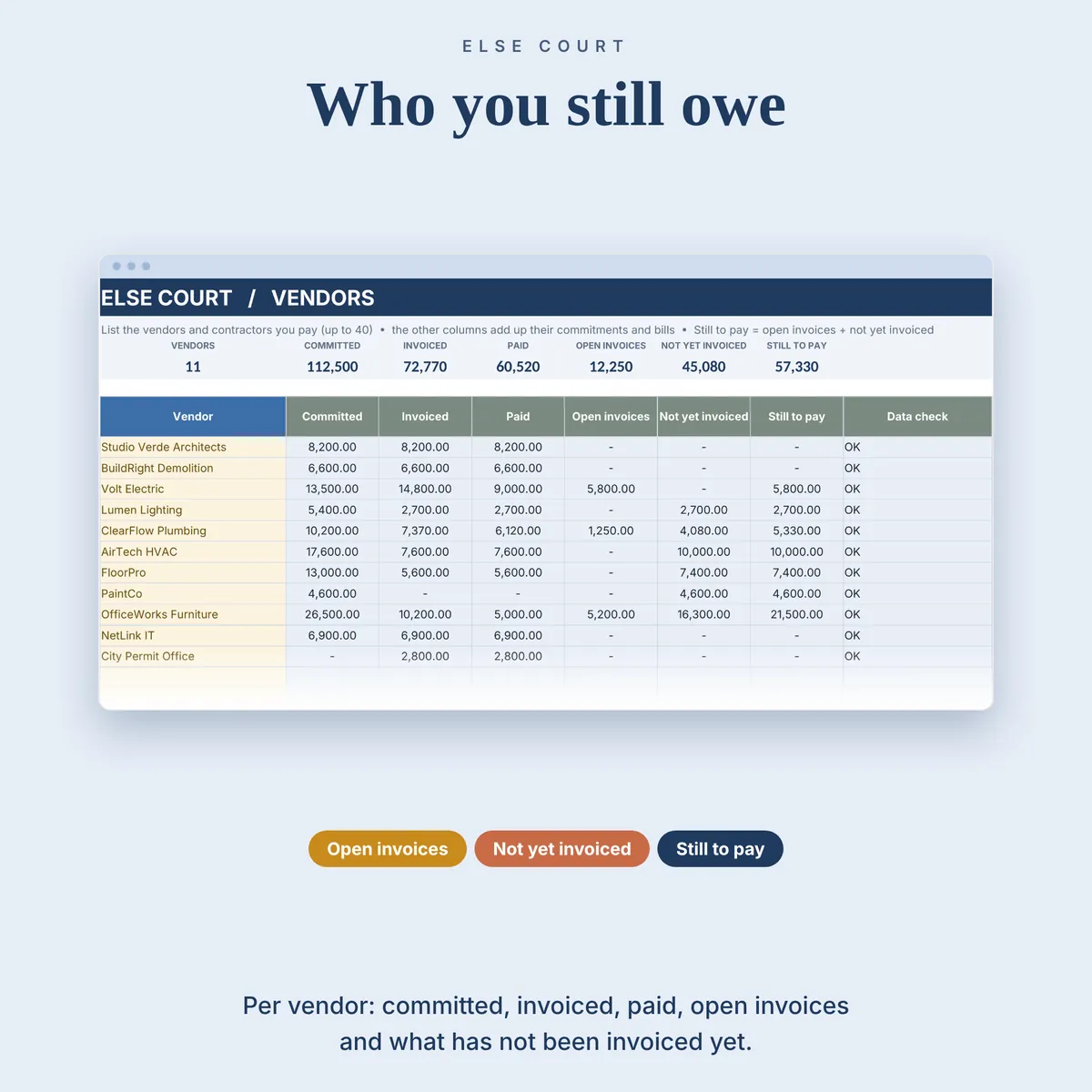
- What you still owe each vendor, for up to 40 vendors
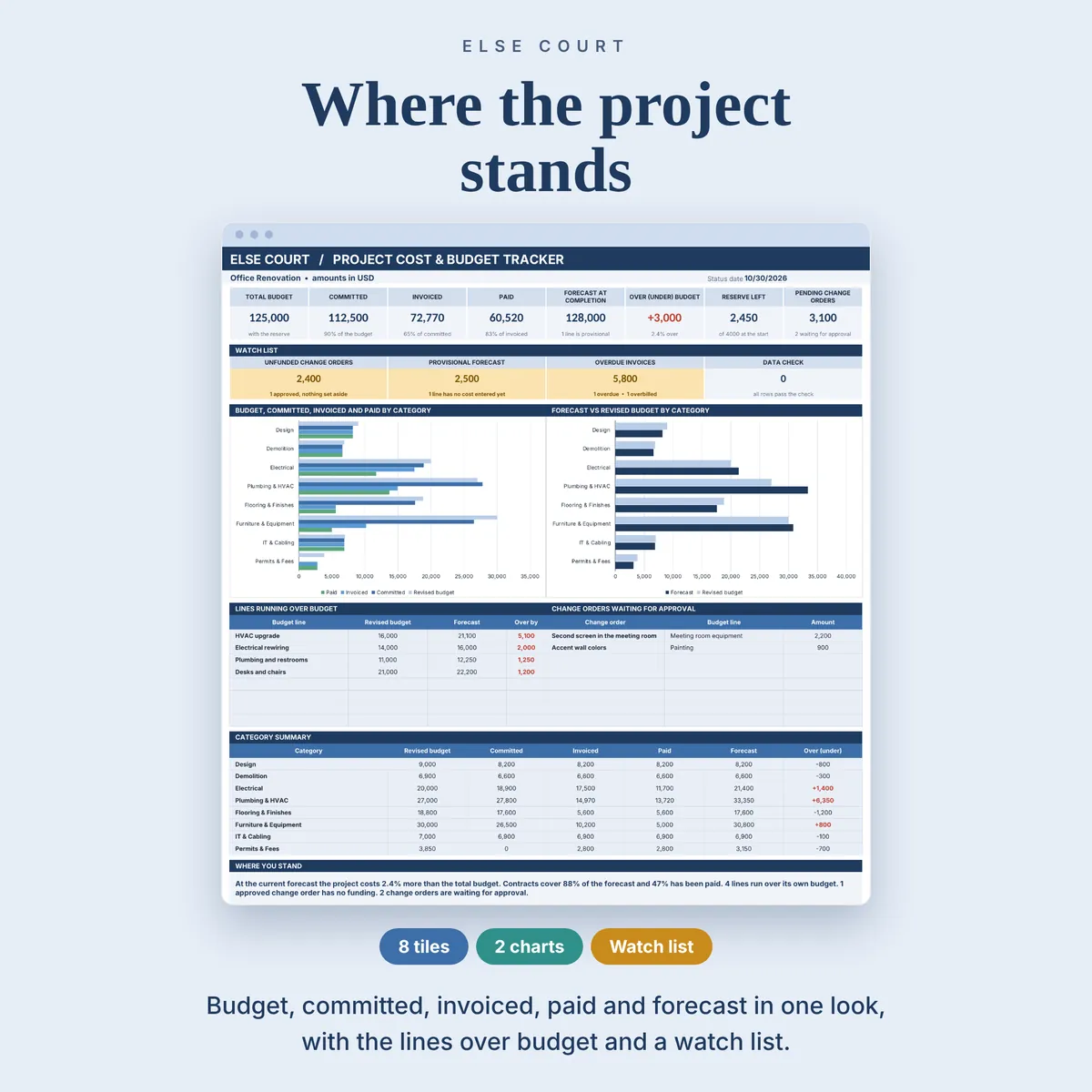
- A dashboard with 8 tiles, a watch list, charts by category and the lines running over budget
Who it's for
- Freelancers and small businesses that run projects with outside costs
- Anyone who signs contracts or places orders and wants to see the likely cost before the invoices arrive
- Project owners who need to see committed, invoiced and paid side by side
How it works
- Fill in Start Here and add your vendors.
- Enter the budget lines and the contingency reserve on the Budget tab.
- Add contracts on Commitments, invoices on Bills & Payments and changes on Change Orders.
- Read the Dashboard and update it as invoices and payments arrive.
See it in action
See inside
Frequently asked questions
Does it work in Excel and Google Sheets?
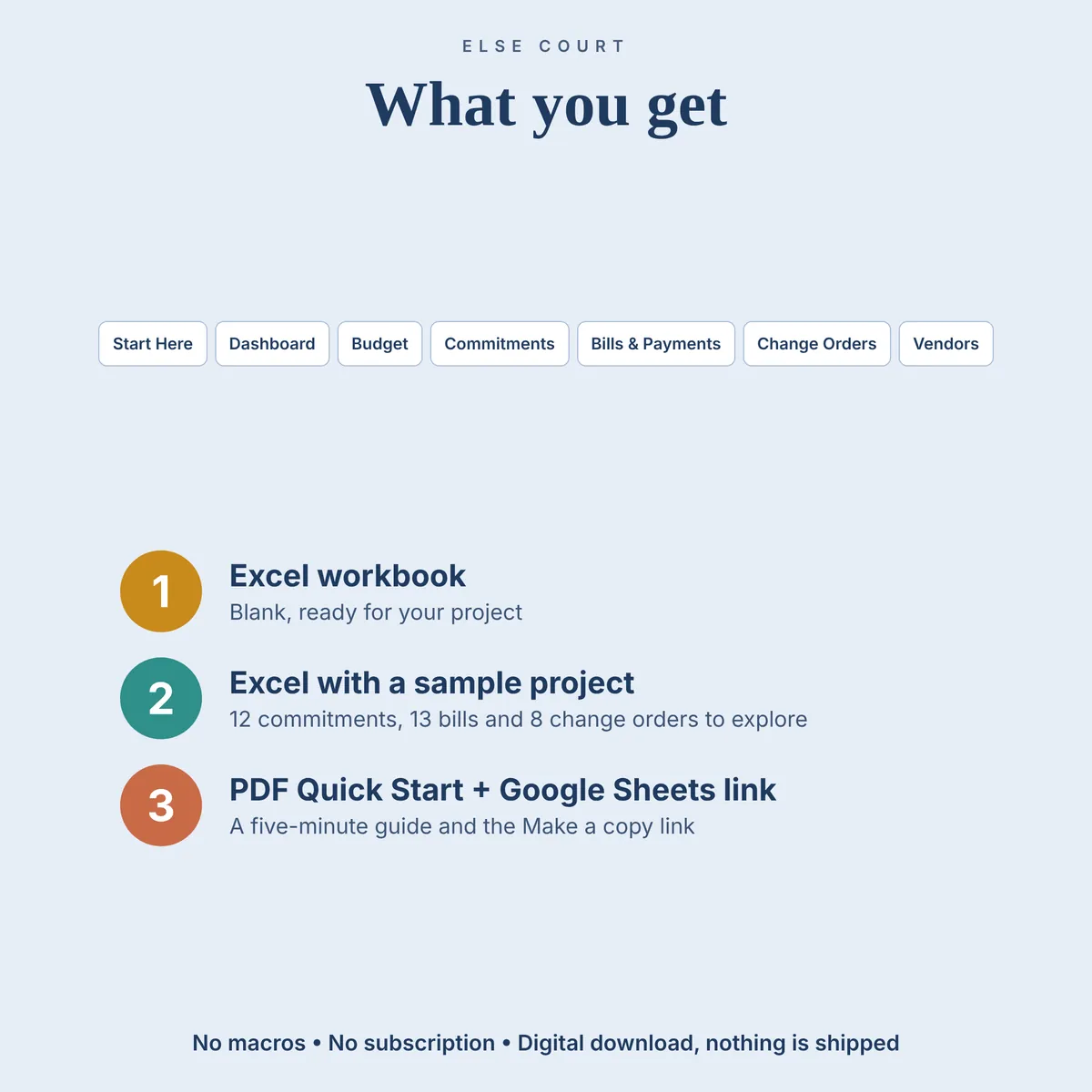
Yes. You get an Excel workbook and a PDF guide with a link to make your own copy in Google Sheets. The two versions are separate files and do not sync.
Is it an accounting system?
No. It is a project cost tracking spreadsheet. It does not post to a ledger, calculate tax or connect to accounting software.
Can I track more than one project?
One project per file, in one currency, with amounts before tax. Make a copy of the file for each additional project.
Does it handle credit notes or retainage?
Not as separate items. Enter an invoice net of any credit note. Paid to date is a running total, not a list of single payments.
Is there an example file?
Yes. A second Excel file is filled with example data (12 commitments, 13 bills and 8 change orders), so you can see how everything works before using your own numbers.
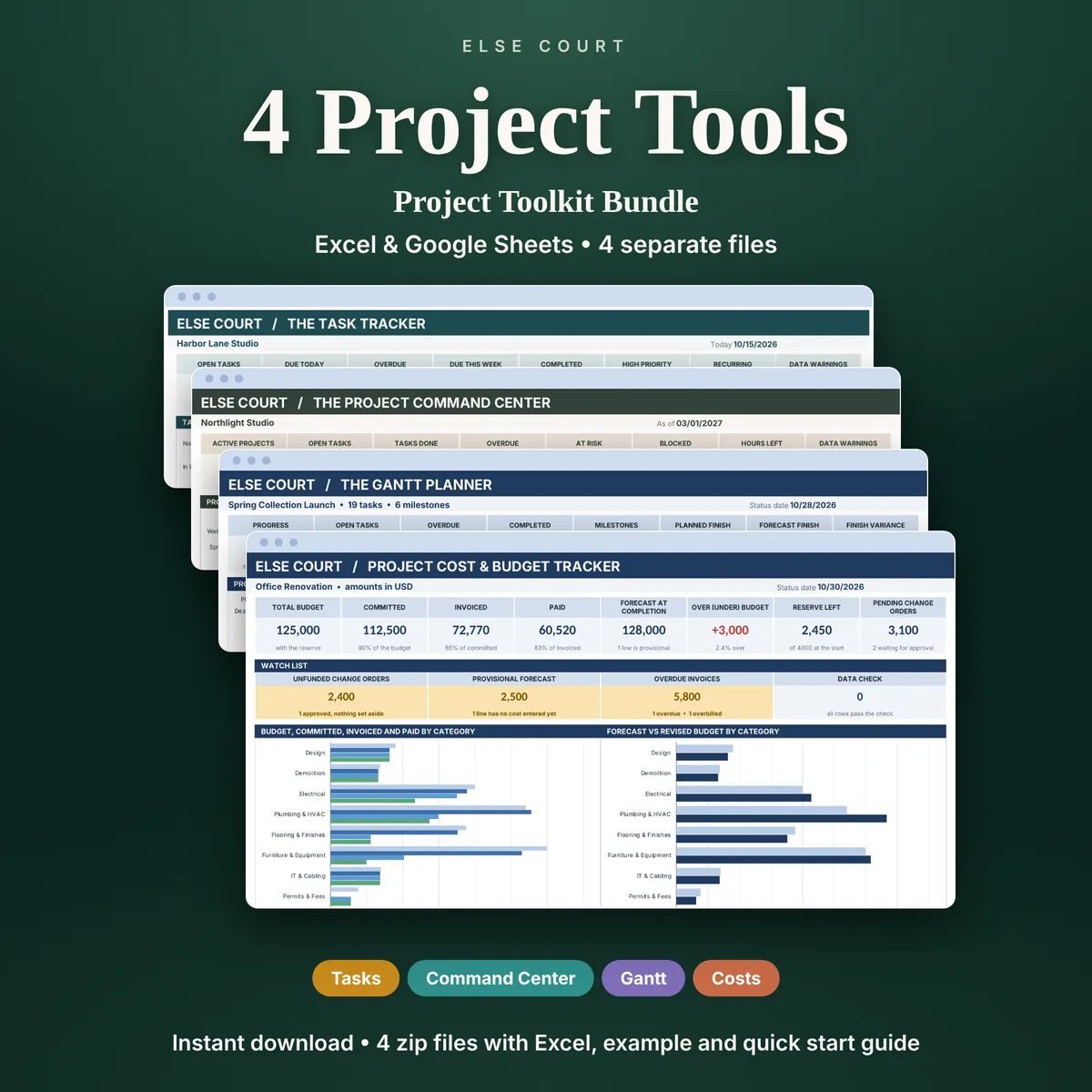
The Project Cost & Budget Tracker is also one of the four tools in the Project Toolkit Bundle.
More in Projects & Work