Home › Projects & Work › Project Management Bundle: 4 Excel Templates
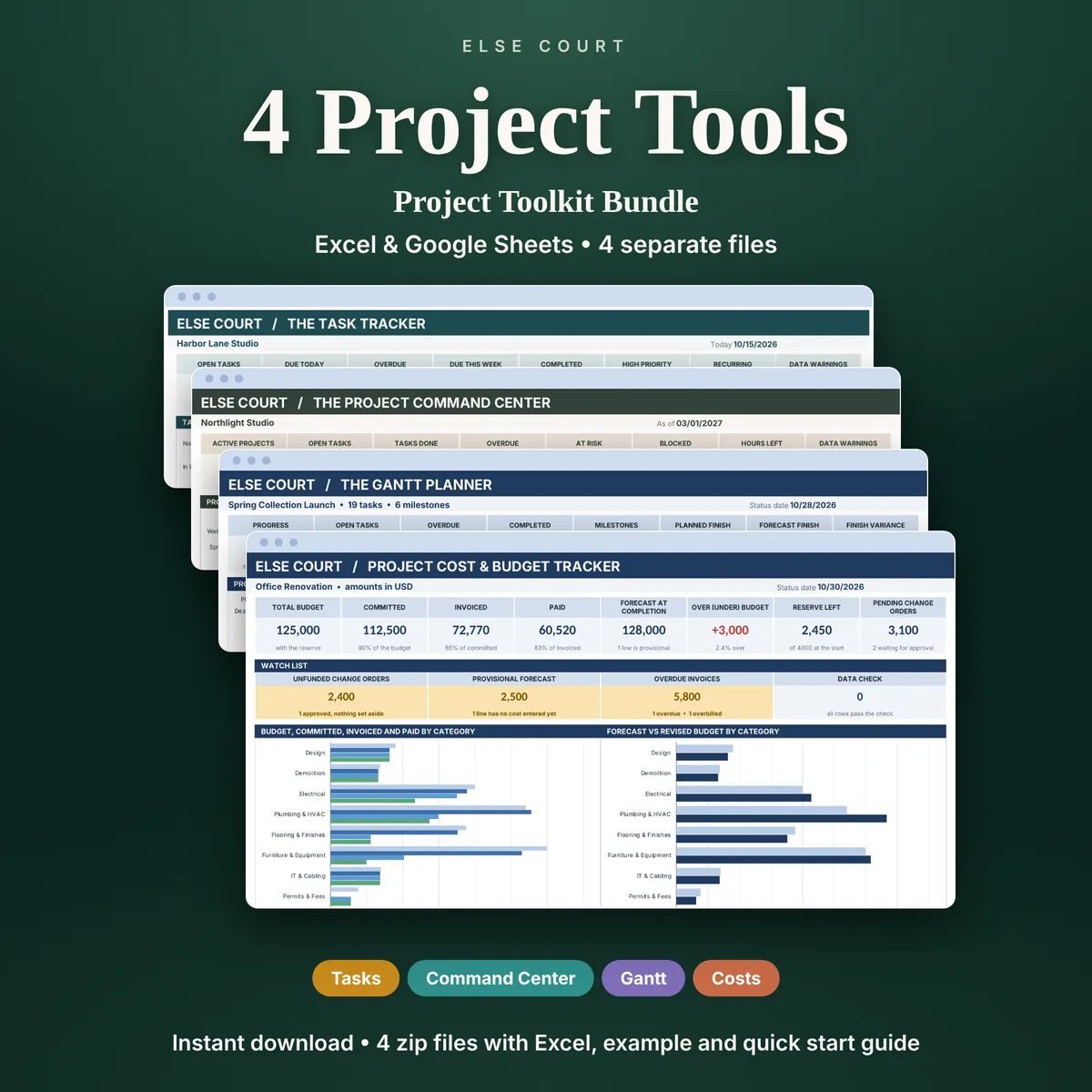
Project Management Bundle: 4 Excel Templates
Projects need different tools at different moments: a list of tasks, a view of who is overloaded, a timeline, and a budget. The Project Toolkit Bundle puts four separate spreadsheets in one download, so you can start with the one you need today and add the others later.
Each tool is its own file with its own example file and PDF guide. They are deliberately not merged into one giant workbook, which keeps every file light and easy to understand. The tools do not read each other's data: you type your numbers into the one you are using.
It is a digital download for Excel and Google Sheets, made for freelancers, small teams, makers and small businesses.
Digital download. Works in Excel and Google Sheets. Nothing is shipped.
What this spreadsheet tracks
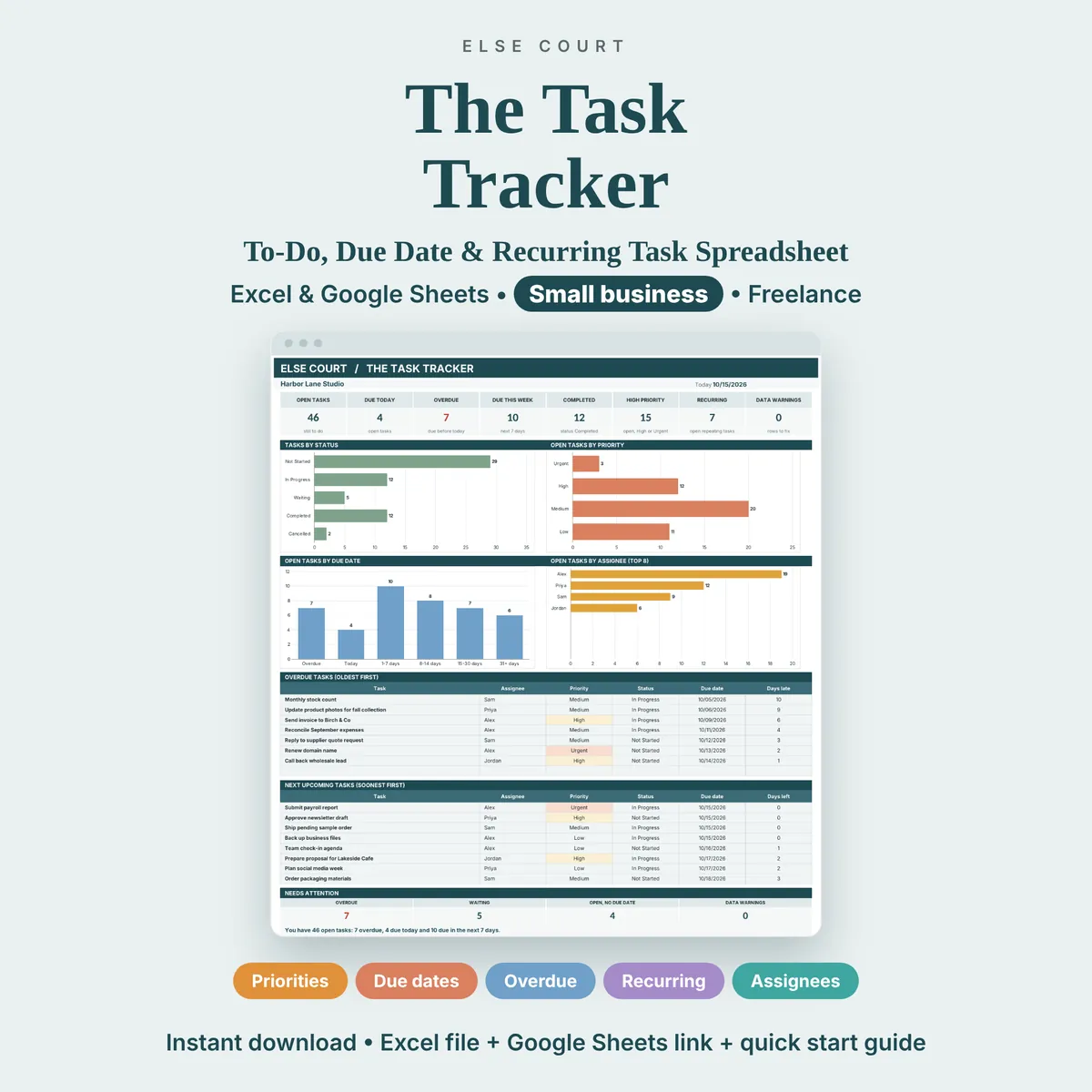
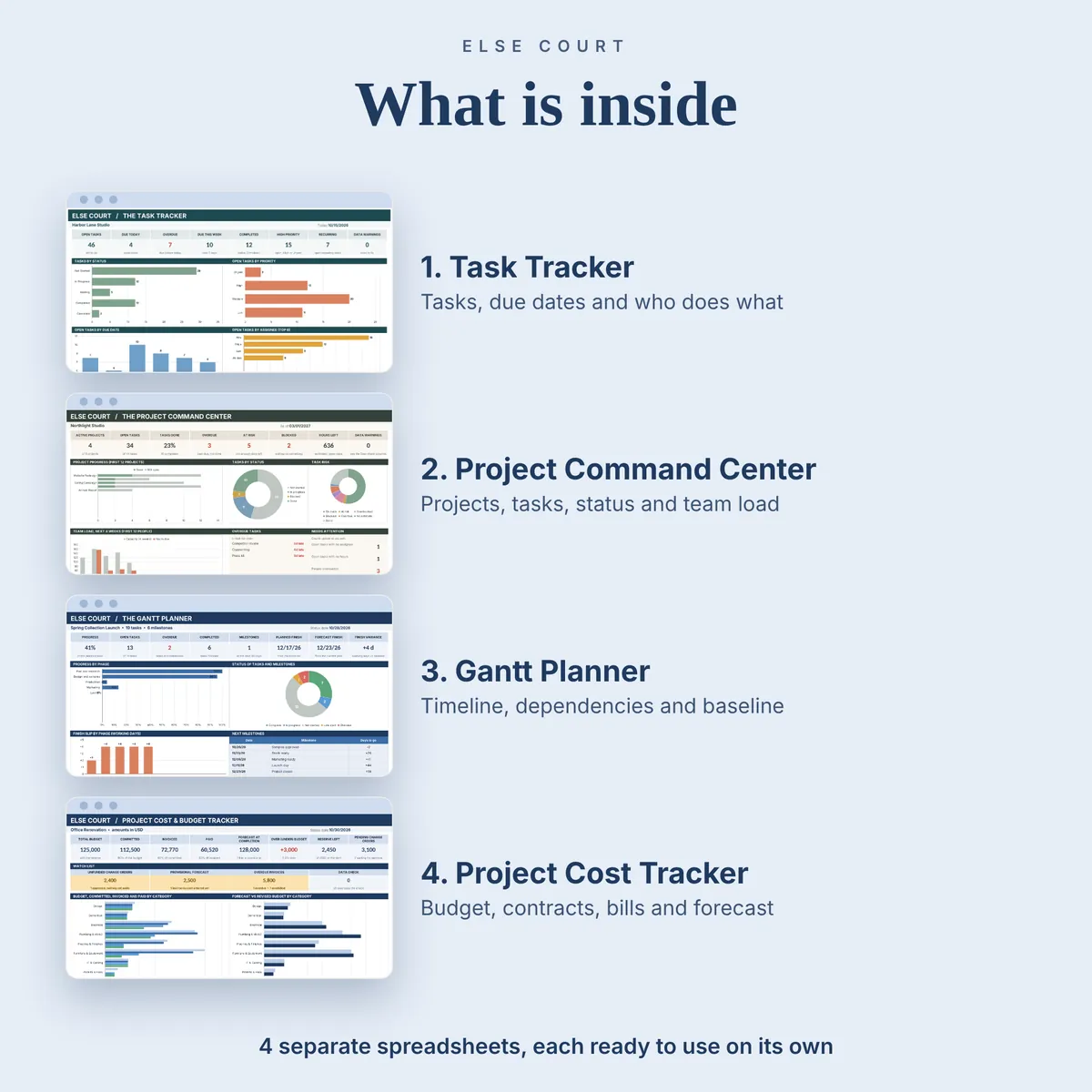
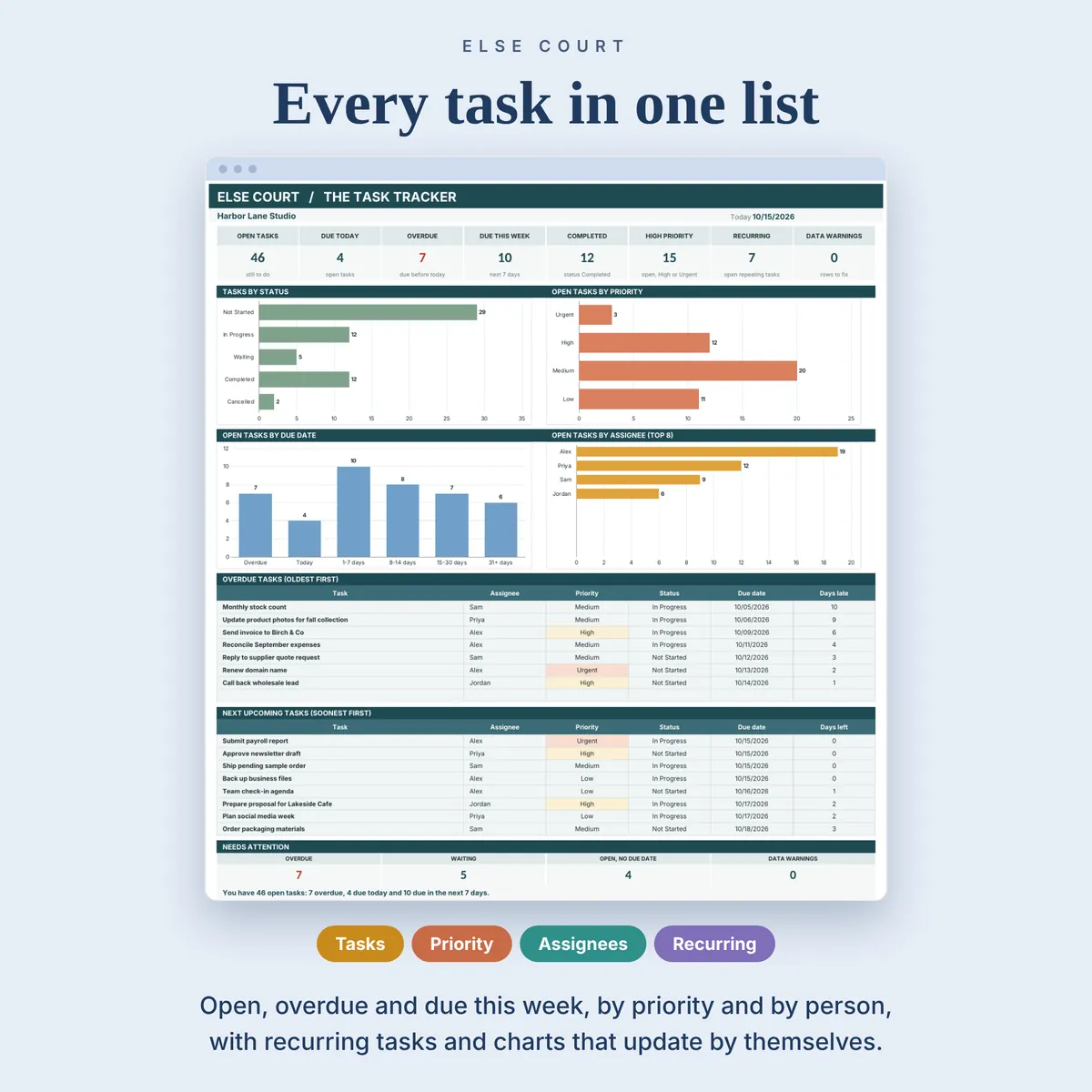
- The Task Tracker: a to-do list with priority, status, assignee, due dates and repeating tasks
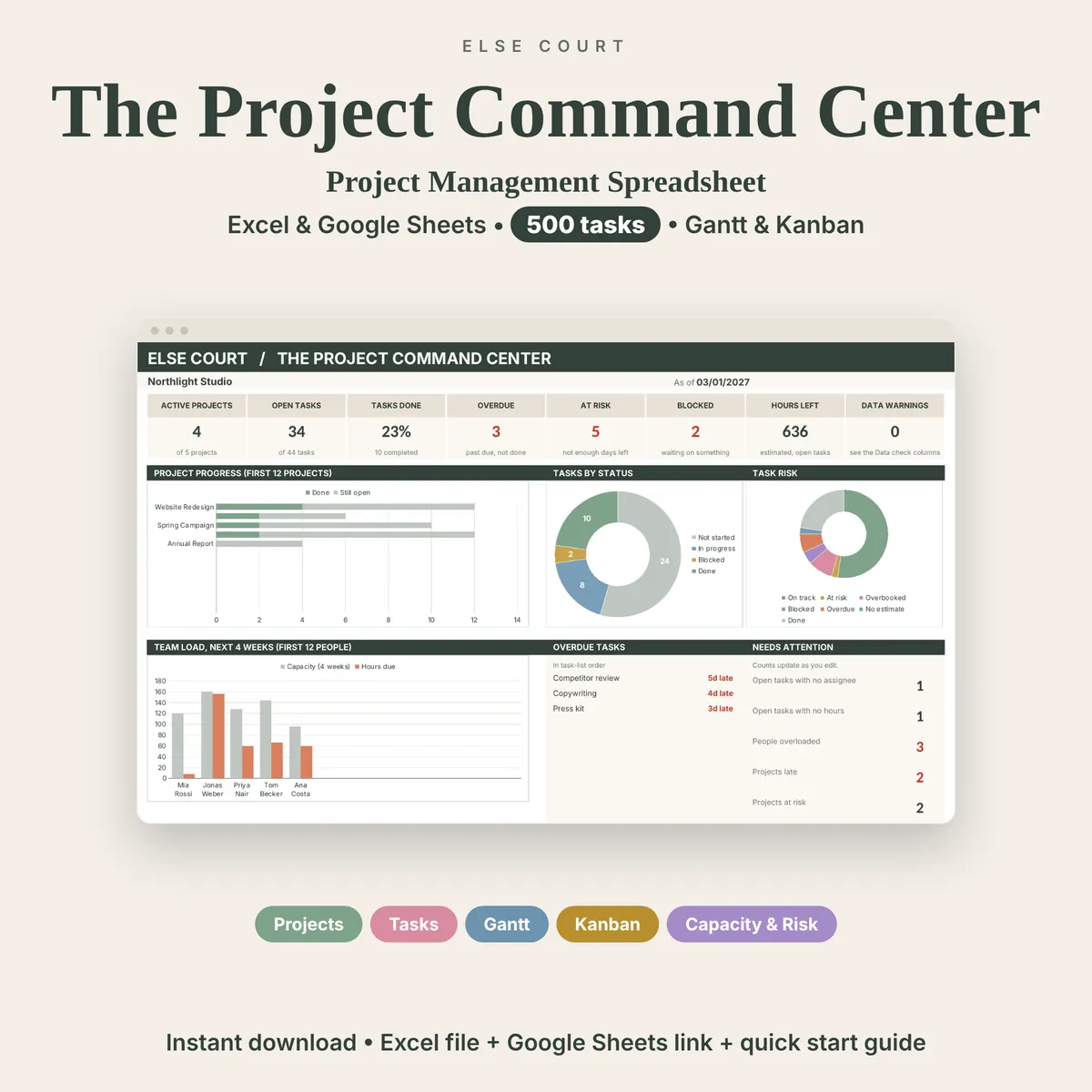
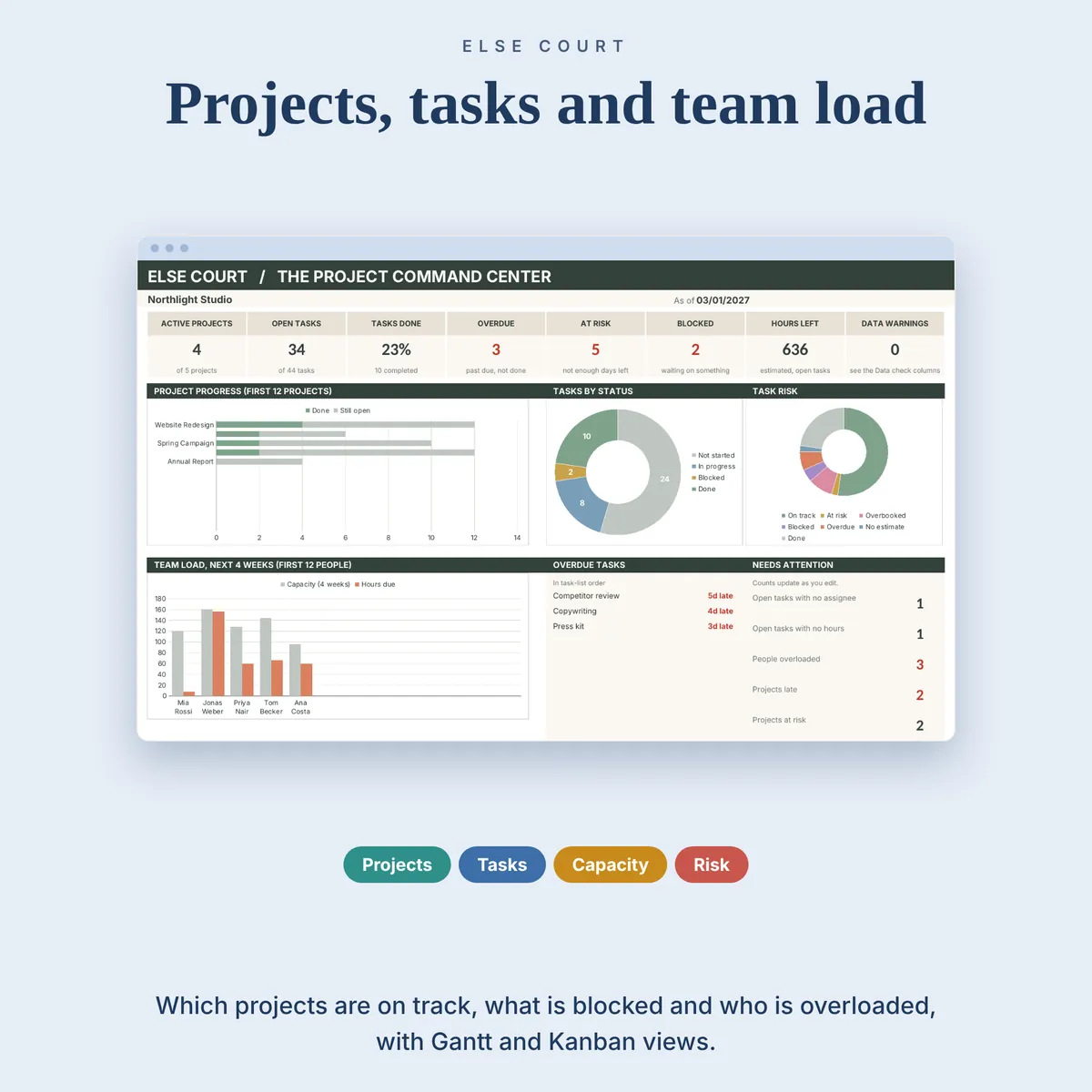
- The Project Command Center: projects, tasks, a Gantt chart, a Kanban board and team workload
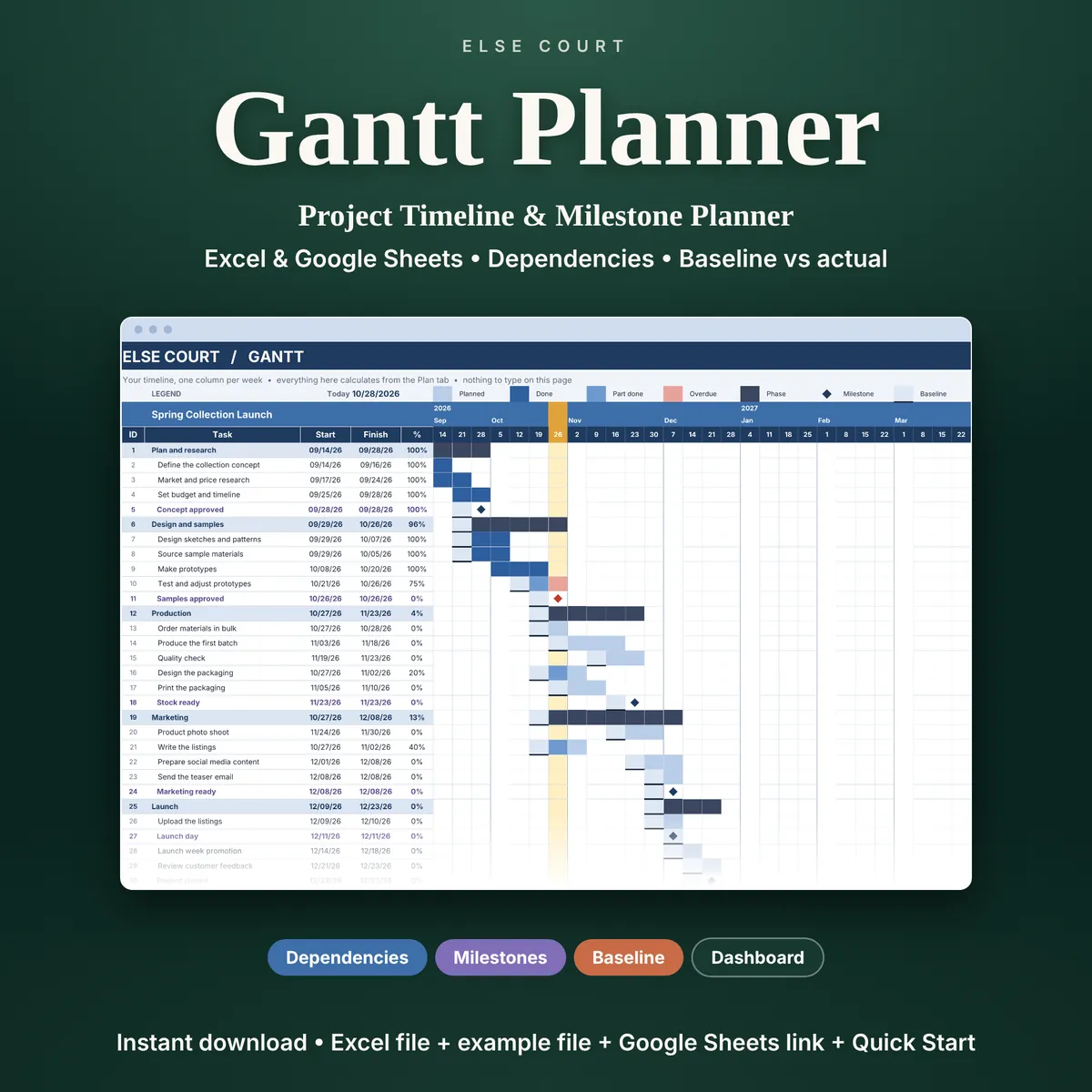
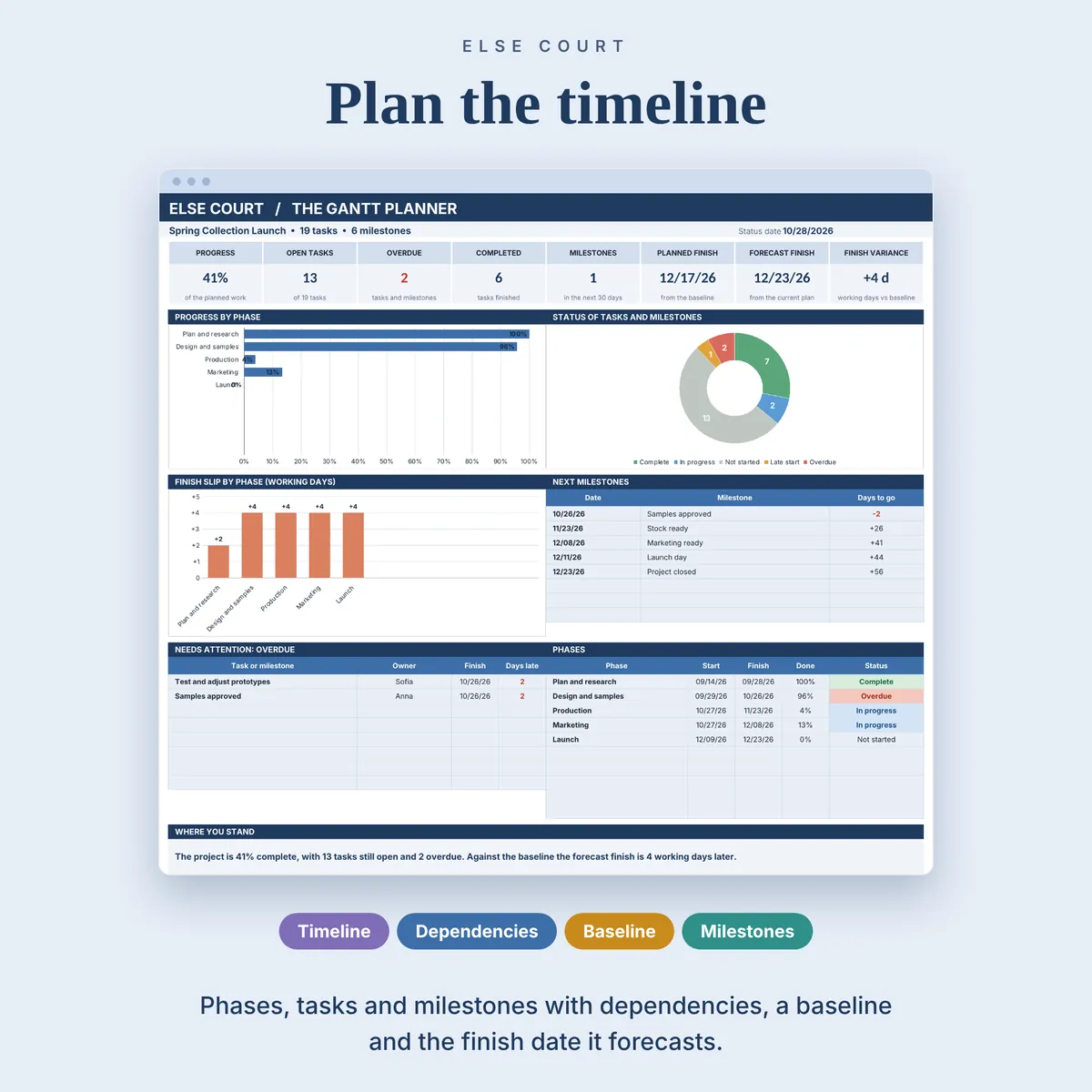
- The Gantt Planner: one project on a timeline, with dependencies, milestones and a baseline
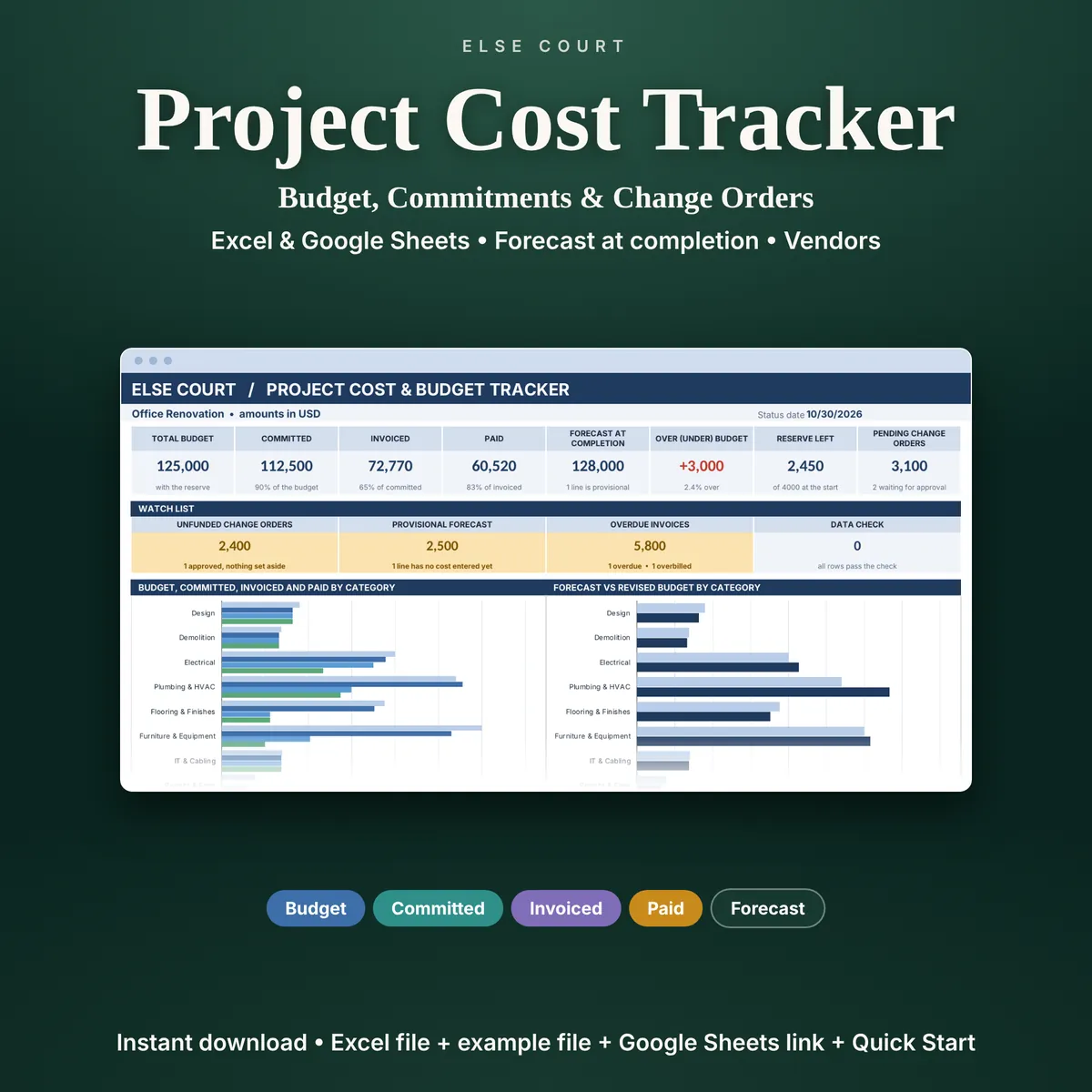
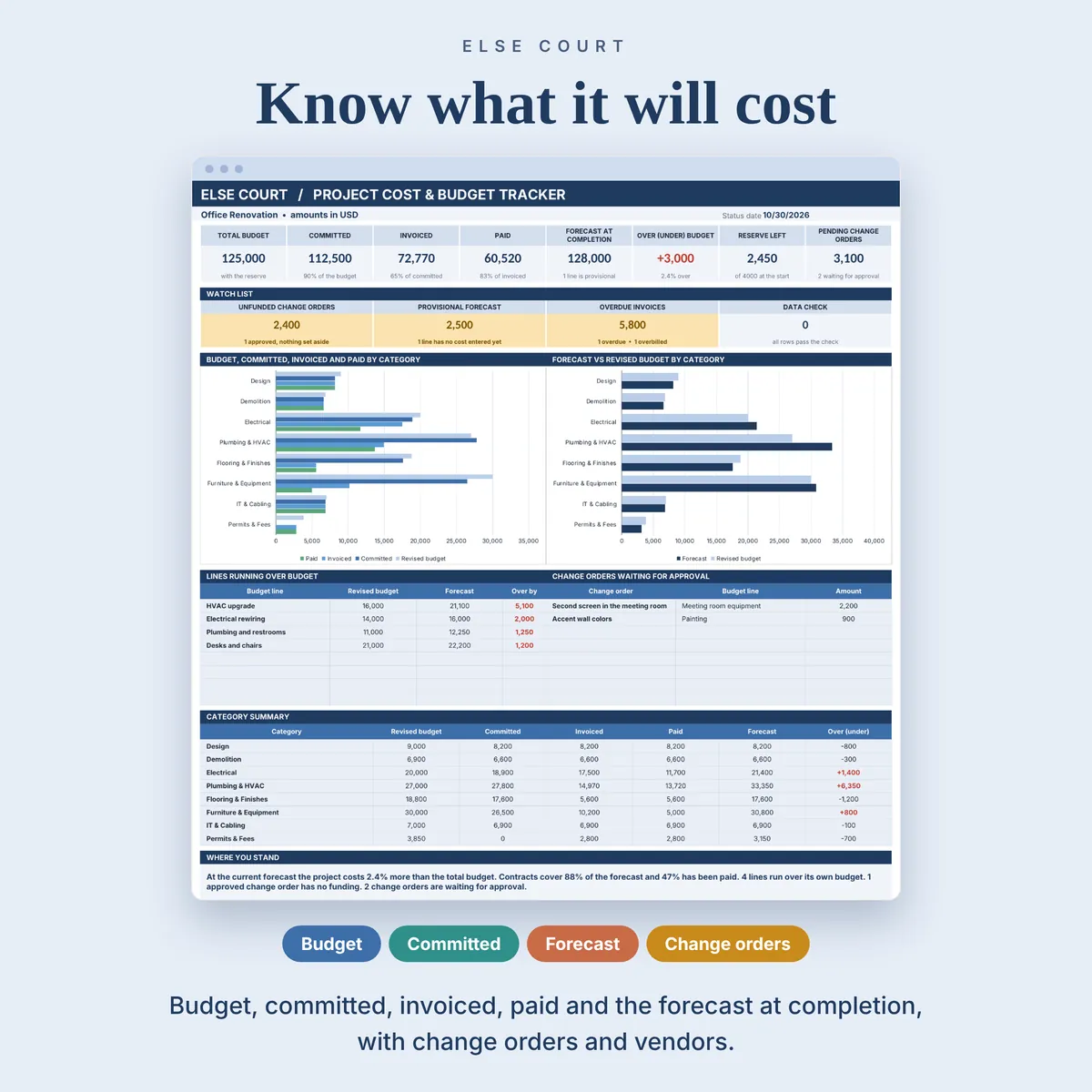
- The Project Cost & Budget Tracker: budget, commitments, invoices, change orders and a forecast
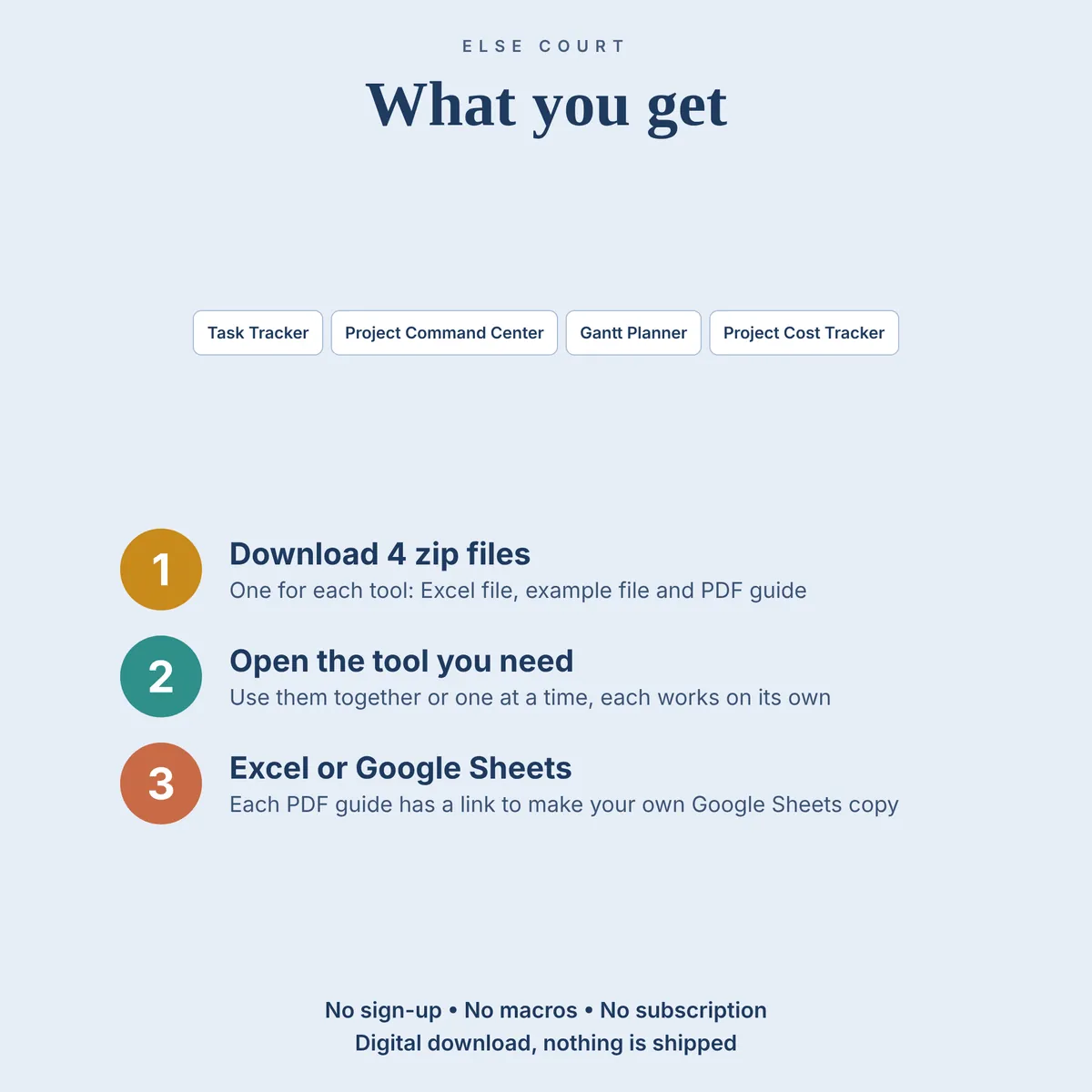
- Four separate files, each with an example file and a Quick Start PDF with a Google Sheets link
Who it's for
- Freelancers and small teams that run several jobs at once
- Small businesses that want to plan the work, follow the tasks and watch the budget
- Anyone who prefers a set of spreadsheets they control to a project management app
How it works
- Download the four zip files after purchase, one for each tool.
- Unzip the tool you want and open the example file first if you want to see it filled in.
- Open the Excel workbook, or use the link in the PDF to make your own Google Sheets copy.
- Follow the Quick Start Guide: set up Start Here once, then add your own entries.
See it in action
See inside
Frequently asked questions
Does it work in Excel and Google Sheets?
Yes. You get an Excel workbook and a PDF guide with a link to make your own copy in Google Sheets. The two versions are separate files and do not sync.
Do the four tools share data?
No. They are separate files and do not read each other. Use them together or one at a time.
Can I buy the tools separately?
Yes. Each tool is also sold on its own.
Do they plan more than one project?
The Task Tracker and the Project Command Center handle several projects. The Gantt Planner and the Project Cost Tracker plan one project per file.
Is there an example file?
Yes. A second Excel file is filled with example data for each tool, so you can see how everything works before using your own numbers.
More in Projects & Work