Home › Personal Finance › Monthly Budget Spreadsheet for Excel & Google Sheets
Monthly Budget Spreadsheet for Excel & Google Sheets
A budget works when it is easy to keep up. The Budget Planner gives you a monthly budget for each category, a place to type your income and payments as they happen, and a list of recurring bills you can tick when they are paid.
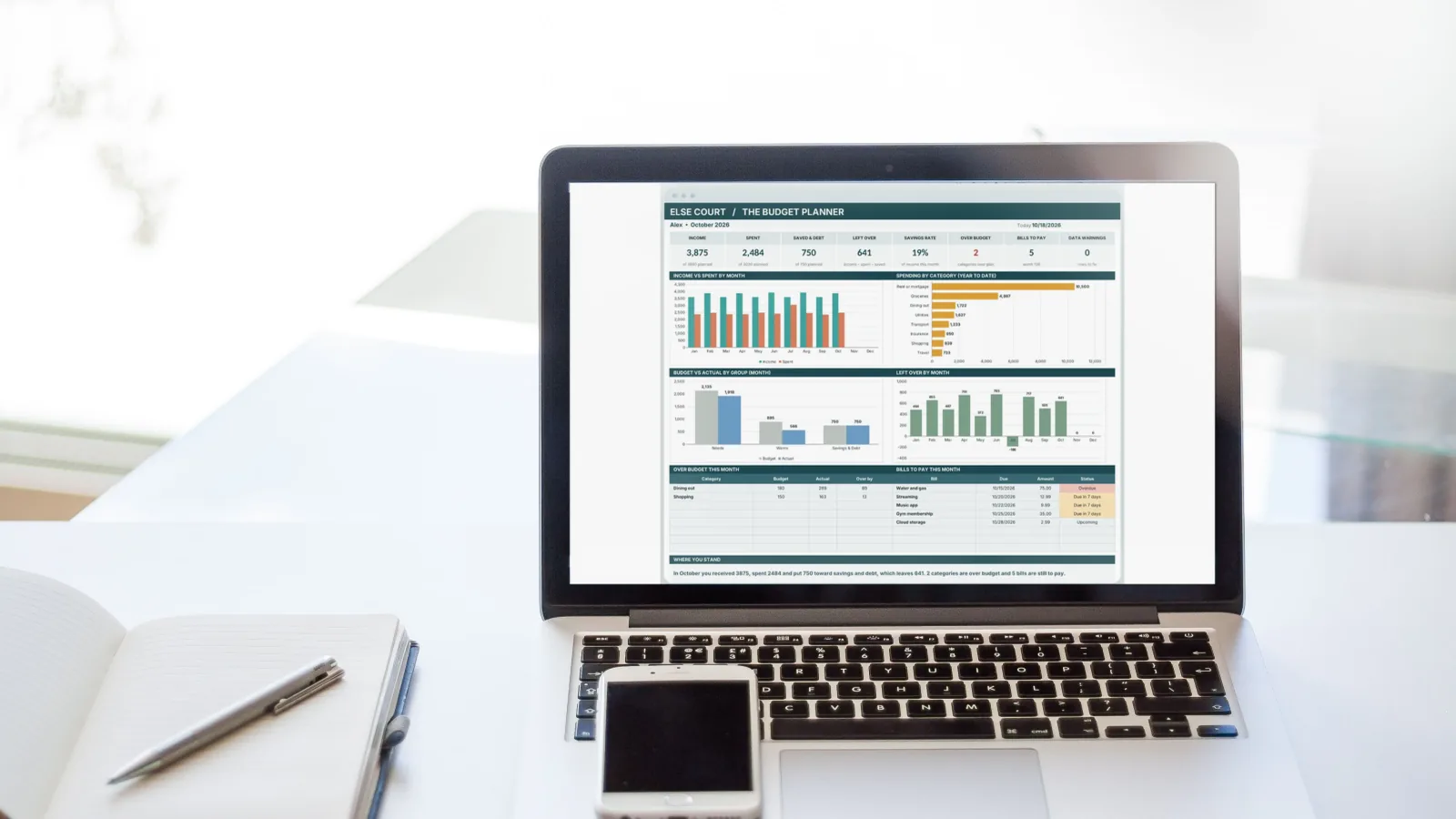
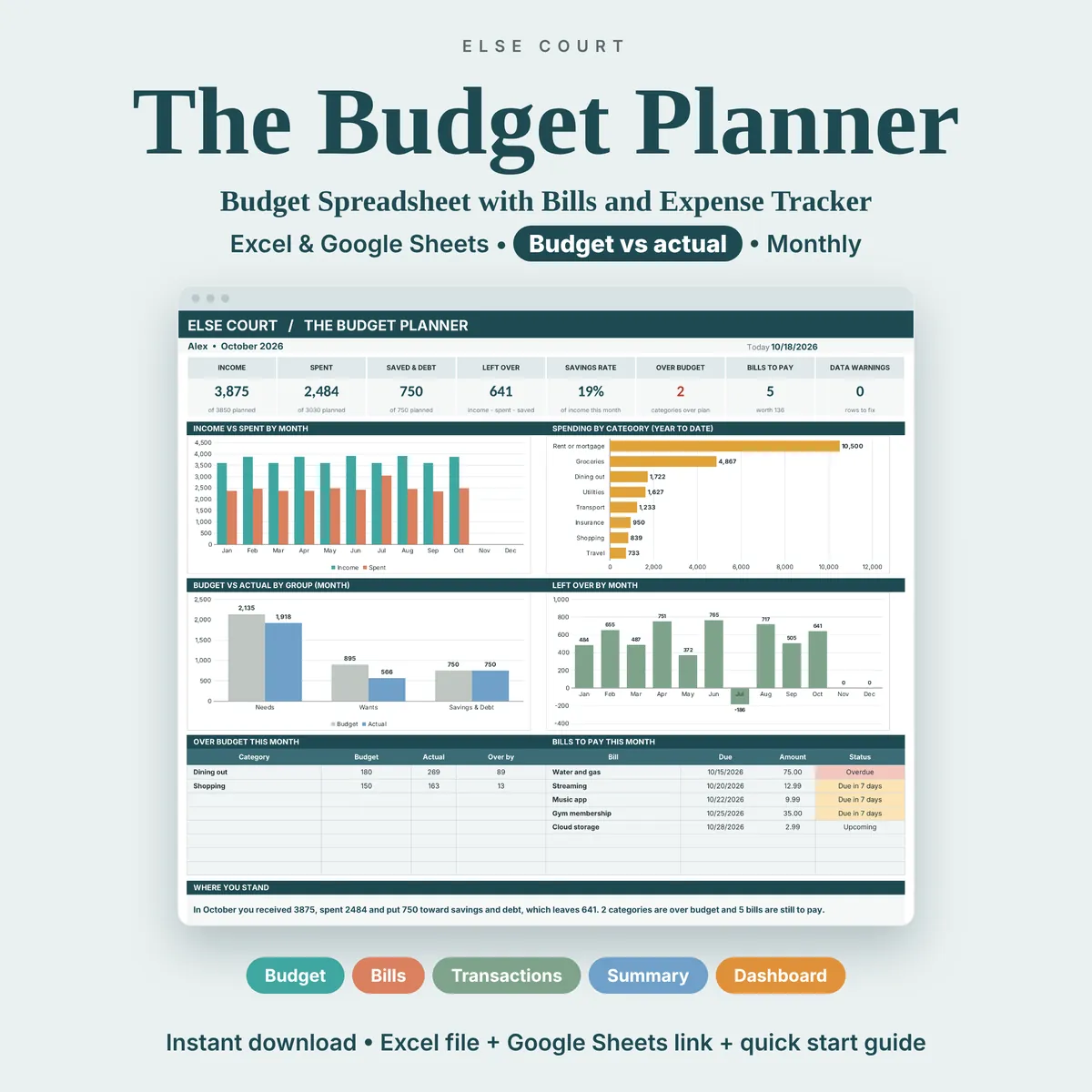
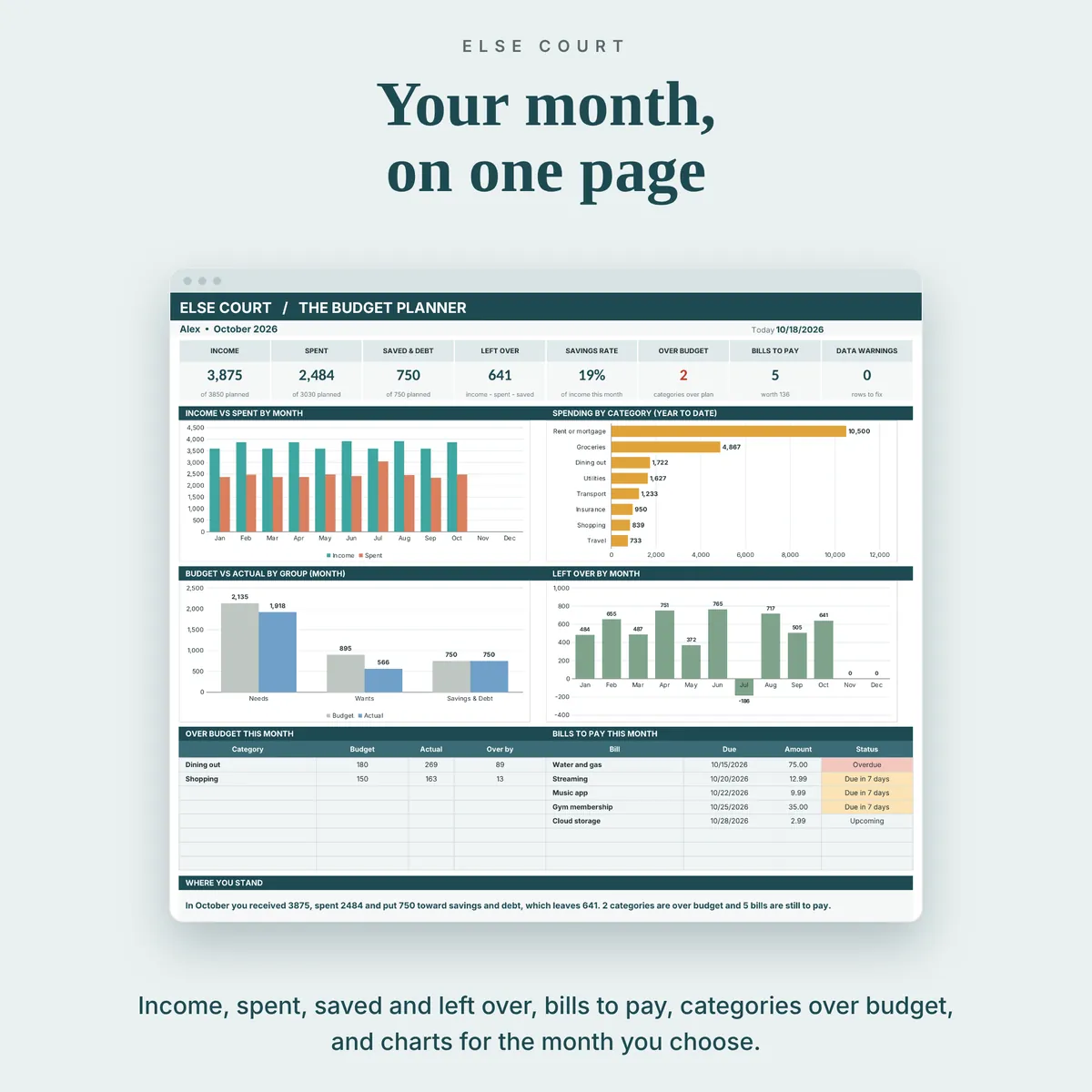
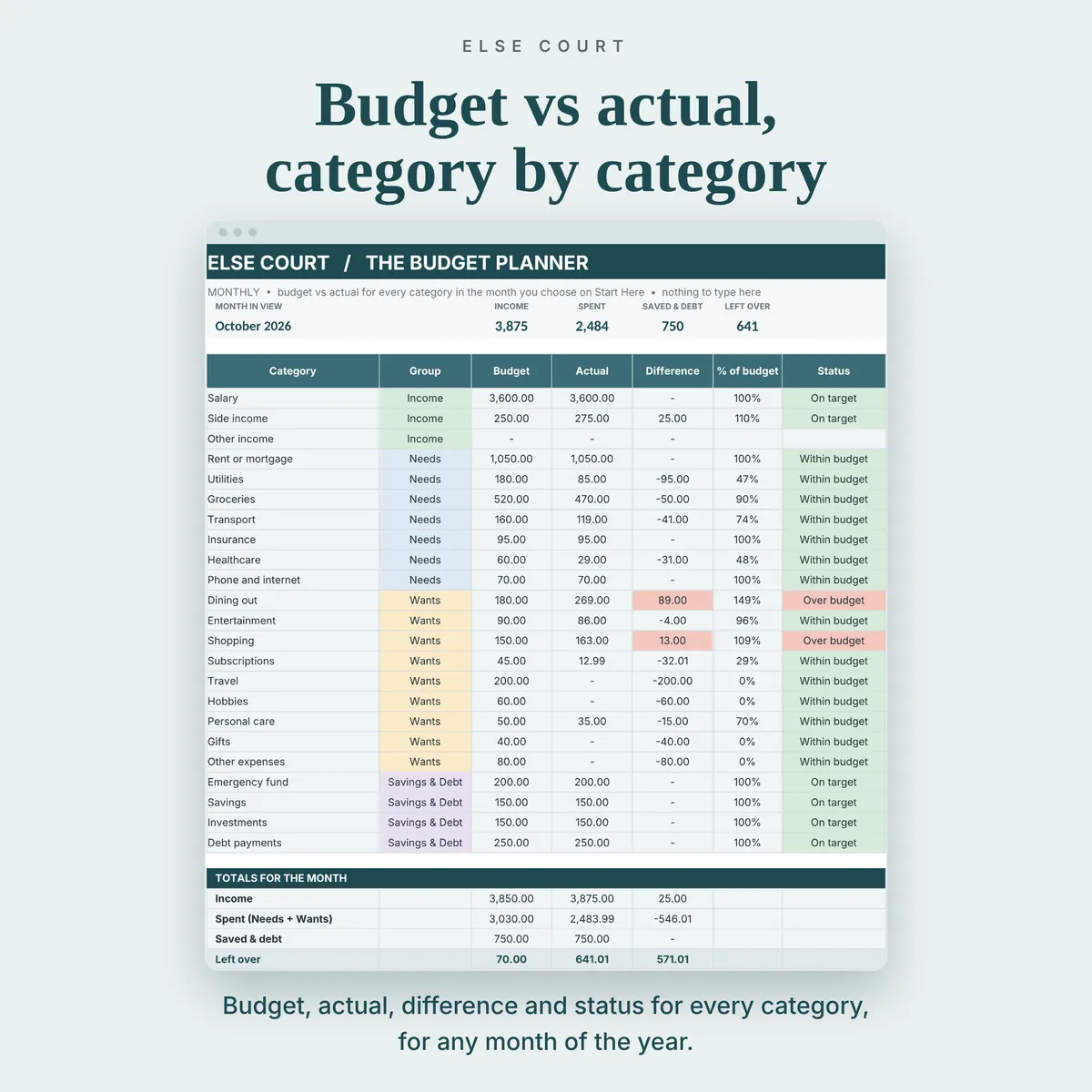
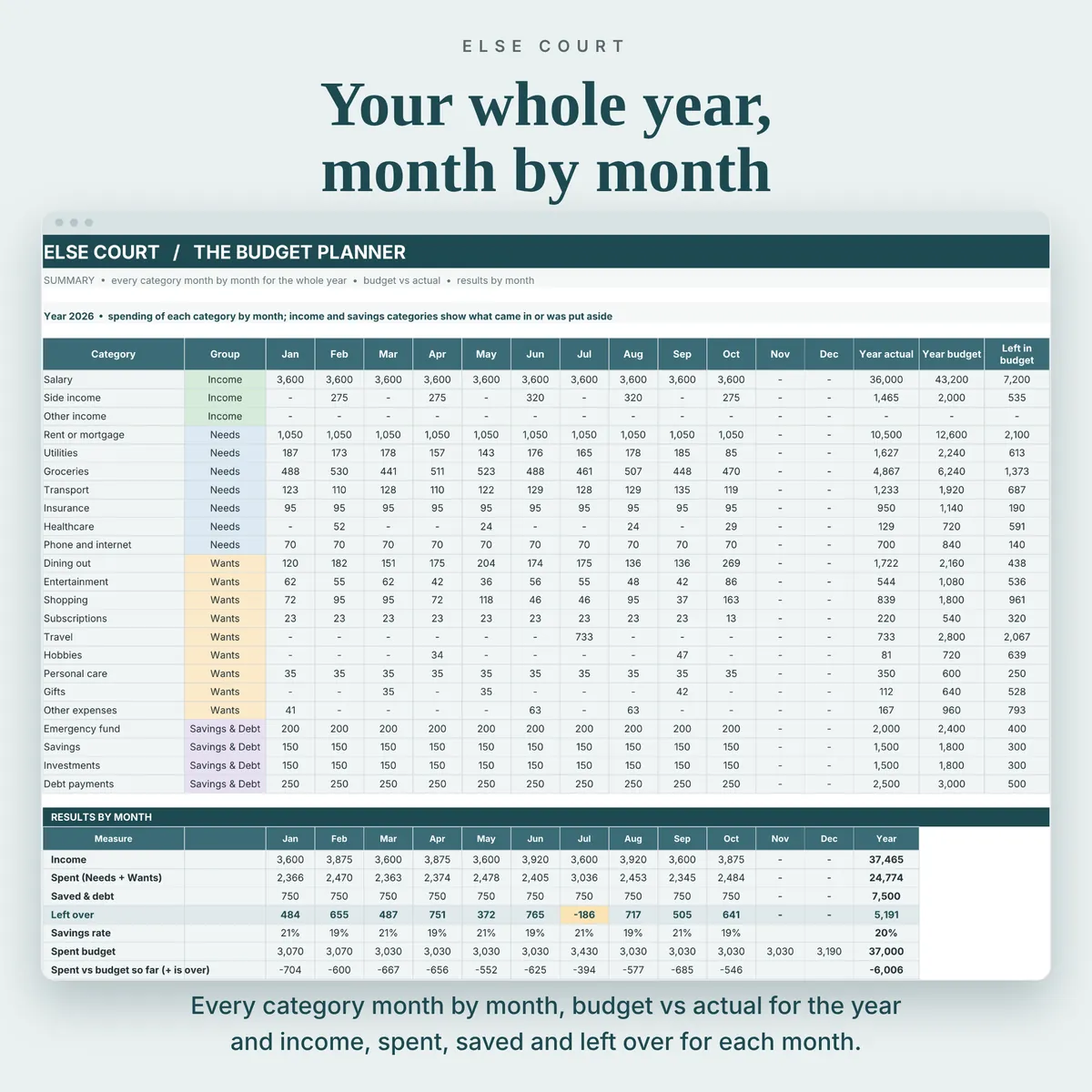
For every month you see budget against actual, what is left and which categories went over. The Dashboard puts income, spending, saving and what is left over in one view, and the Summary tab shows the whole year month by month.
It is a digital download for Excel and Google Sheets, made for individuals and households.
Digital download. Works in Excel and Google Sheets. Nothing is shipped.
What this spreadsheet tracks
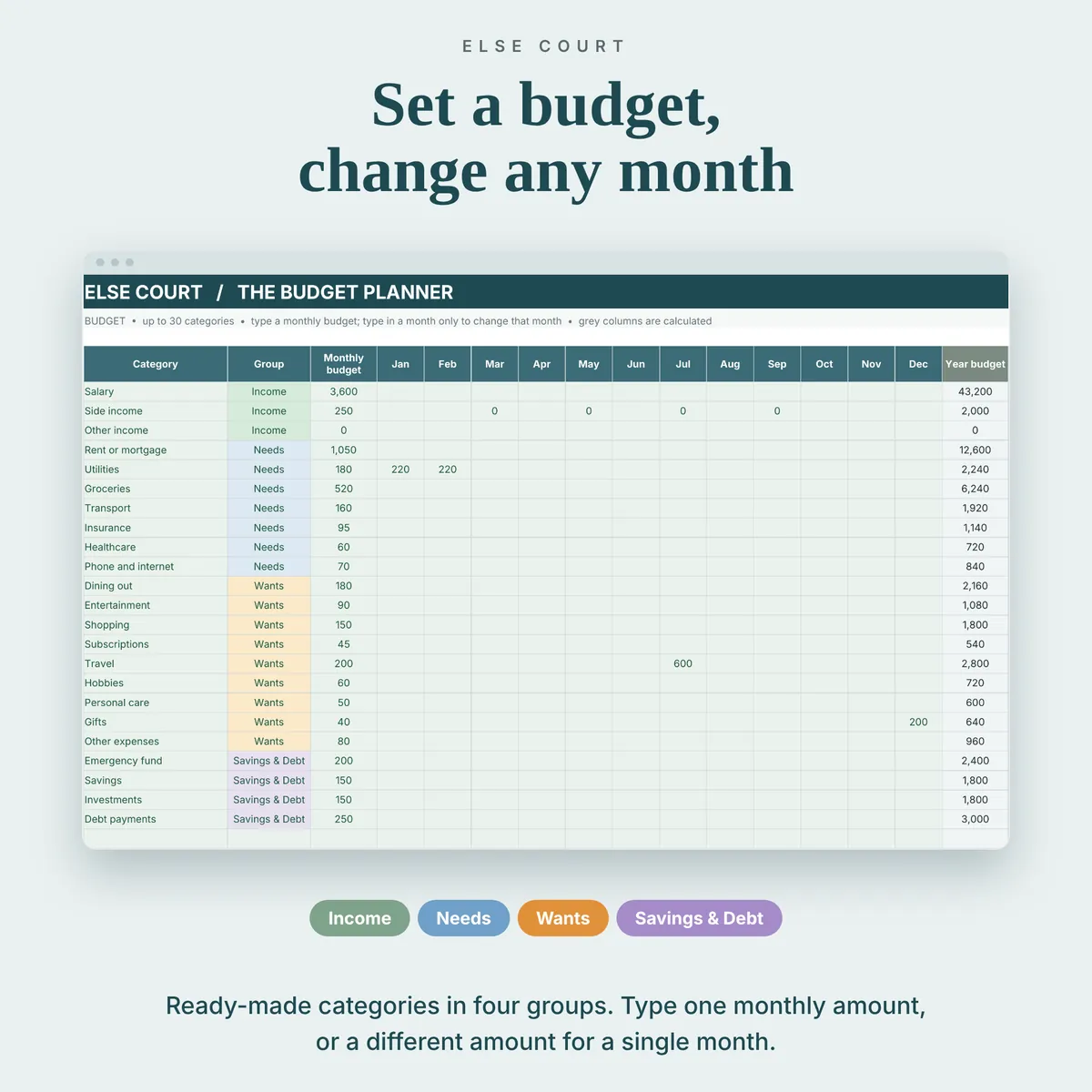
- Up to 30 categories in 4 groups: Income, Needs, Wants, and Savings & Debt
- A monthly budget per category, with optional amounts for single months
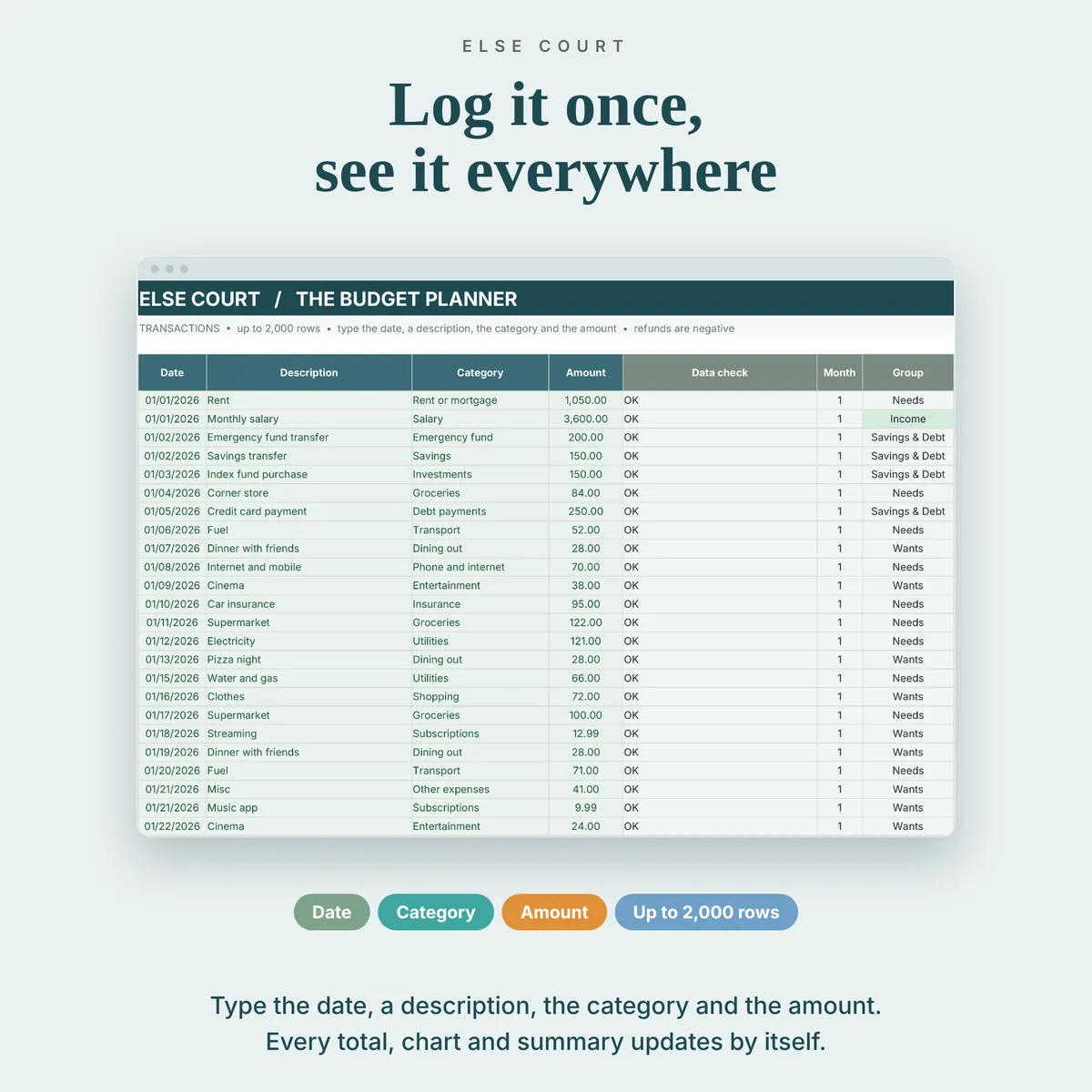
- Up to 2,000 transactions a year: date, description, category and amount
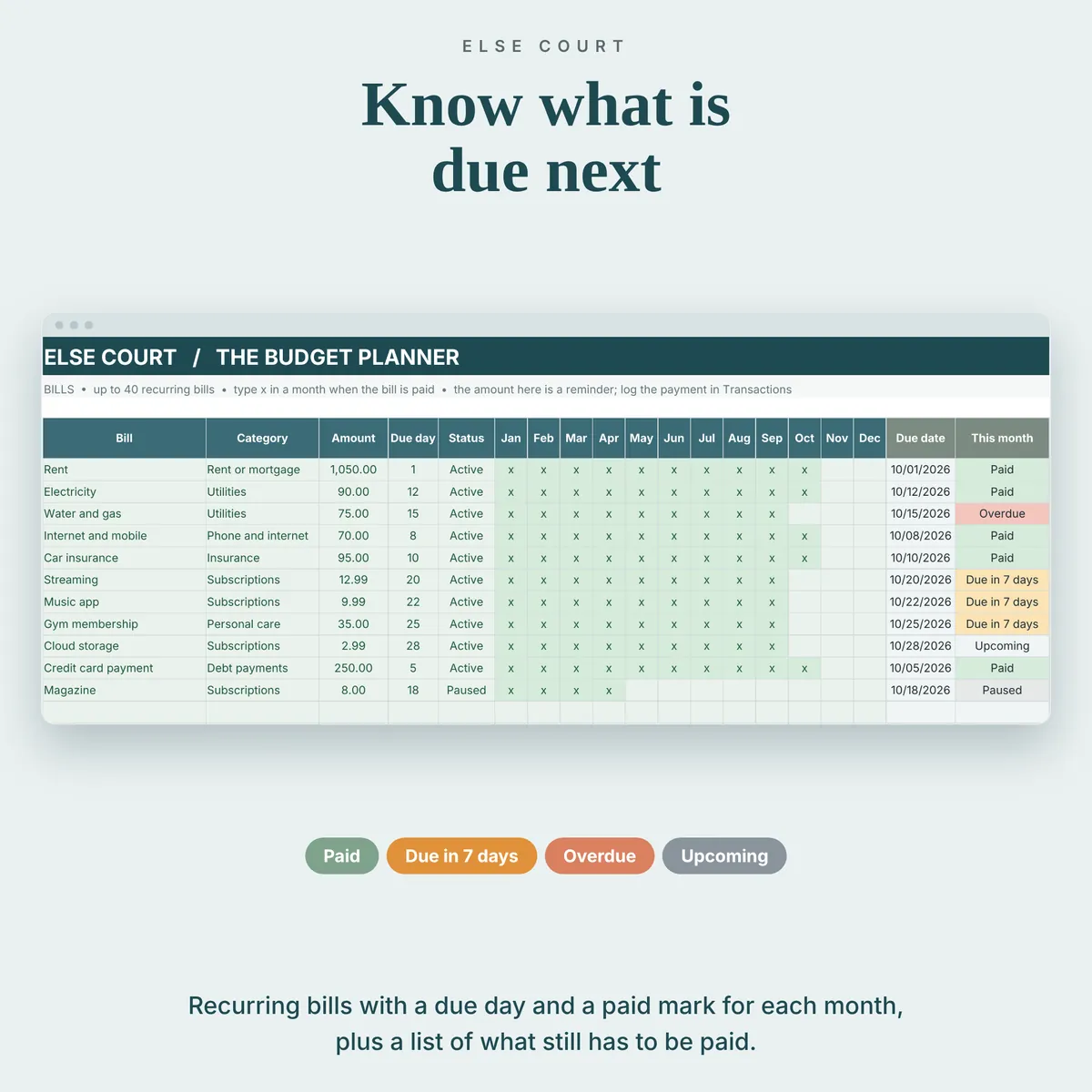
- Up to 40 recurring bills with due day, and a status: paid, due in 7 days, overdue or upcoming
- Budget, actual, difference and percent of budget for every category
- A dashboard with 8 tiles and 4 charts, and a yearly summary
Who it's for
- Individuals and households who want a clear monthly budget
- People who prefer a spreadsheet to a budgeting app
- Anyone who wants to see budget against actual for the whole year
How it works
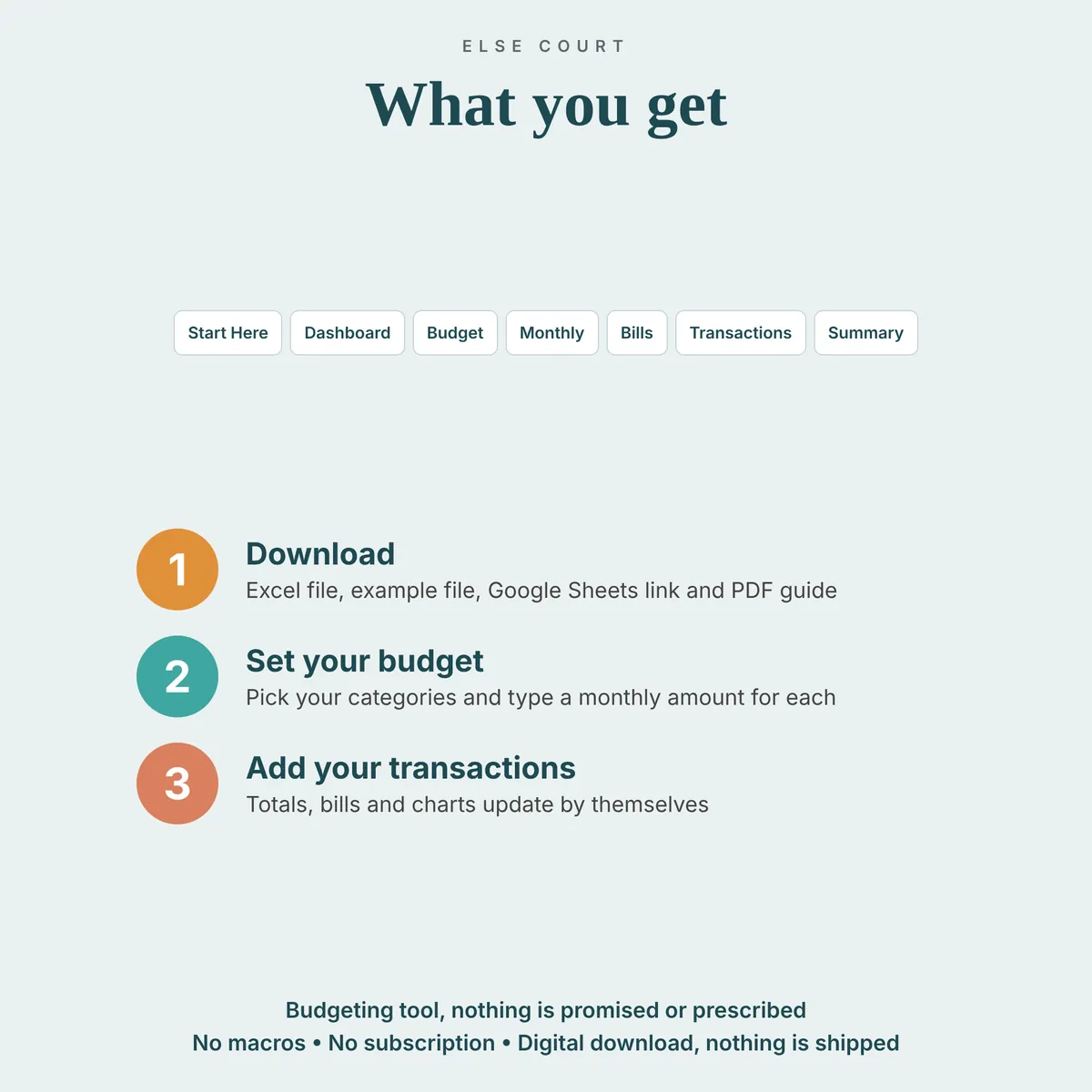
- Choose the year on Start Here and rename the ready-made categories if you like.
- Set a monthly budget for each category.
- Add income and payments on the Transactions tab, and tick bills on the Bills tab.
- Check the Monthly tab and the Dashboard to see where you stand.
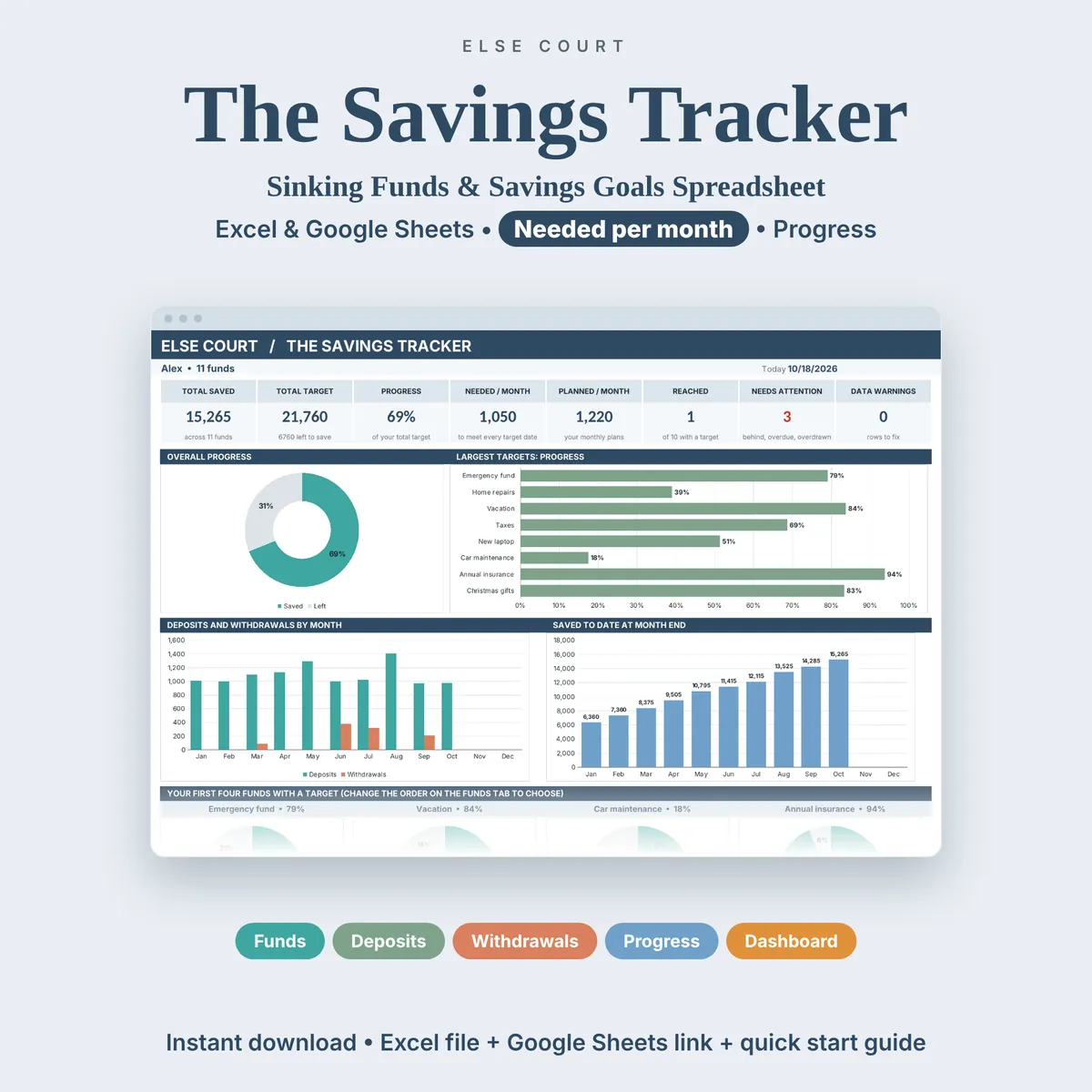
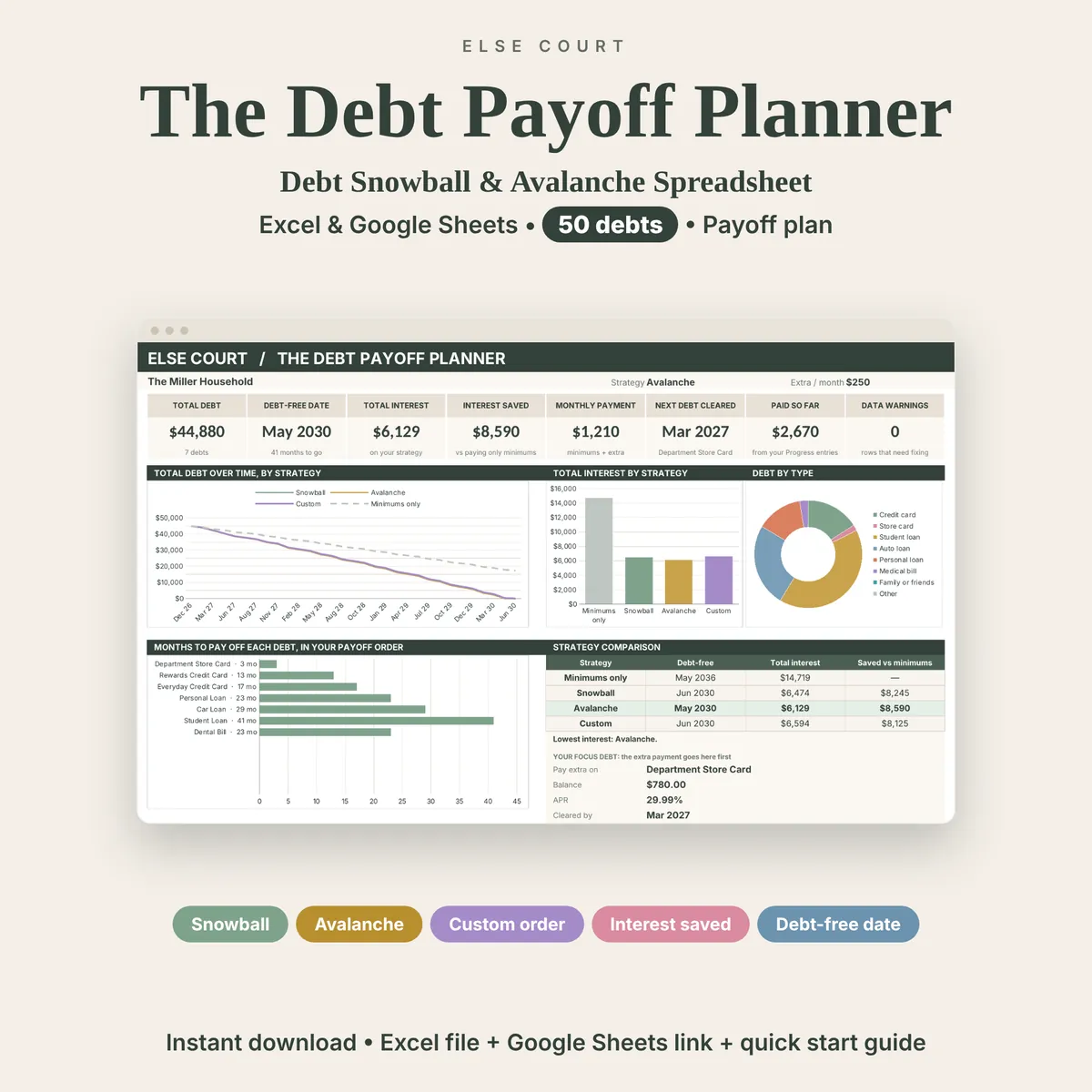
See inside
Frequently asked questions
Does it work in Excel and Google Sheets?
Yes. You get an Excel workbook and a PDF guide with a link to make your own copy in Google Sheets. The two versions are separate files and do not sync.
Does it connect to my bank?
No. You type your transactions in yourself. It does not connect to any bank or app, so your data stays in your own file.
Is this financial advice?
No. It is a tracking tool. Results depend only on the numbers you enter.
Is there an example file?
Yes. A second Excel file is filled with example data for a year of budget, bills and transactions, so you can see how everything works before using your own numbers.