How to Make a Monthly Budget in a Spreadsheet (Step by Step)
By Federico Napoletani, Else Court · Updated 2026-10-18
What do you need before you start?
Gather three things: your take-home income for the month, a list of bills with their due dates, and two or three recent bank or card statements to see where money actually goes. The statements matter because most people underestimate small, frequent spending.
How do you make a monthly budget, step by step?
- Write down your income. Use the amount that reaches your account after taxes. If your pay varies, start with a low typical month.
- List fixed bills. Rent or mortgage, utilities, insurance, phone, subscriptions and minimum debt payments.
- Add variable categories. Groceries, transport, eating out, household items, personal spending and anything you buy regularly.
- Add saving and extra debt payments as categories, so they are planned and not left to chance.
- Check the total. Planned spending, saving and debt together should equal your income. If it is over, reduce a category; if there is money left, give it a job.
- Record what you spend during the month, ideally once or twice a week.
- Review at month end. Compare planned and actual, then adjust next month's numbers.
What does an example monthly budget look like?
This example uses an after-tax income of $3,000. The amounts are only an illustration; yours will depend on where you live and how you spend.
| Category | Planned | Share of income |
|---|---|---|
| Housing | $1,000 | 33% |
| Utilities | $180 | 6% |
| Groceries | $400 | 13% |
| Transport | $250 | 8% |
| Insurance | $150 | 5% |
| Debt payments | $200 | 7% |
| Savings | $300 | 10% |
| Eating out and fun | $250 | 8% |
| Everything else | $270 | 9% |
| Total | $3,000 | 100% |
The last line shows the goal: planned spending, saving and debt add up to the income, so nothing is left unassigned.
Is the 50/30/20 rule a good starting point?
The 50/30/20 rule splits after-tax income into needs (50%), wants (30%) and saving or extra debt payments (20%). On $3,000 that would be $1,500, $900 and $600. It is a common starting point, not a rule you must follow. In an expensive area, needs may take more than half; that is a reason to adjust the split, not to give up on budgeting.
What is zero-based budgeting?
In a zero-based budget, income minus every planned amount equals zero. Zero does not mean you spend everything: savings and debt payments count as planned amounts. It simply means each dollar has a purpose before the month starts. The spreadsheet check is one cell: =Income-SUM(Planned), and you aim for 0.
Which formulas do you need?
| What | Formula | What it does |
|---|---|---|
| Total planned | =SUM(B2:B10) | Adds the planned amounts |
| Spent in a category | =SUMIFS(Amount, Category, "Groceries") | Adds transactions that match a category |
| Spent in a month | =SUMIFS(Amount, Category, A2, Date, ">="&Start, Date, "<="&End) | Adds a category between two dates |
| Left over | =Planned-Spent | Positive means under budget, negative means over |
Keep transactions in one sheet with a date, amount and category, and let the summary sheet read from it. That way you only type each expense once.
How do you handle irregular bills?
Annual or quarterly costs, such as insurance, car service or gifts, are what usually break a budget. Divide the yearly amount by twelve and set that amount aside every month in a savings category. When the bill arrives, the money is already there. This is often called a sinking fund.
What are the most common budgeting mistakes?
- Planning too tightly. Leave a small category for the unexpected and for personal spending.
- Skipping the tracking step. A budget without actual spending is only a wish.
- Using too many categories. Ten to fifteen is enough for most households.
- Forgetting irregular bills and subscriptions.
- Never reviewing. A short monthly review is where the budget gets more accurate.
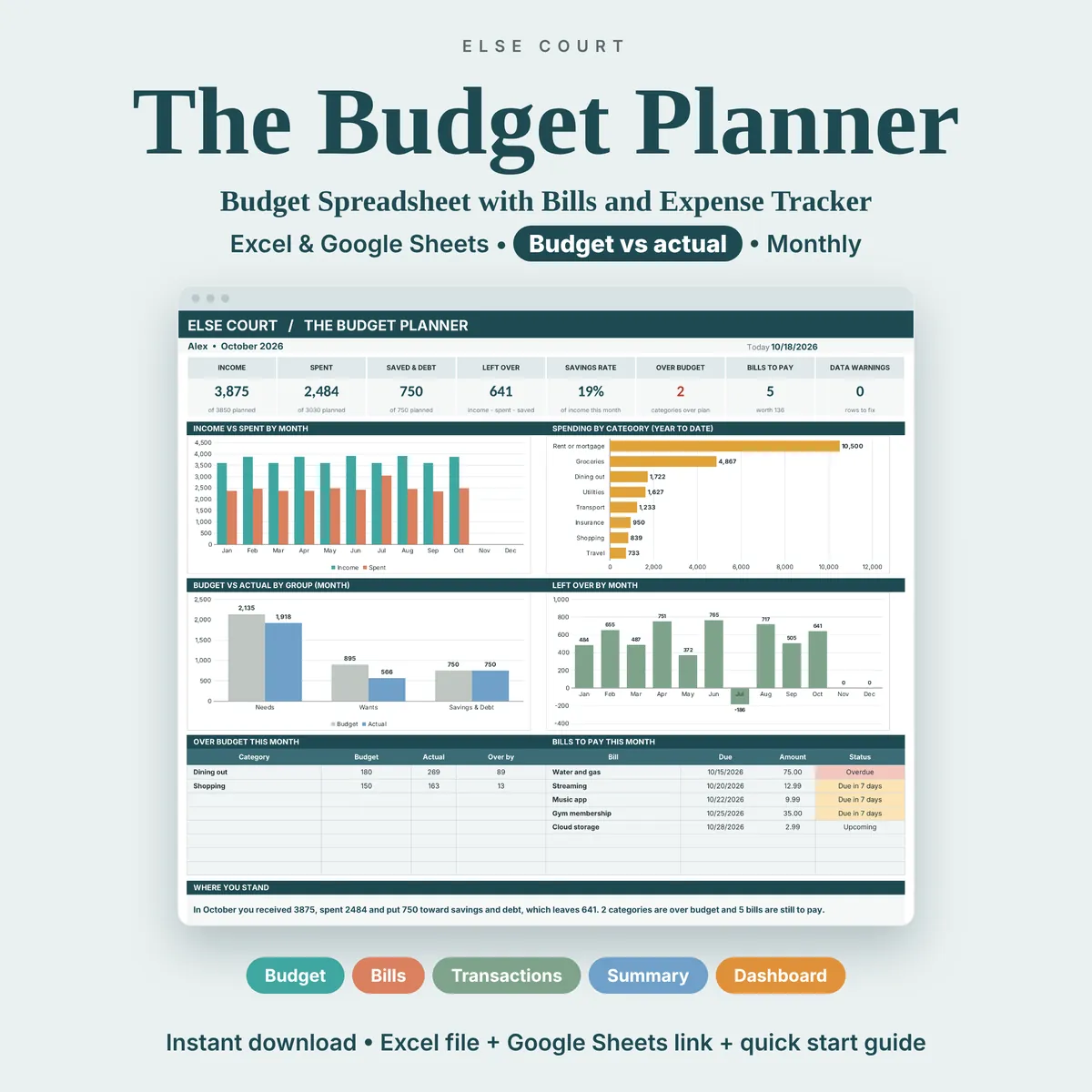
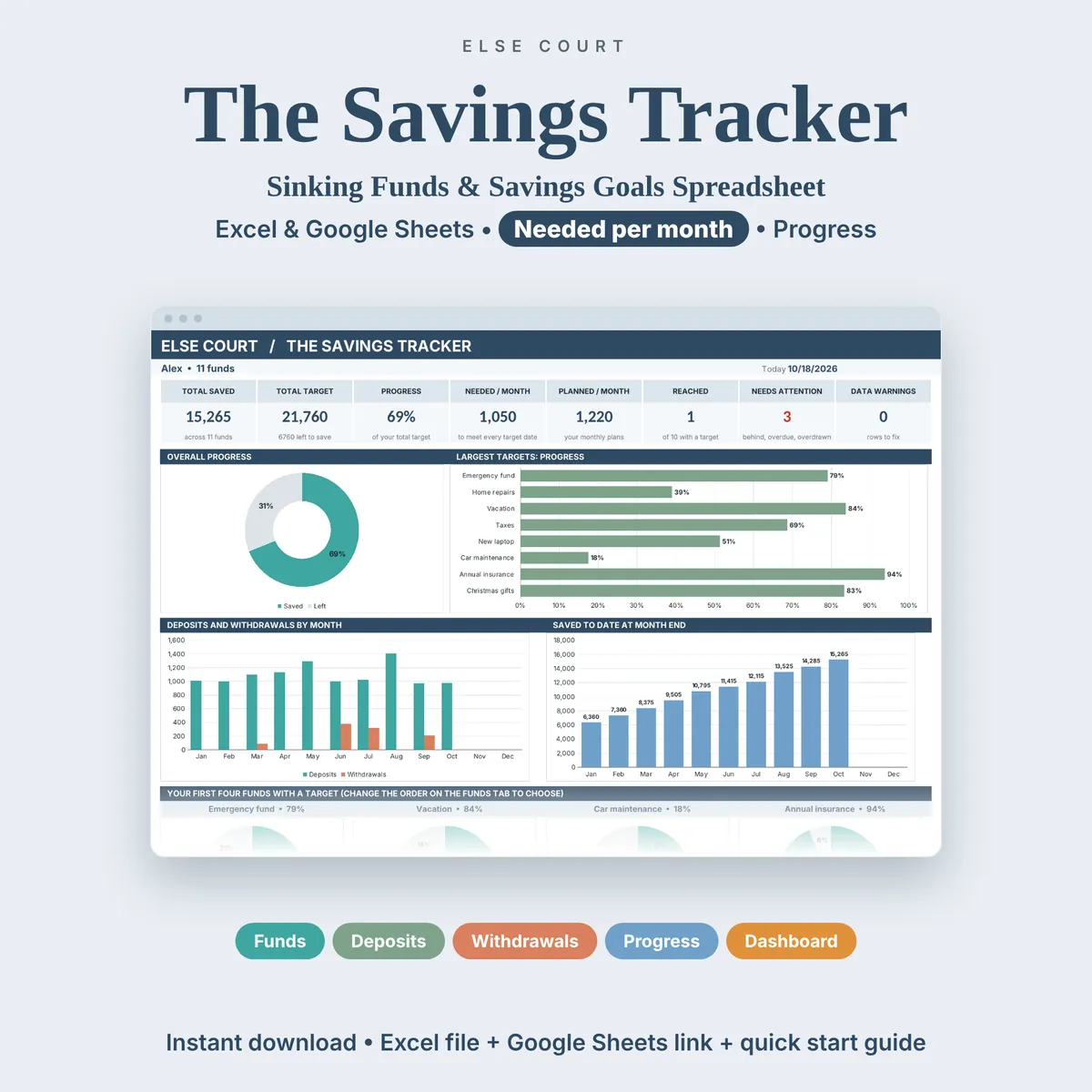
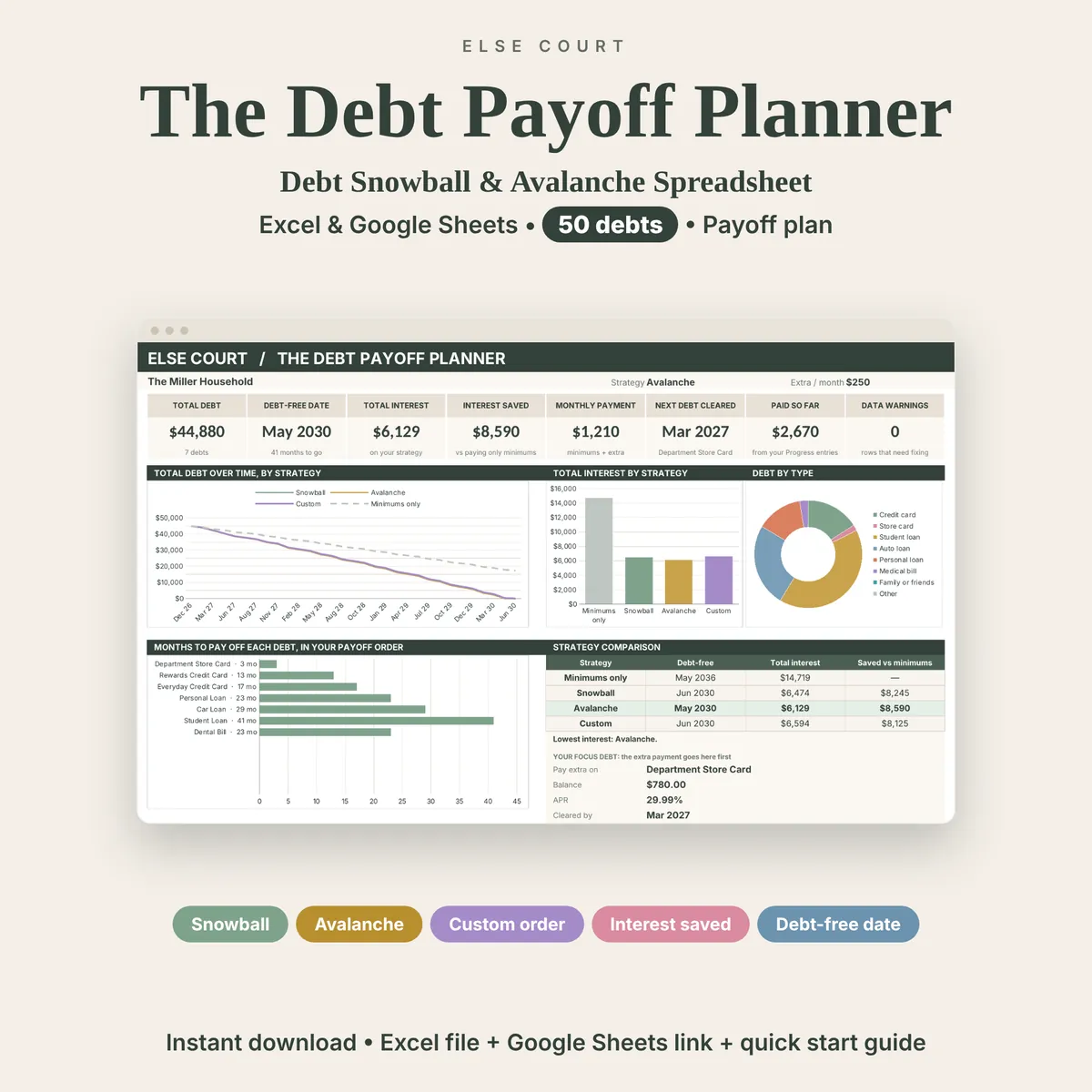
If you prefer a ready-made file, the Budget Planner follows income, bills, spending by category and what is left each month, the Savings Tracker follows funds with a target, and the Debt Payoff Tracker plans payments across several debts. If debts are part of your budget, read Snowball vs Avalanche.
This guide is general information, not financial advice.
Frequently asked questions
How often should I update my budget?
Record spending once or twice a week and review the whole month at the end. A short, regular habit works better than a long session once in a while.
What if my income changes every month?
Plan with a low, typical month as your base. When you earn more, assign the extra amount to savings, debt or a category you under-funded.
Should I budget weekly or monthly?
Monthly is the usual choice because most bills follow a monthly cycle. You can still split groceries and eating out into weekly amounts.
How many categories should I use?
Ten to fifteen is enough for most people. Too many categories make tracking tedious, and too few hide where the money goes.
Can I do this in Google Sheets as well as Excel?
Yes. SUM, SUMIFS and simple subtraction work the same way in both programs.
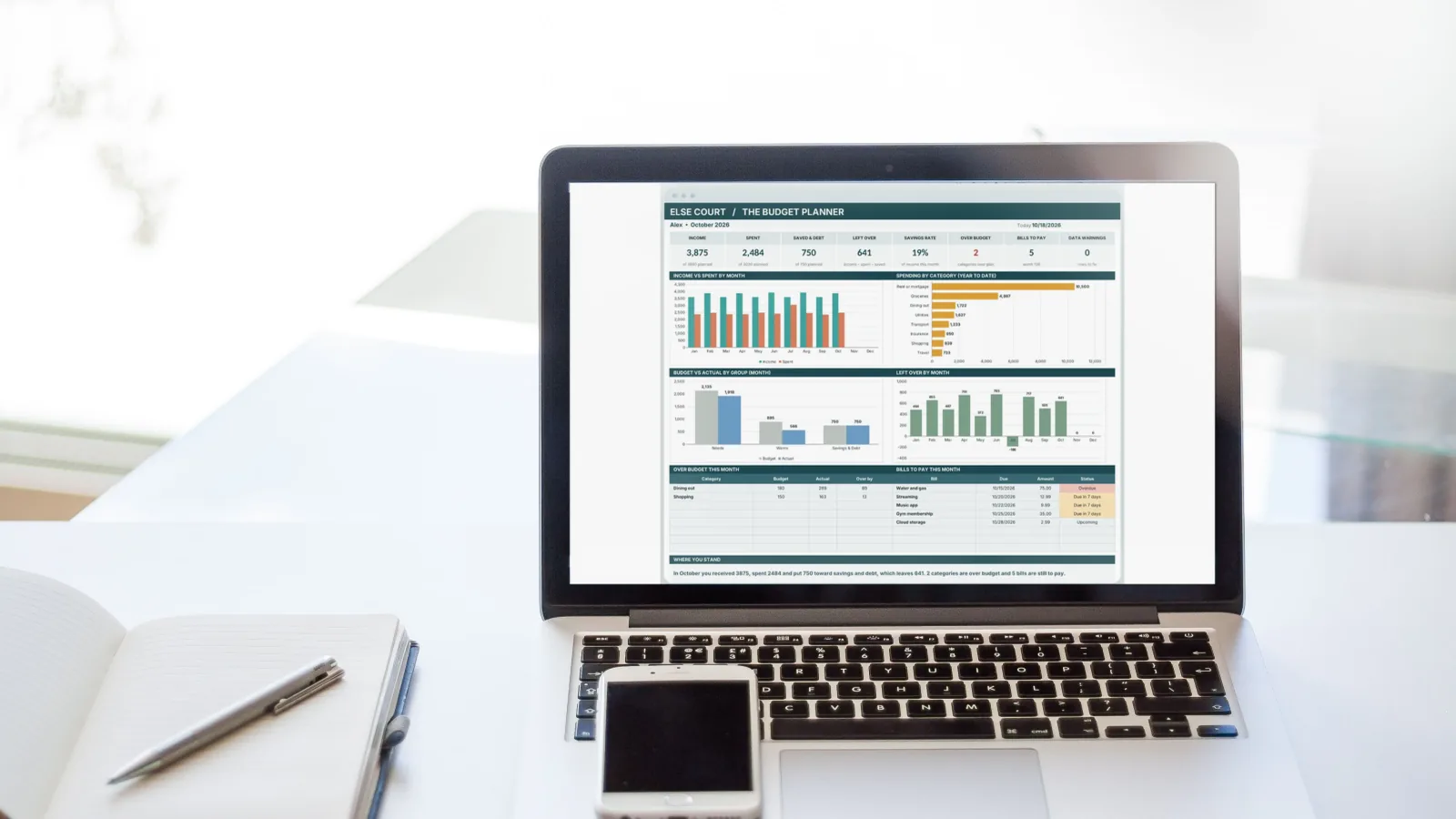
Photo: Negative Space on Pexels, with an Else Court dashboard shown on the screen.