How to Track Small Business Income and Expenses in a Spreadsheet
By Federico Napoletani, Else Court · Updated 2026-10-18
What should you record for income?
For every sale or payment received, write down the date, who paid (or the sales channel), a short description, the amount and how you were paid. If you issue invoices, also record the invoice number and the date it was paid, so you can see what is still outstanding.
What should you record for expenses?
For every cost, record the date, the vendor, the amount, a category and a note about where the receipt is stored. A consistent category is the most useful column, because it lets you add up costs by type later.
| Category | Examples |
|---|---|
| Cost of goods | Materials, products you resell, packaging |
| Shipping and delivery | Postage, courier fees |
| Platform and payment fees | Marketplace fees, card processing |
| Software and subscriptions | Apps, hosting, design tools |
| Marketing | Ads, printing, promotions |
| Equipment and supplies | Tools, office items |
| Professional services | Accountant, legal, freelancers |
| Travel and vehicle | Mileage, fares, parking |
Use the categories your own business needs and keep them stable during the year. Categories and what you may deduct depend on your country, so ask your accountant what applies to you.
Why should business and personal money be separate?
If everything goes through one account, every month becomes a sorting exercise. A separate bank account or card for the business means each transaction already belongs to it, which makes recording faster and mistakes less likely. If a fully separate account is not possible yet, mark each transaction clearly as business or personal.
What numbers should you look at each month?
Three figures cover most of what a small business needs to know:
| Figure | Meaning |
|---|---|
| Income | All money received for sales in the period |
| Expenses | All business costs in the period |
| Net income | Income minus expenses |
For example, with $4,200 of income and $2,900 of expenses in a month, net income is $1,300. Then ask which categories grew, which month was strongest, and whether any invoices are overdue. In a spreadsheet, =SUMIFS(Amount, Type, "Income", Month, "2026-10") and the same formula for expenses give the first two figures.
What does a simple monthly routine look like?
- Enter all income and expenses for the month, using bank and card statements as the source.
- Check that the totals in your sheet match the bank balance difference.
- Mark invoices that were paid and list the ones that are overdue.
- Review income, expenses and net income, and the three biggest expense categories.
- Save receipts and a copy of the file in a safe place.
Doing this once a month takes much less time than catching up at the end of the year.
Cash basis or invoice basis?
Some businesses record income when the money arrives, others when the invoice is issued. The right choice depends on your situation and your local rules, so confirm it with your accountant before you rely on it. In any case, the spreadsheet should show both the invoice date and the payment date, so you can switch view if needed.
When is a spreadsheet enough, and when is it not?
A spreadsheet suits a sole trader, a creator or a small shop with a manageable number of transactions each month. Accounting software becomes more useful when you have employees, many daily transactions, sales tax filings or need to file digital reports. A spreadsheet is still a good way to understand the numbers before that stage. It does not replace an accountant.
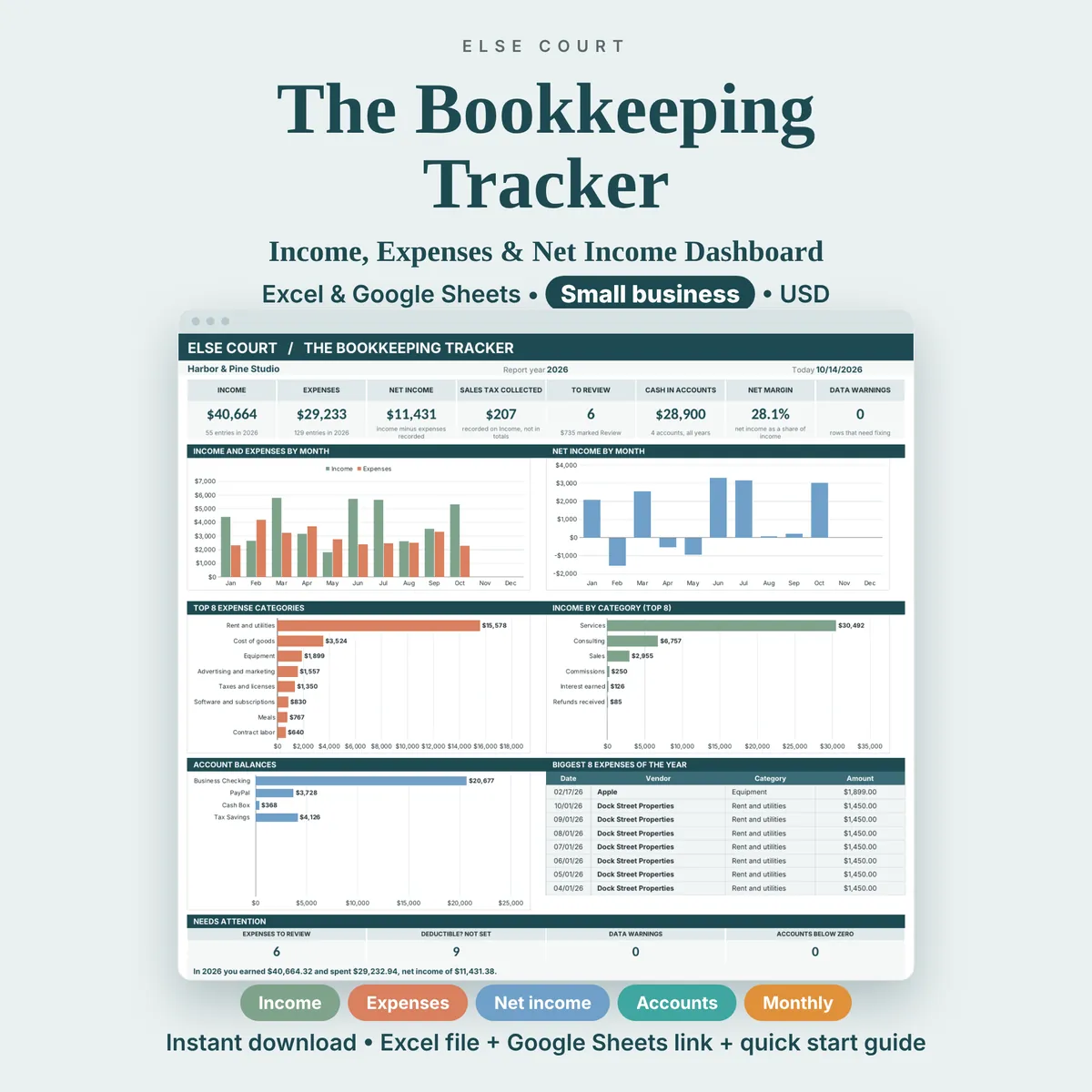
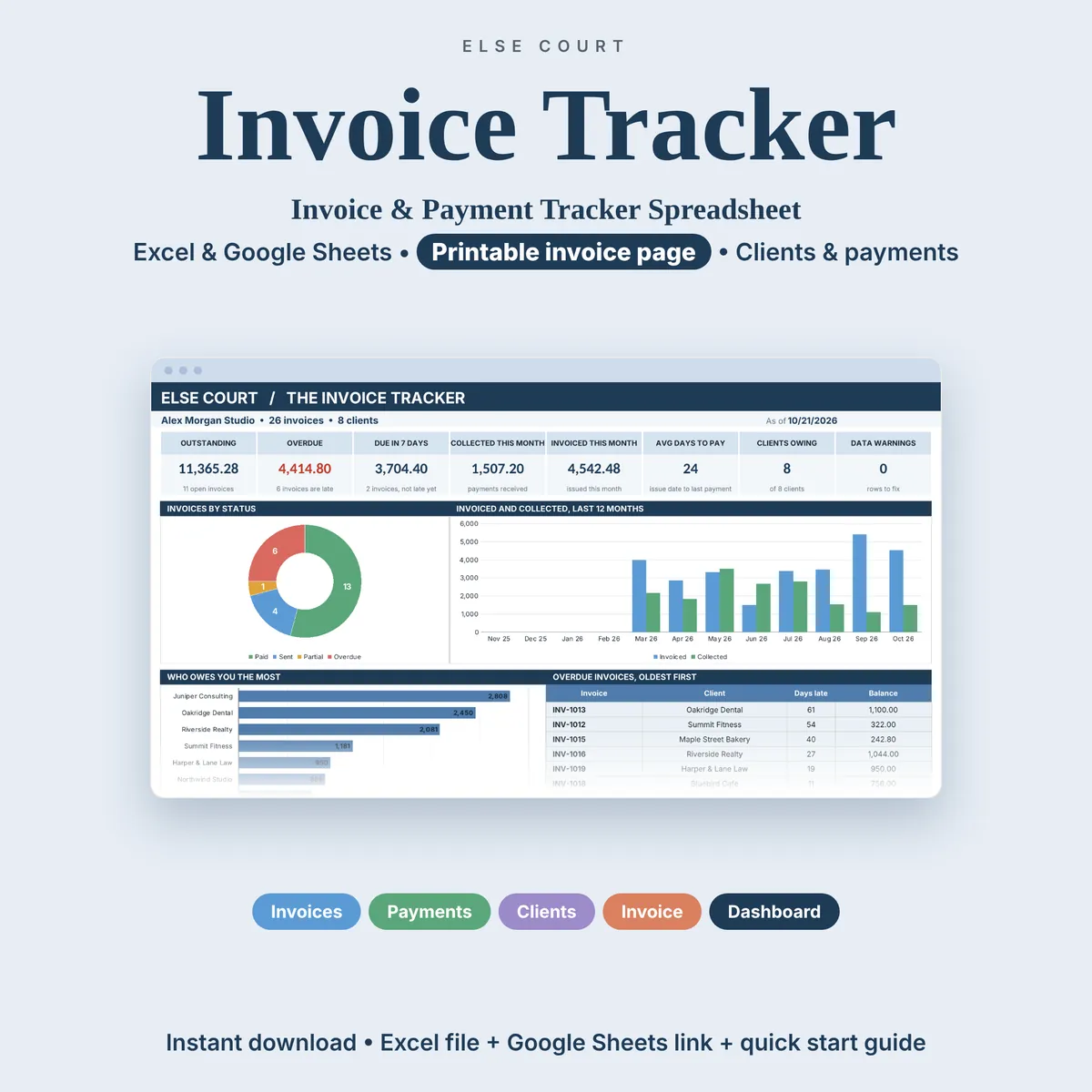
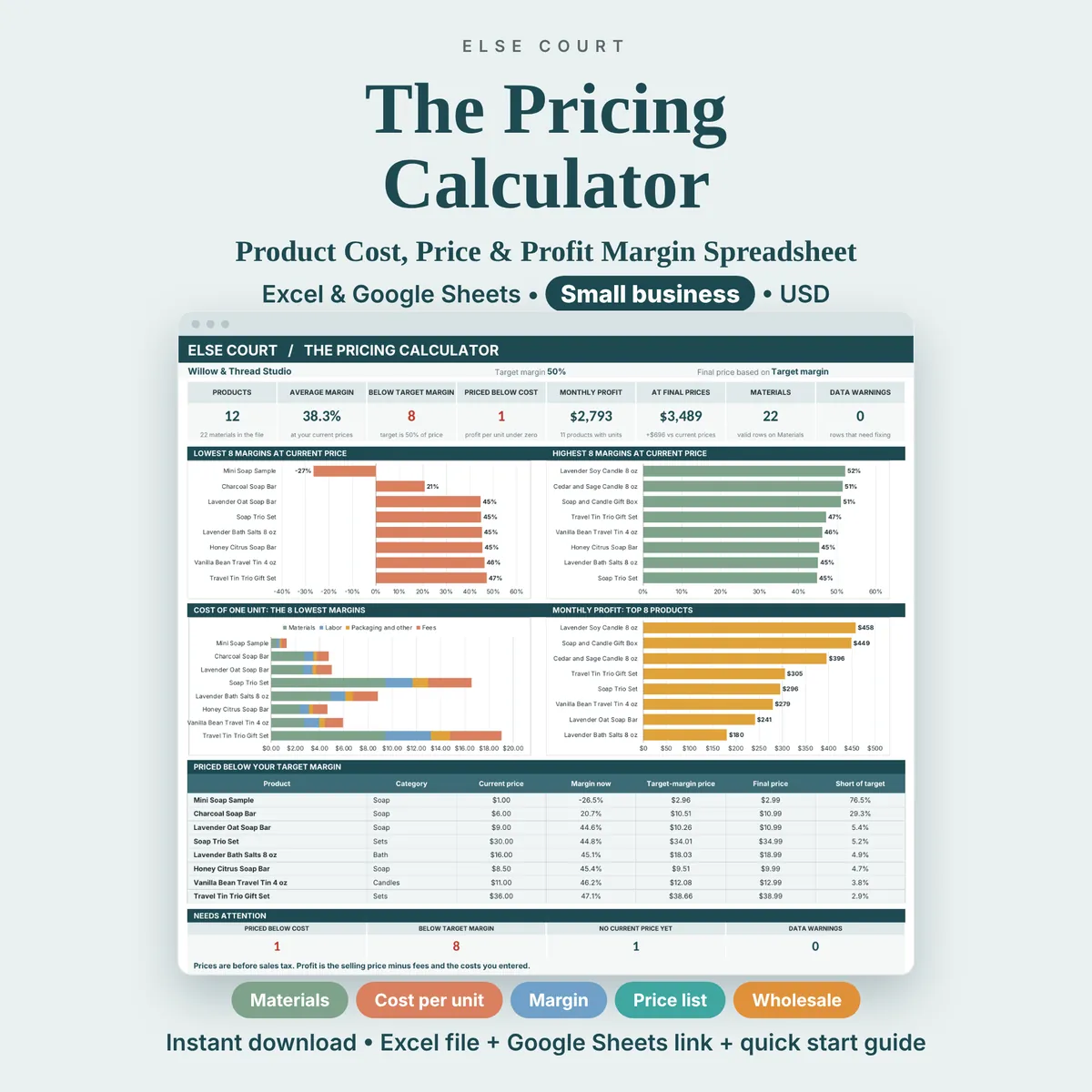
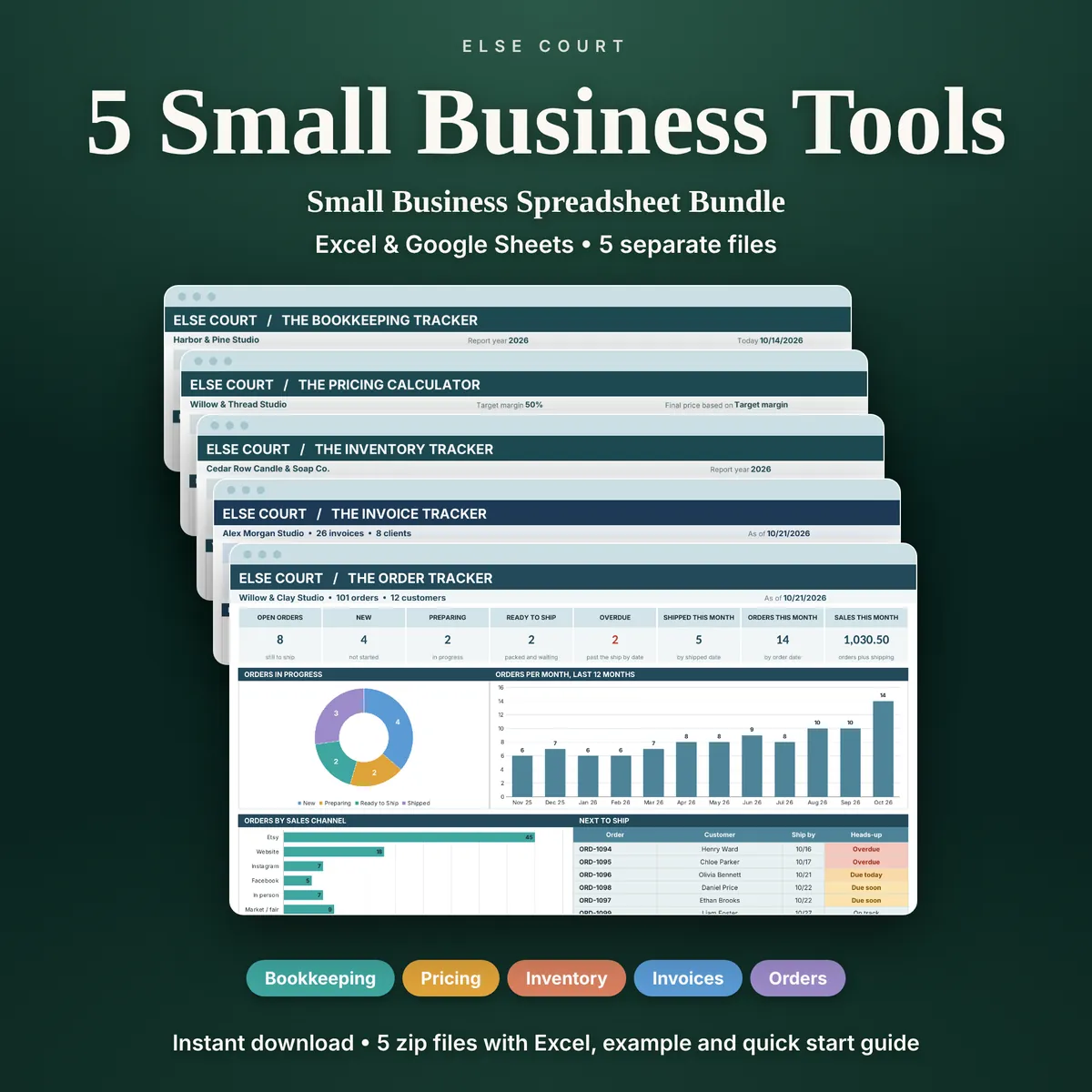
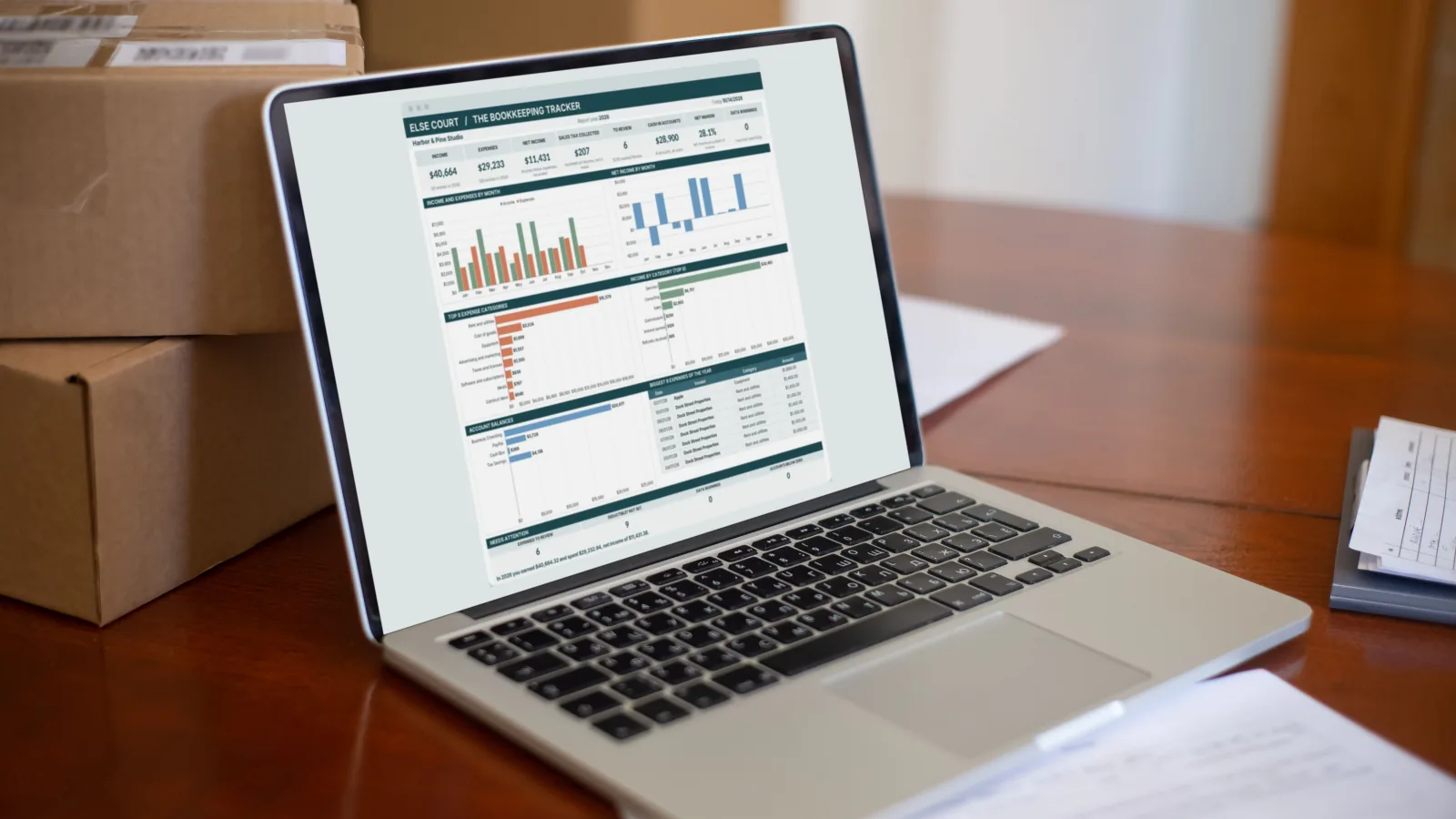
If you want the structure ready, the Bookkeeping Tracker records income and expenses by category with monthly and yearly summaries, the Invoice Tracker follows who has paid and who is overdue, and the Pricing Calculator helps check that your prices cover your costs. The Small Business Bundle includes five templates together.
This guide is general information, not tax, legal or accounting advice.
Frequently asked questions
Do I need accounting software to track income and expenses?
Not necessarily. A spreadsheet can be enough for a small business with a limited number of transactions, provided you record them consistently. Software helps when volume or reporting requirements grow.
What is net income?
Net income is income minus expenses for the same period. It shows what the business earned after paying its costs, before any personal withdrawals.
How long should I keep receipts?
It depends on your country and the type of record. Ask your accountant or check your tax authority's guidance.
How often should I update my records?
Weekly is ideal, and monthly is the minimum. Frequent entry keeps the work small and the numbers fresh.
Can I use the same spreadsheet in Excel and Google Sheets?
Yes. SUMIFS, SUM and dropdown lists work the same way in both.
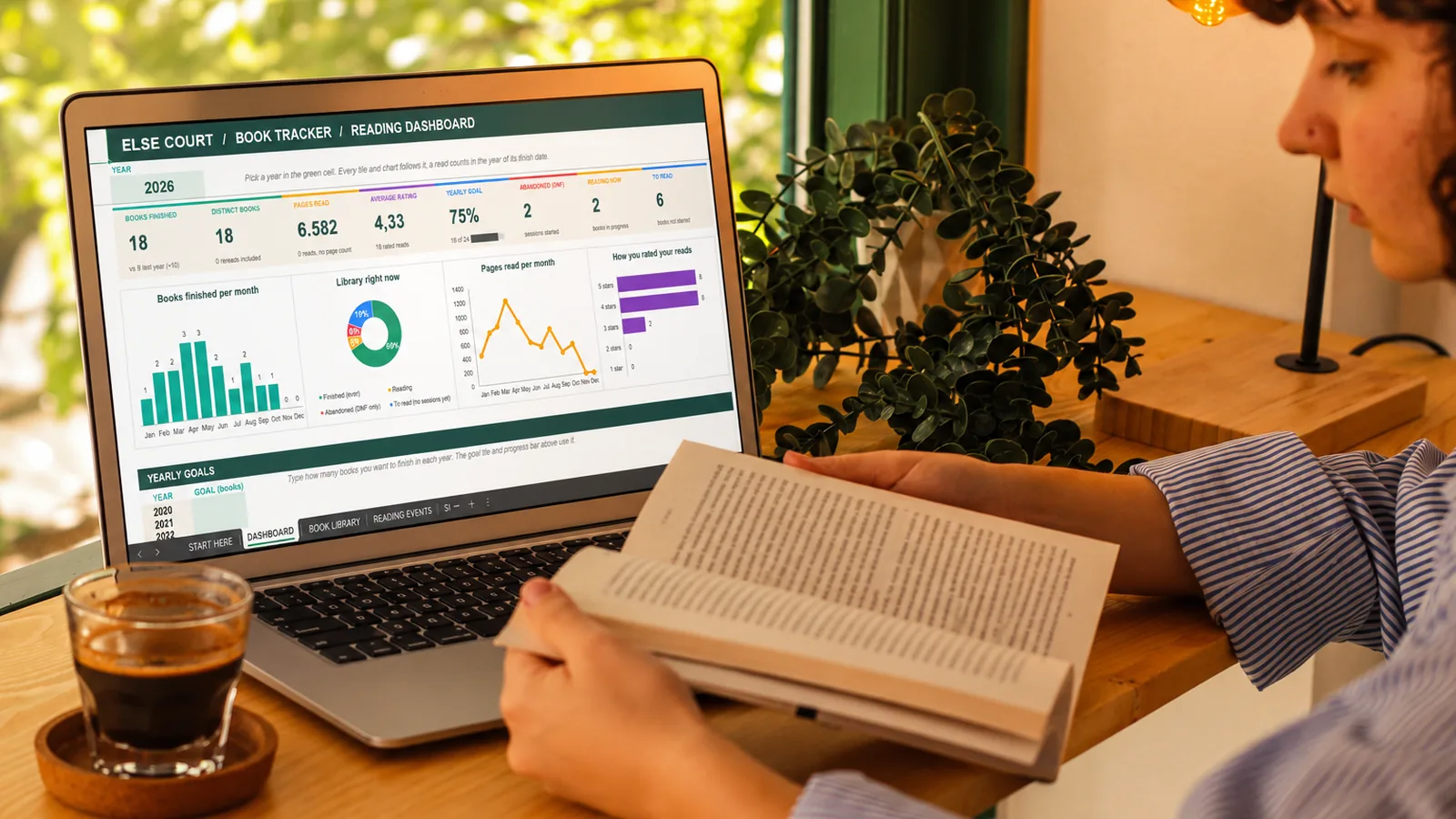
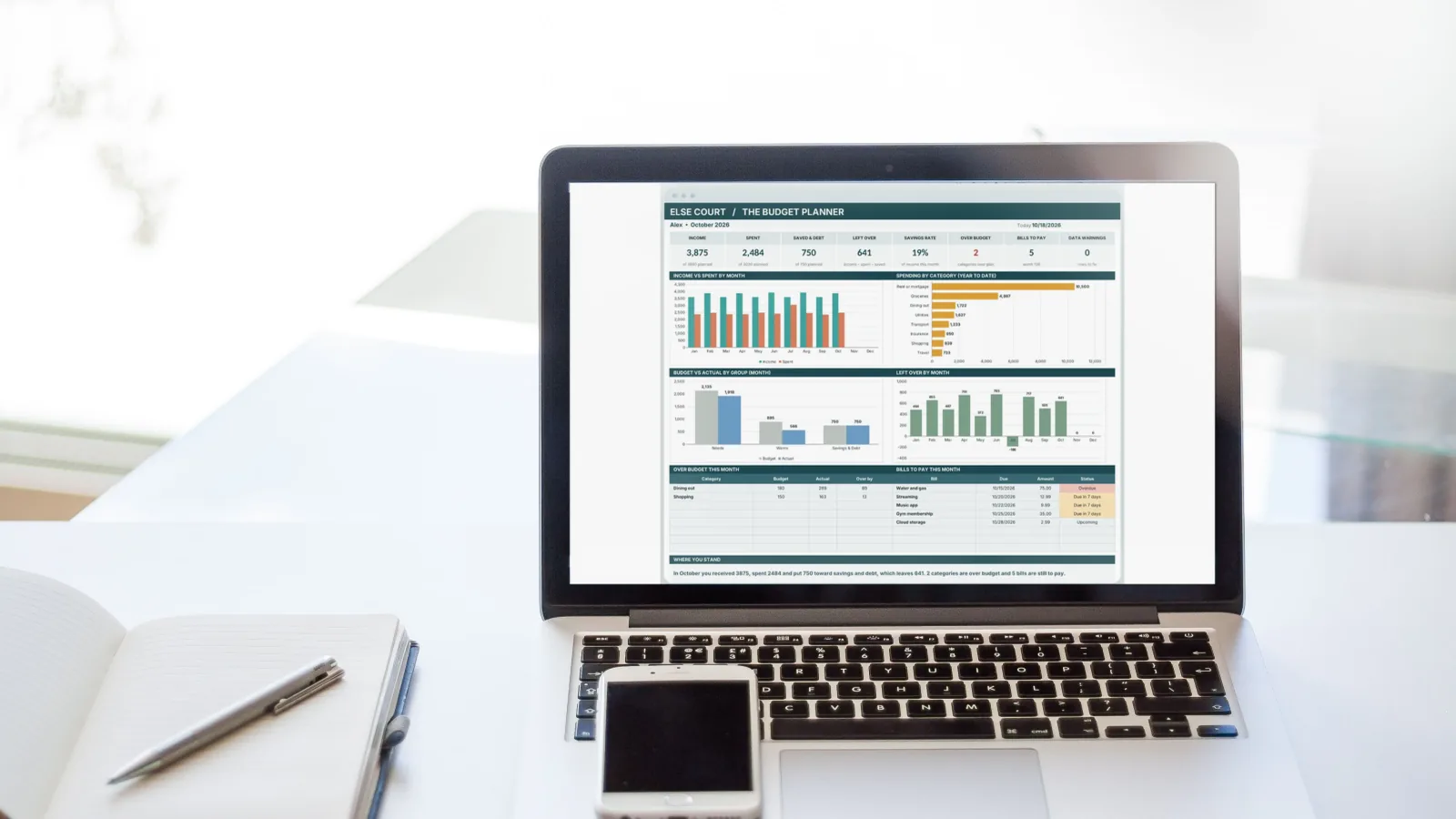
Photo: Kampus Production on Pexels, with an Else Court dashboard shown on the screen.