Home › Small Business › Invoice Tracker Spreadsheet for Excel & Google Sheets
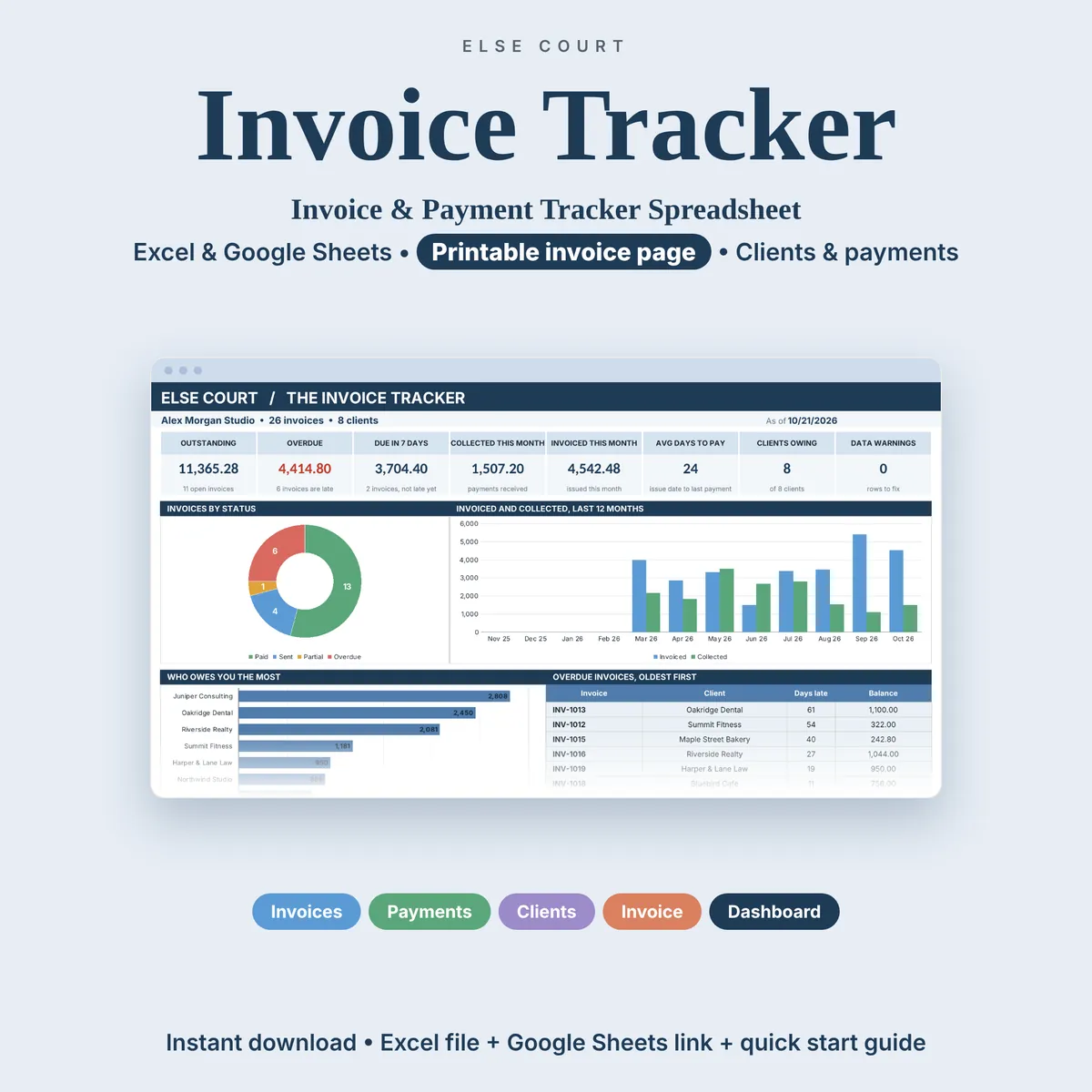
Invoice Tracker Spreadsheet for Excel & Google Sheets
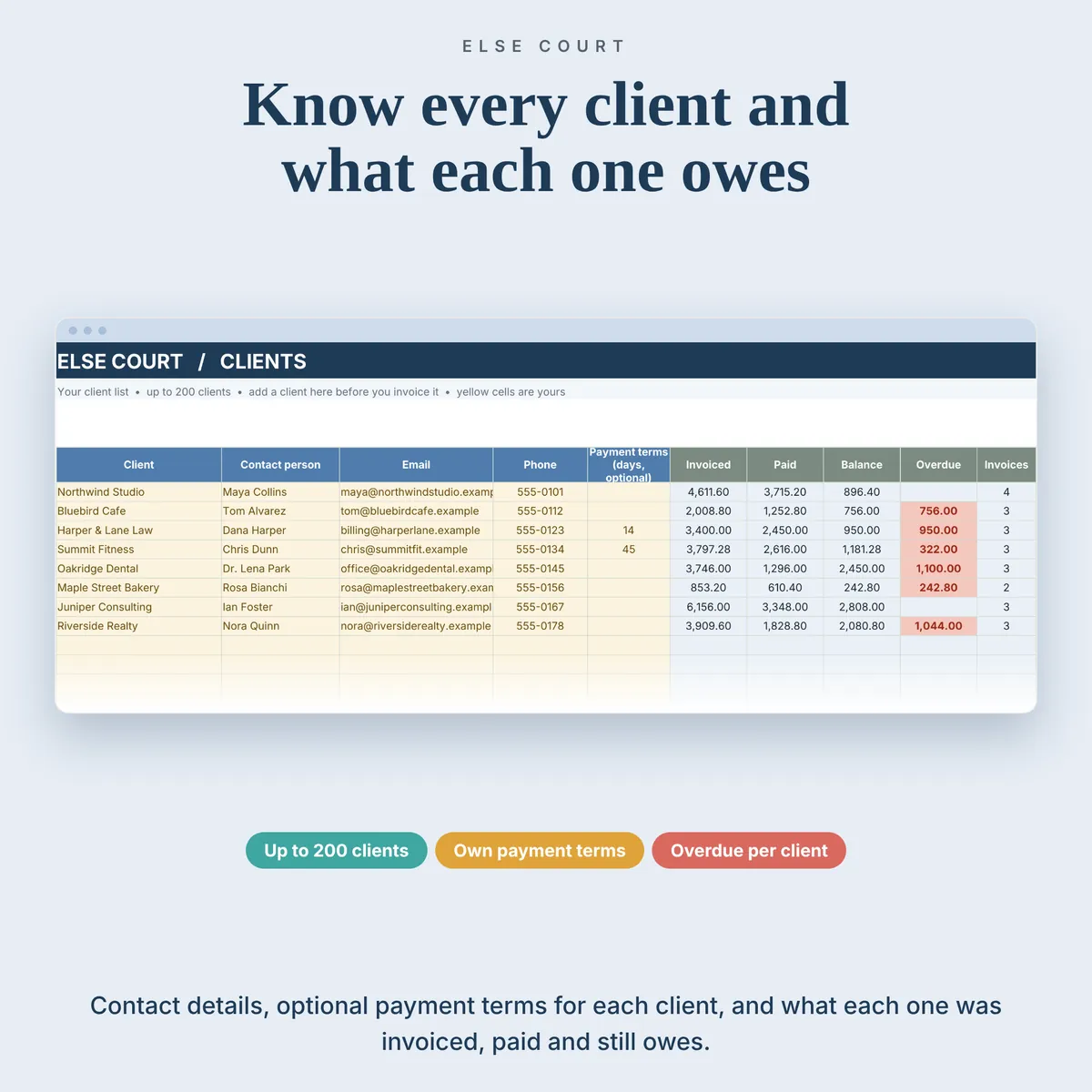
If you send invoices by hand, the hard part is not writing them. It is remembering which ones are still unpaid, which are late and how much each client owes you. The Invoice Tracker keeps all of that in one file you own.
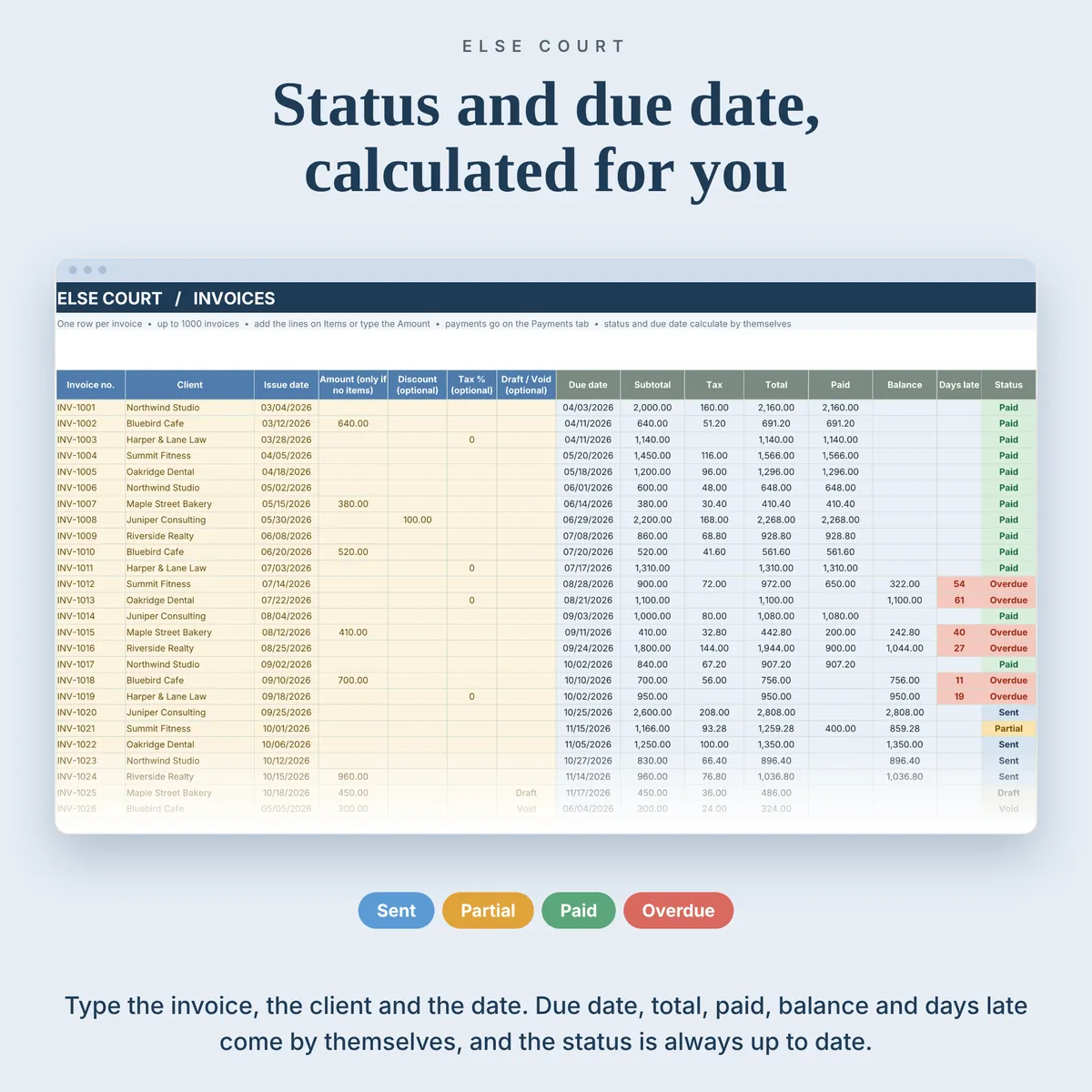
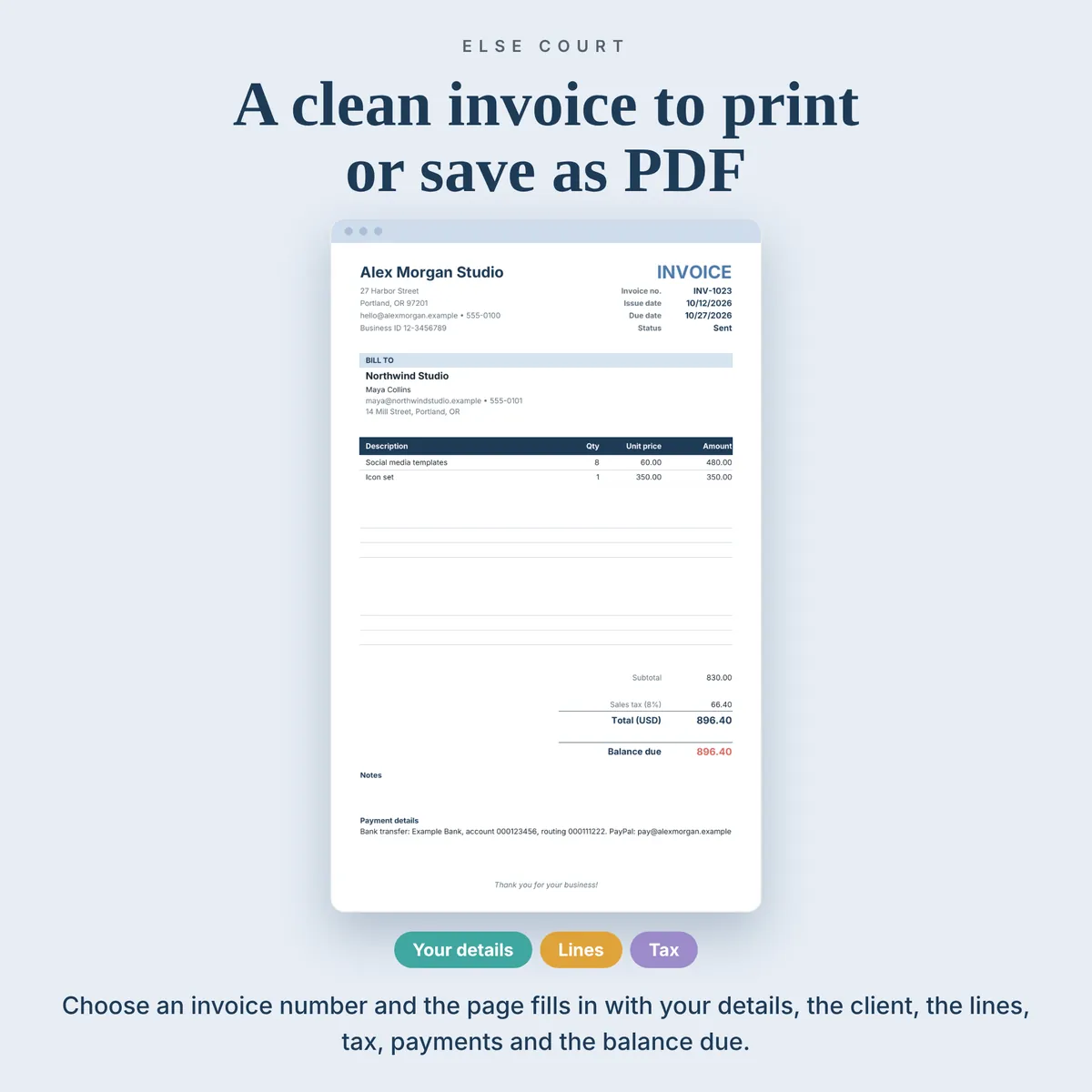
You add your clients once, record each invoice and each payment you receive, and the sheet works out the due date, the balance, the days late and the status of every invoice. When you need to send one, pick the invoice number and a clean invoice page fills in, ready to print or save as a PDF.
It is a digital download for Excel and Google Sheets, made for freelancers, service businesses and small shops. There is no sign-up, and nothing is sent to your clients.
Digital download. Works in Excel and Google Sheets. Nothing is shipped.
What this spreadsheet tracks
- Clients, invoices, payments and invoice lines in one connected workbook (7 tabs)
- Due date, subtotal, tax, total, paid amount, balance, days late and status for every invoice
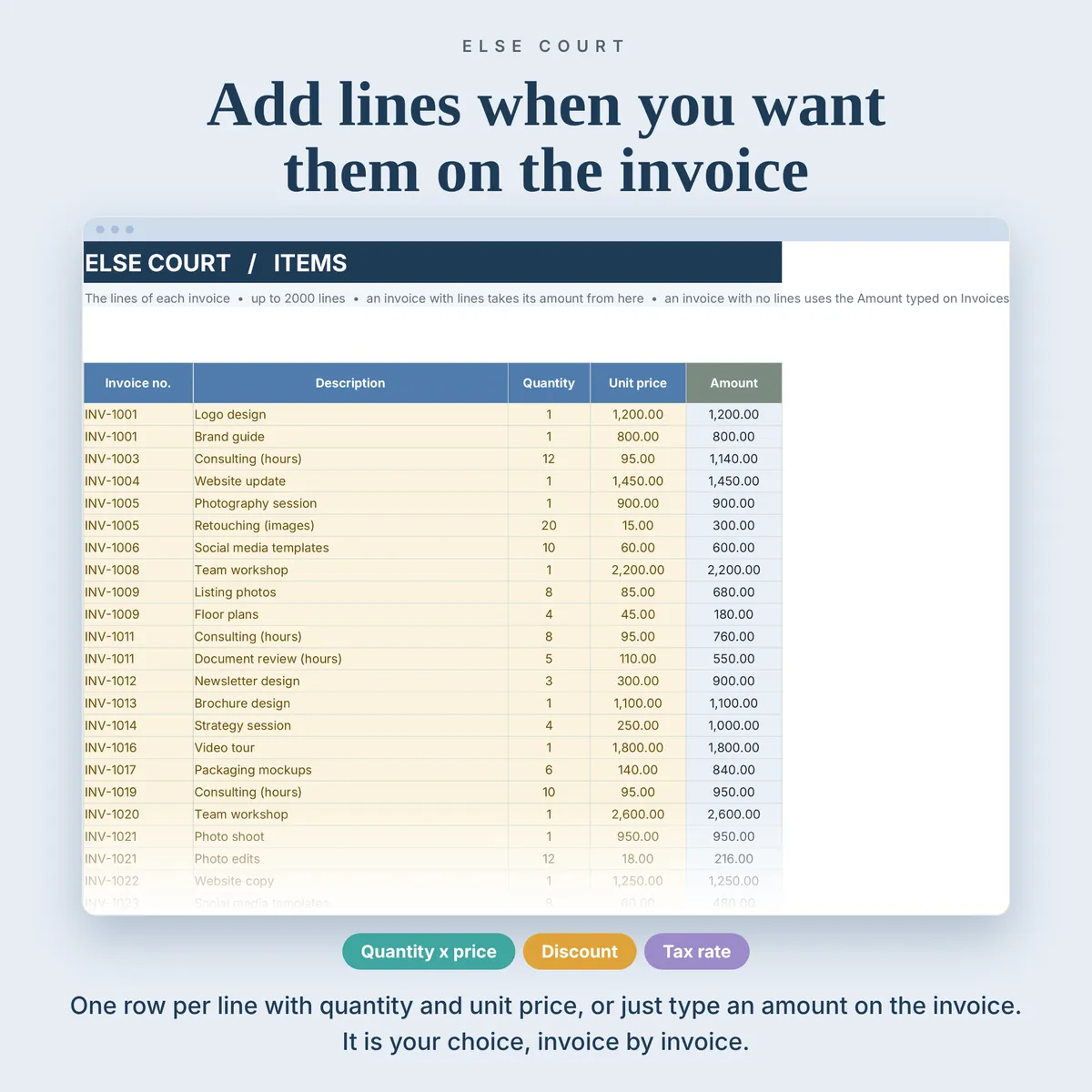
- Partial payments, discounts and a tax rate you set yourself
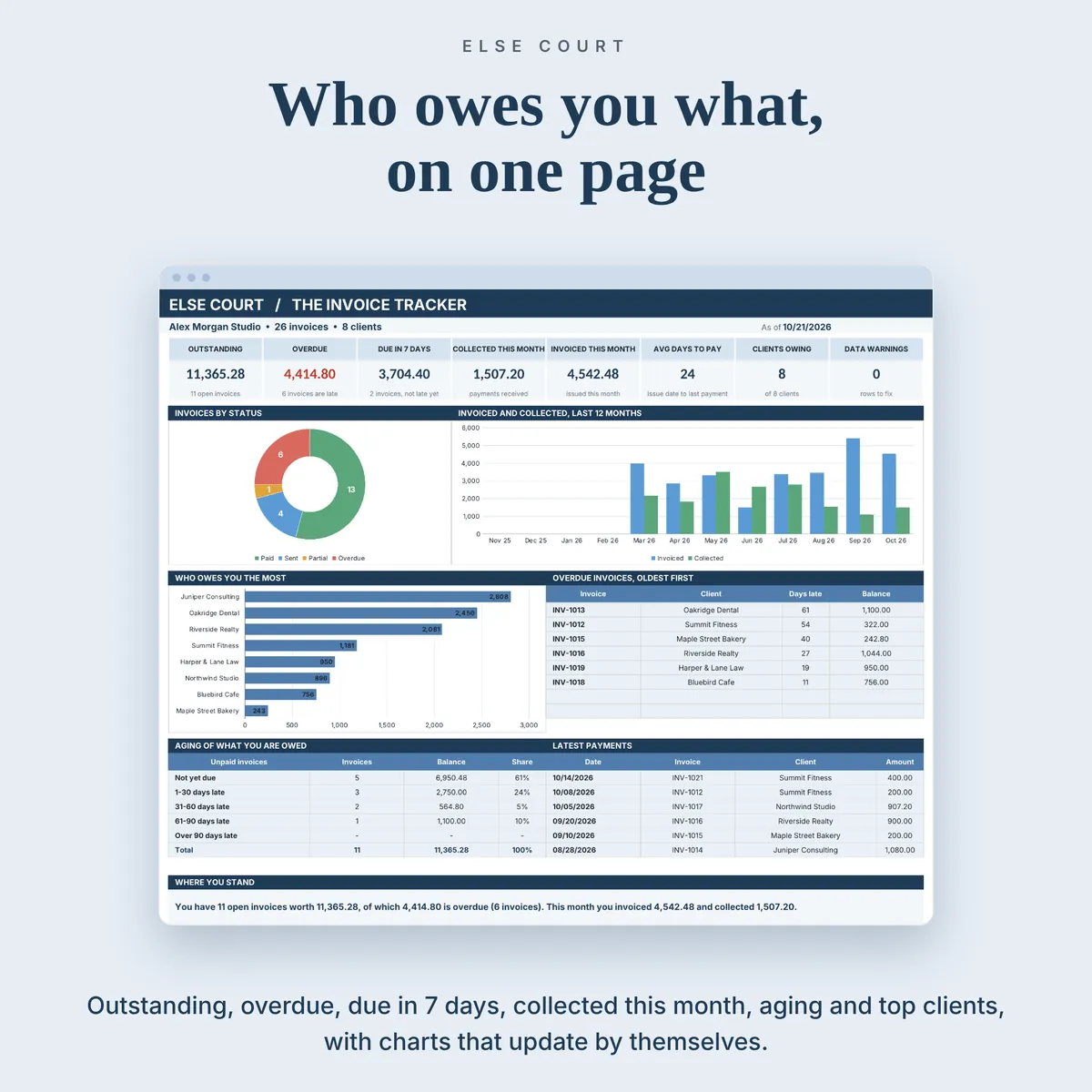
- A dashboard with outstanding, overdue and due in 7 days, collected and invoiced this month
- Who owes you the most, plus the aging of what you are owed (not yet due, 1-30, 31-60, 61-90 and over 90 days late)
- A printable invoice page with up to 14 lines
Who it's for
- Freelancers and consultants who send invoices every month
- Small service businesses and shops that keep their own records
- Anyone who wants to see at a glance who has paid and who has not
How it works
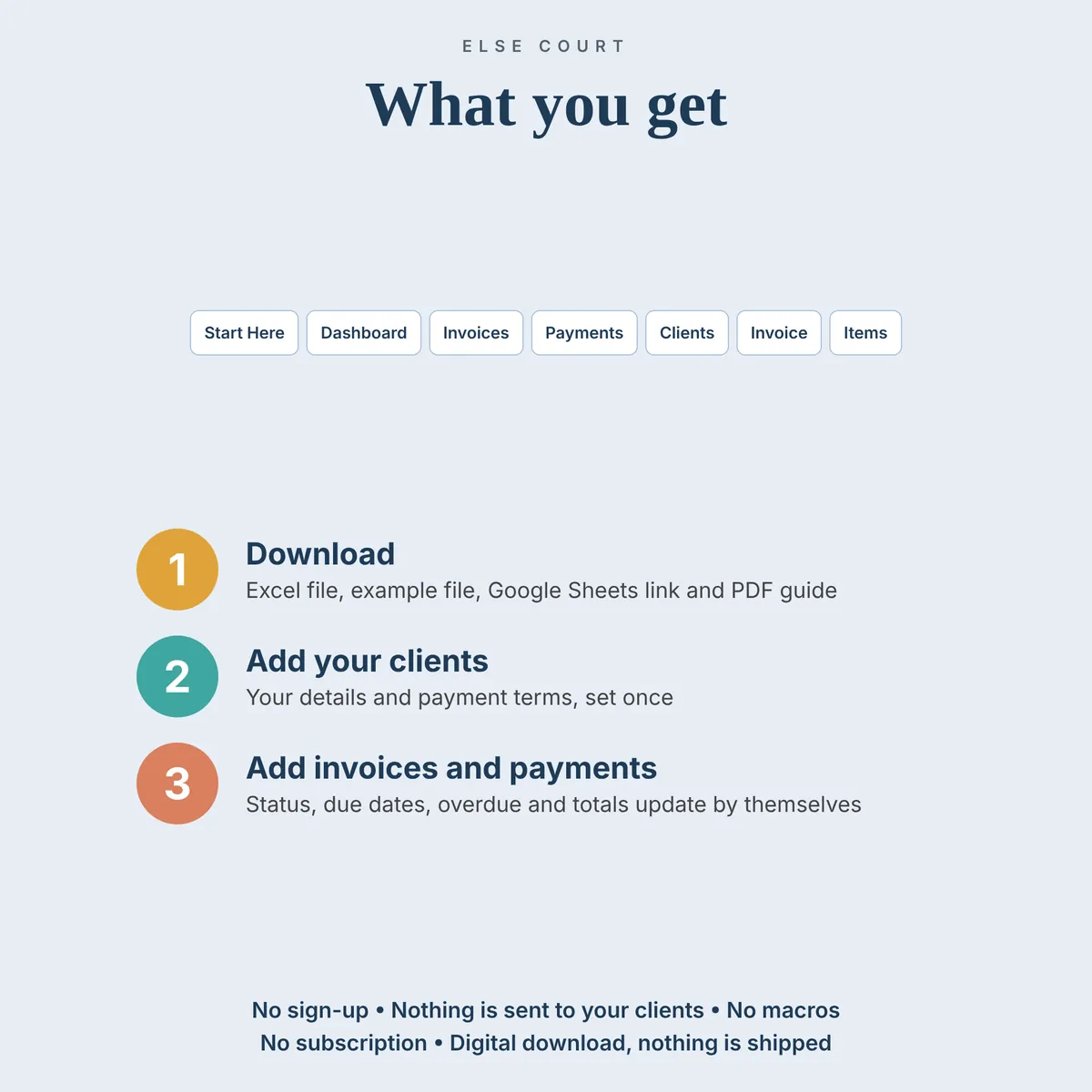
- Fill in Start Here once with your business details, payment terms and tax rate (all optional).
- Add your clients, then add each invoice with its number, client and issue date.
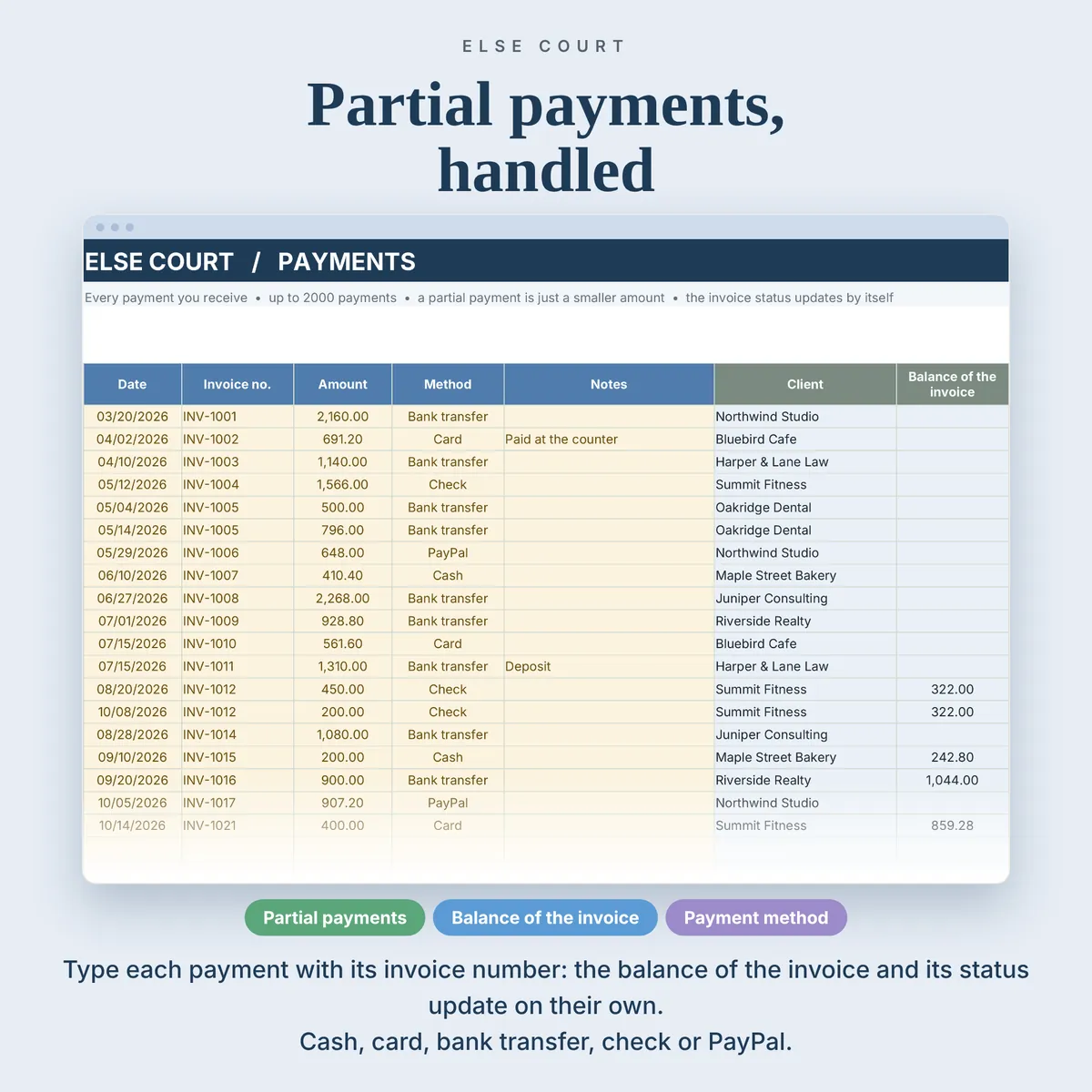
- Record every payment you receive on the Payments tab.
- Open the Dashboard to see what is outstanding and what is late, and use the Invoice tab to print any invoice.
See inside
Frequently asked questions
Does it work in Excel and Google Sheets?
Yes. You get an Excel workbook and a PDF guide with a link to make your own copy in Google Sheets. The two versions are separate files and do not sync.
Does it send invoices or reminders?
No. It is a tracking and record-keeping tool. It does not send emails, take payments or connect to a bank.
Can I record partial payments?
Yes. A partial payment is simply a smaller amount on the Payments tab, and the balance of the invoice updates.
Is there an example file?
Yes. A second Excel file is filled with sample data (8 clients, 26 invoices and 19 payments) so you can see how everything works before using your own numbers.
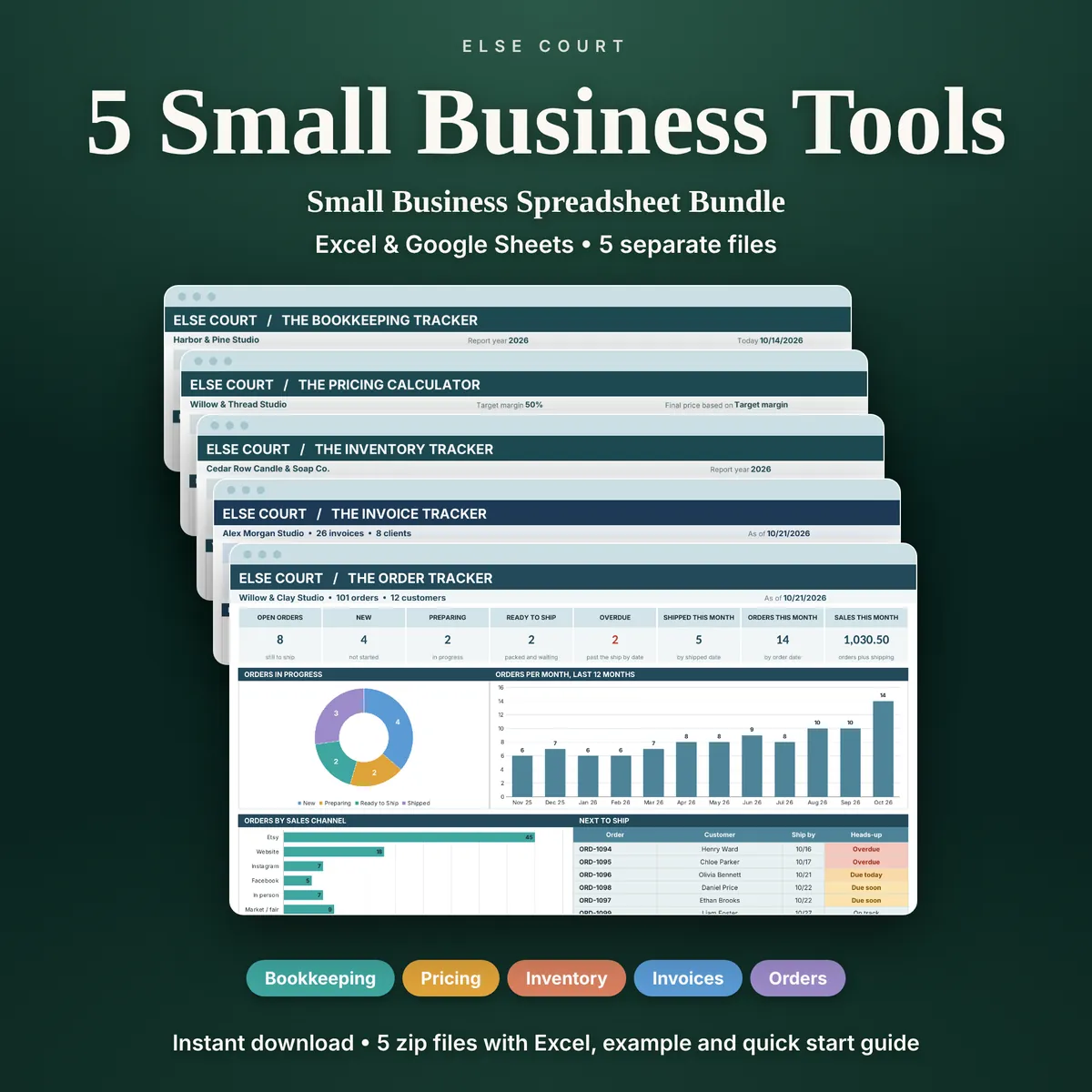
The Invoice Tracker is also one of the five tools in the Small Business Spreadsheet Bundle.
Read the guide
More in Small Business