How to Track Your Reading: What to Record and How to Start
By Federico Napoletani, Else Court · Updated 2026-10-18
What should you record for each book?
Start small. A reading tracker only works if adding a book takes seconds, so record the facts you will actually use later. Split them into two groups: what describes the book, and what describes each time you read it.
| Where | What to write |
|---|---|
| Book list | Title, author, pages, series name and number, whether you own it, how much you want to read it (priority), ISBN (optional) |
| Reading log | Which book, start date, finish date, outcome (finished, reading, did not finish), rating from 1 to 5, a short note |
Pages are useful if you like totals such as pages read per month. The ISBN is optional and only needed if you want covers to load automatically in a gallery.
Why keep a book list and a reading log separately?
One row per book looks simpler, but it breaks as soon as you reread something, abandon a book or pick it up again months later. With a separate log, the book is entered once and every read is its own row. Your totals then count reads, while your library counts books.
The same split makes questions easy to answer: how many books did you finish this year, how many pages did you read in March, and which books on your shelf are still unread.
How do you track rereads and books you did not finish?
Treat both as ordinary reads with a different outcome. A reread is a new row in the log for the same book, with its own dates. A book you stopped is a row with the outcome did not finish (DNF) and no finish date. If you restart it later, add a new row.
- Reread: same book, new row, new dates.
- DNF: start date, outcome DNF, optional note on why you stopped.
- Currently reading: start date and outcome reading, no finish date yet.
Decide in advance which year a book counts for. The most common choice is the year of the finish date, so a book started in December and finished in January belongs to January's year.
How do you keep track of a book series?
Give each book a series name and a number in the book list. Decimals are handy for a prequel (0.5) or a novella (2.5). Then add a small series table with the series name and, if you know it, how many books it has in total.
From those two pieces you can work out three things: how many volumes you own, how many you have read, and which one comes next. A simple rule for the next volume is the lowest-numbered book in the series that has no read yet.
Should you set a yearly reading goal?
A goal is optional, and it is only useful as a reference point. If you like one, write it as a number of books for the year and compare it with the books finished so far. Use a goal that feels comfortable for your schedule, and change it if your year changes. Many readers prefer to skip goals entirely and just watch the totals.
How do you set up a reading tracker in a spreadsheet?
- Create a Books sheet with the columns title, author, pages, series, series number, ownership and priority.
- Add an automatic Book ID (B0001, B0002…) so each book has one stable reference.
- Create a Reading log sheet with Book ID, start date, finish date, outcome and rating.
- Use a dropdown for the outcome (finished, reading, DNF) so the values are always spelled the same way.
- Add a summary sheet that counts finished reads by year and month, for example with COUNTIFS on the outcome and the finish date.
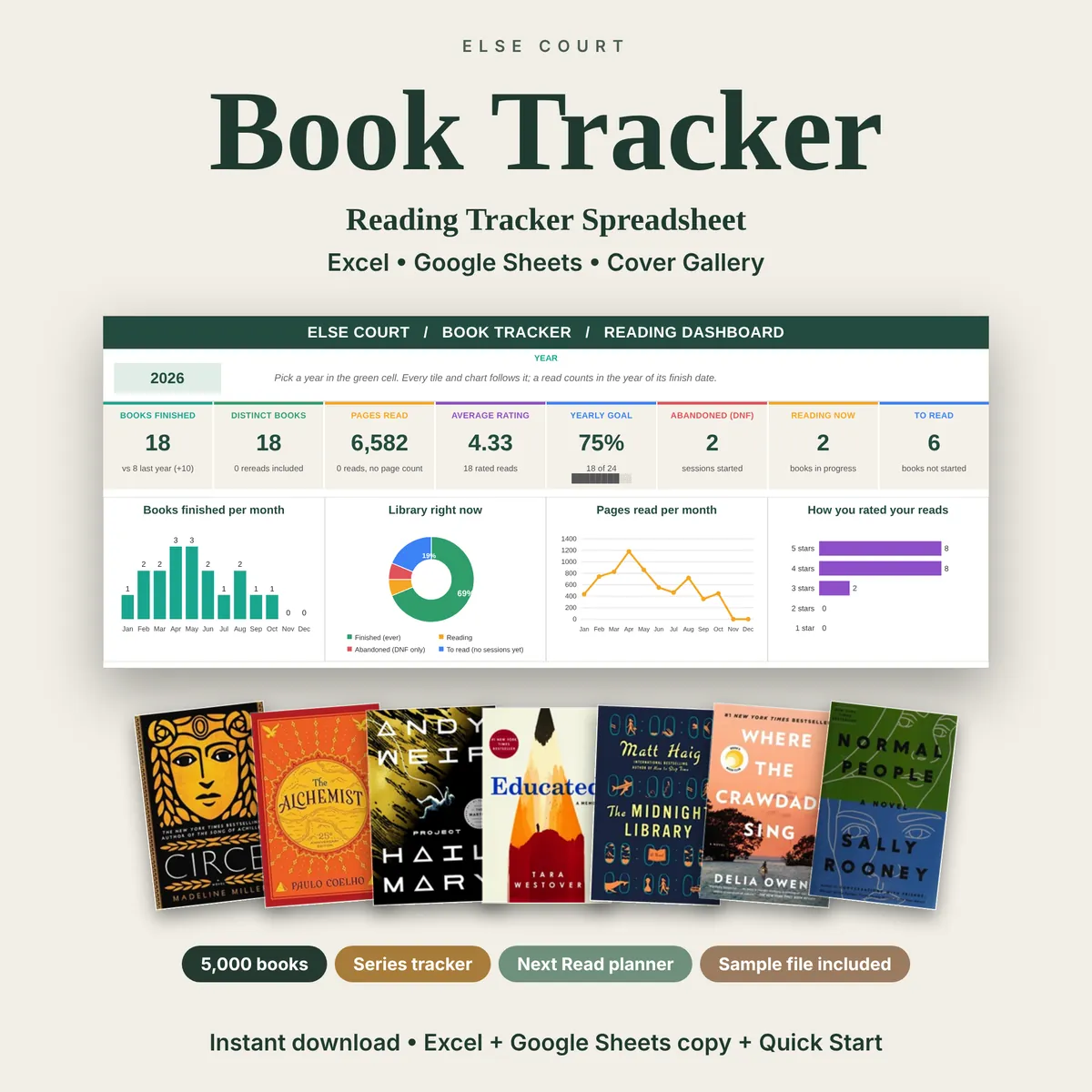
- Optionally add a series table and a yearly goal cell, and a chart for books finished per month.
Keep the input cells visually distinct from the formula cells, so you never overwrite a calculation by accident.
Spreadsheet, app or paper journal?
| Option | Good for | Less good for |
|---|---|---|
| Spreadsheet | You own the file, can count anything you like and see the whole library at once | You enter data yourself and there is no automatic book search |
| Reading app | Fast to add books, social features, syncing across devices | Your data lives in someone else's service and exports vary |
| Paper or PDF journal | Best for writing thoughts and quotes about each book | Hard to count totals unless you add them by hand |
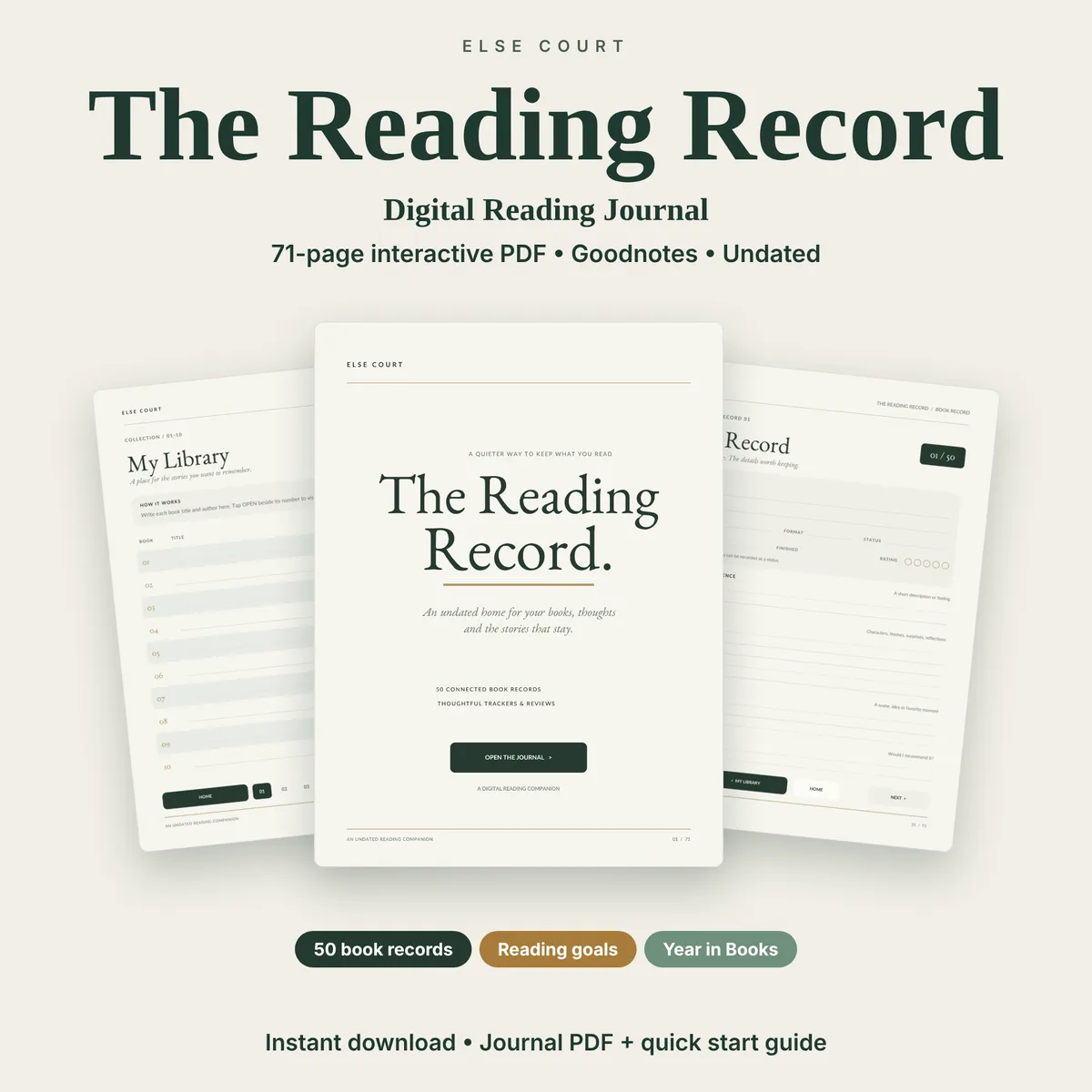
Many readers use more than one: a spreadsheet for the numbers and a journal for notes. If you want both in a ready-made form, the Book Tracker is a spreadsheet with a book library, a reading log, series tracking and a cover gallery, and The Reading Record is a journal PDF with a page for each book.
Frequently asked questions
How many books should I track?
As many as you like. Most readers start with the books they own and the ones on their to-read list, then add each new book as they start it.
Do I need the ISBN of each book?
No. The ISBN is optional. It is only needed if you want a gallery to look up the cover image automatically.
Which year does a book count for?
Most trackers count a book in the year of its finish date. Choose one rule and keep it, so your yearly totals stay comparable.
Should I rate every book?
Ratings are optional. If you rate, use a scale you can keep consistent, such as 1 to 5 stars, and rate when you finish rather than months later.
Can I use the same tracker in Excel and Google Sheets?
Yes. Plain formulas such as COUNTIFS and SUMIFS work in both. Features that load images from the internet depend on the program you use.
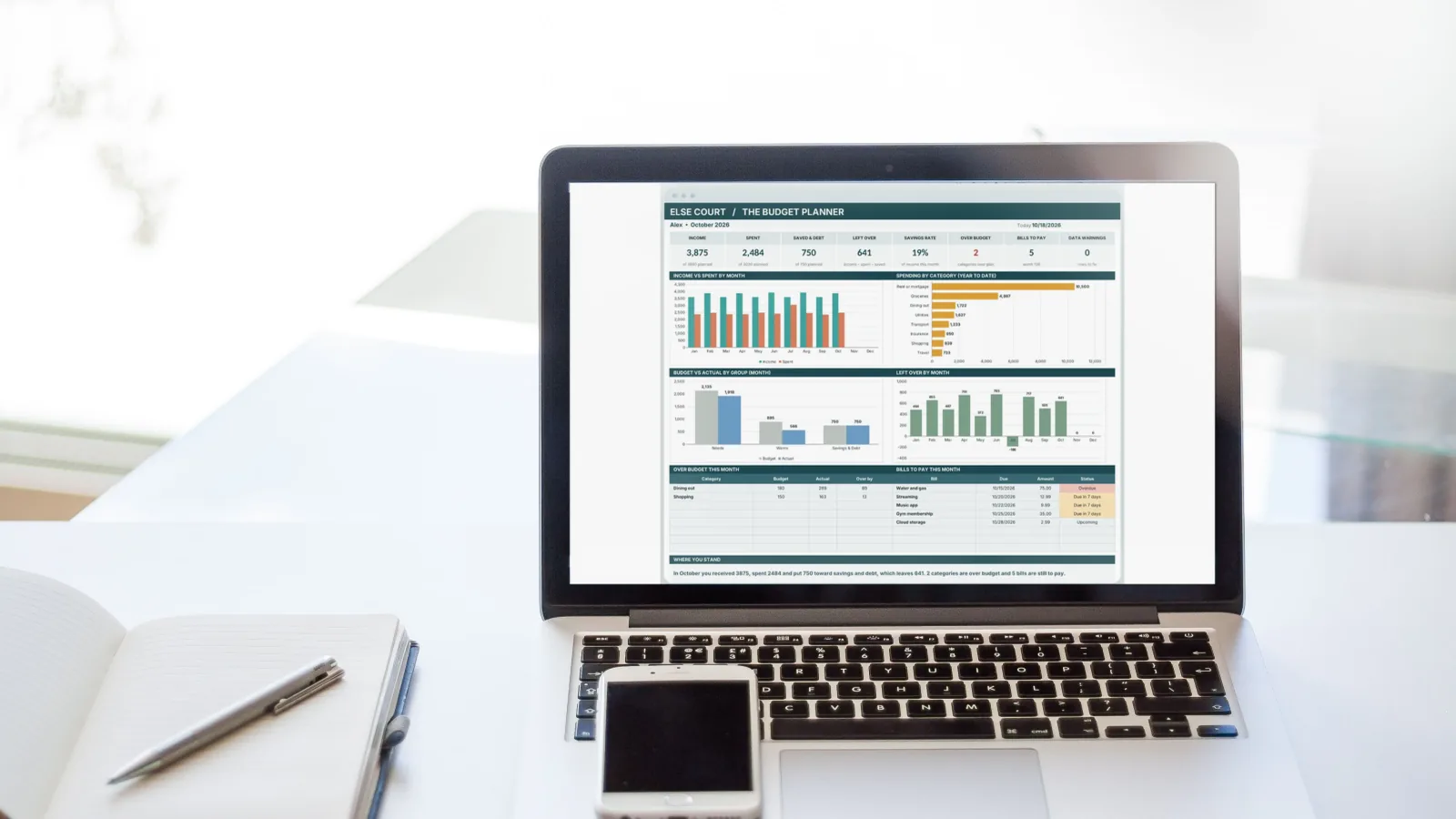
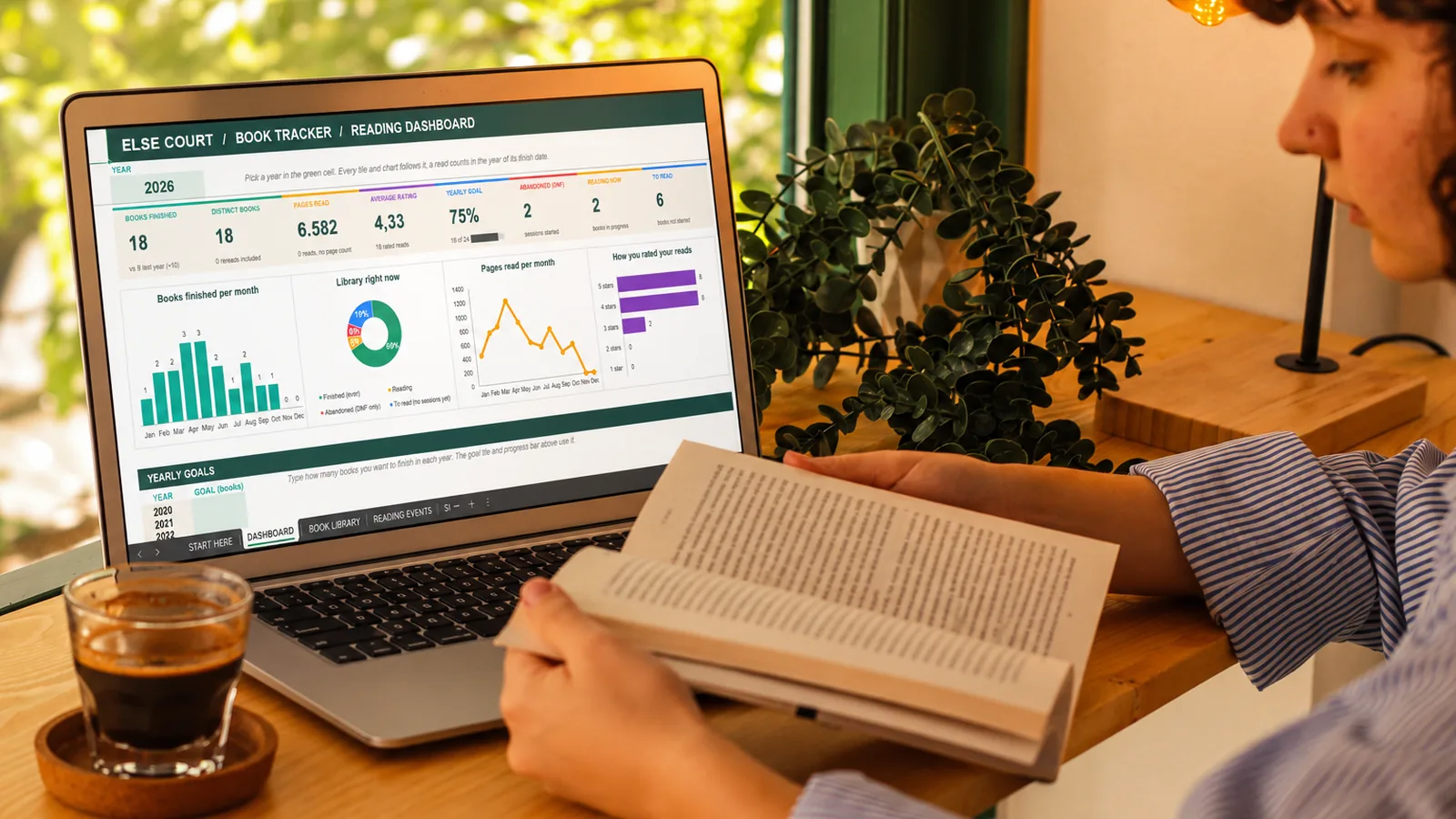
Photo: Esra Salturk on Pexels, with an Else Court dashboard shown on the screen.