Home › Personal Finance › Paycheck Budget Spreadsheet: Biweekly & Semi-Monthly Pay
Paycheck Budget Spreadsheet: Biweekly & Semi-Monthly Pay
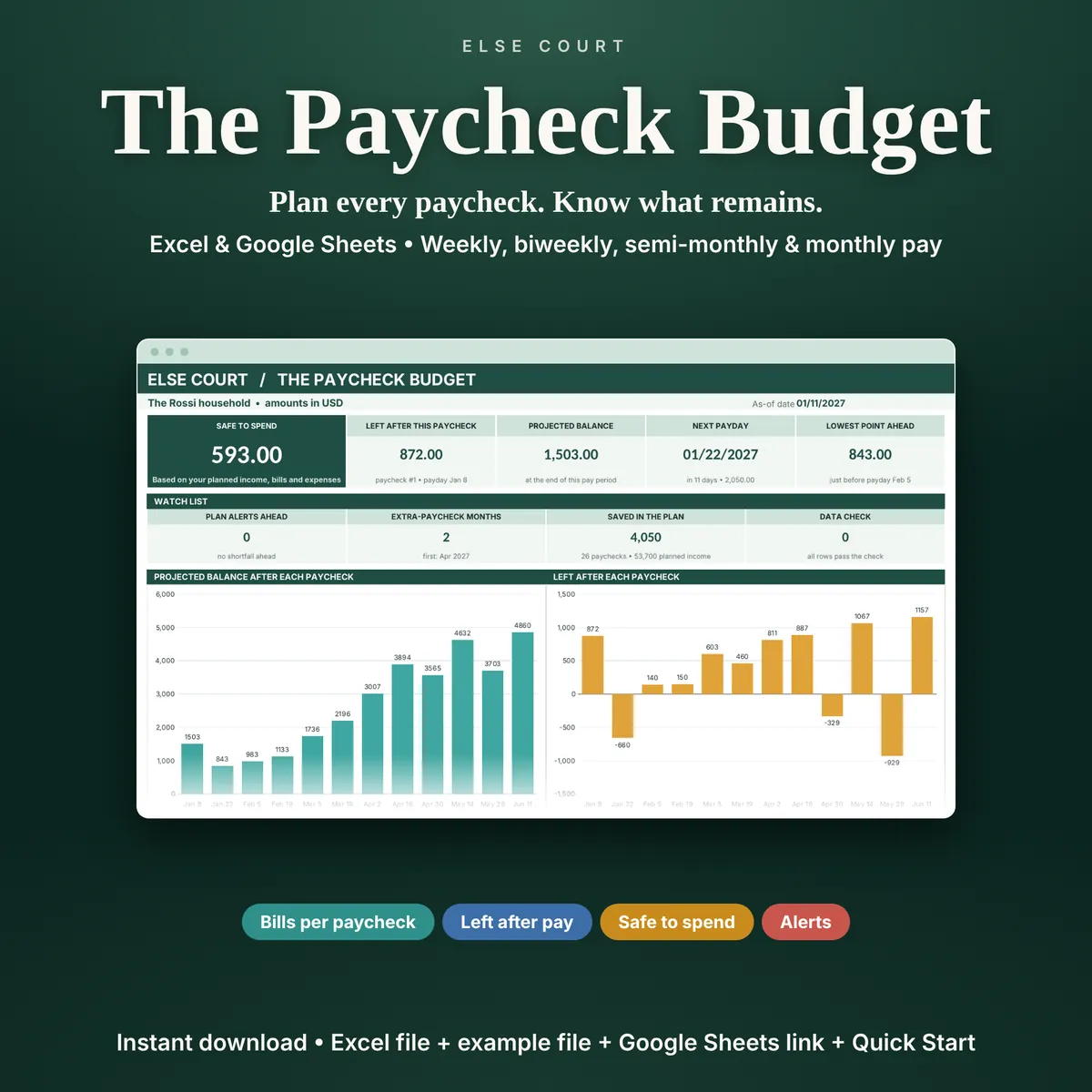
A monthly budget hides a problem that paycheck-by-paycheck budgeting shows: the rent and the car loan can fall in the same pay period, and the next paycheck arrives too late to help. The Paycheck Budget lays your bills out against your real paydays.
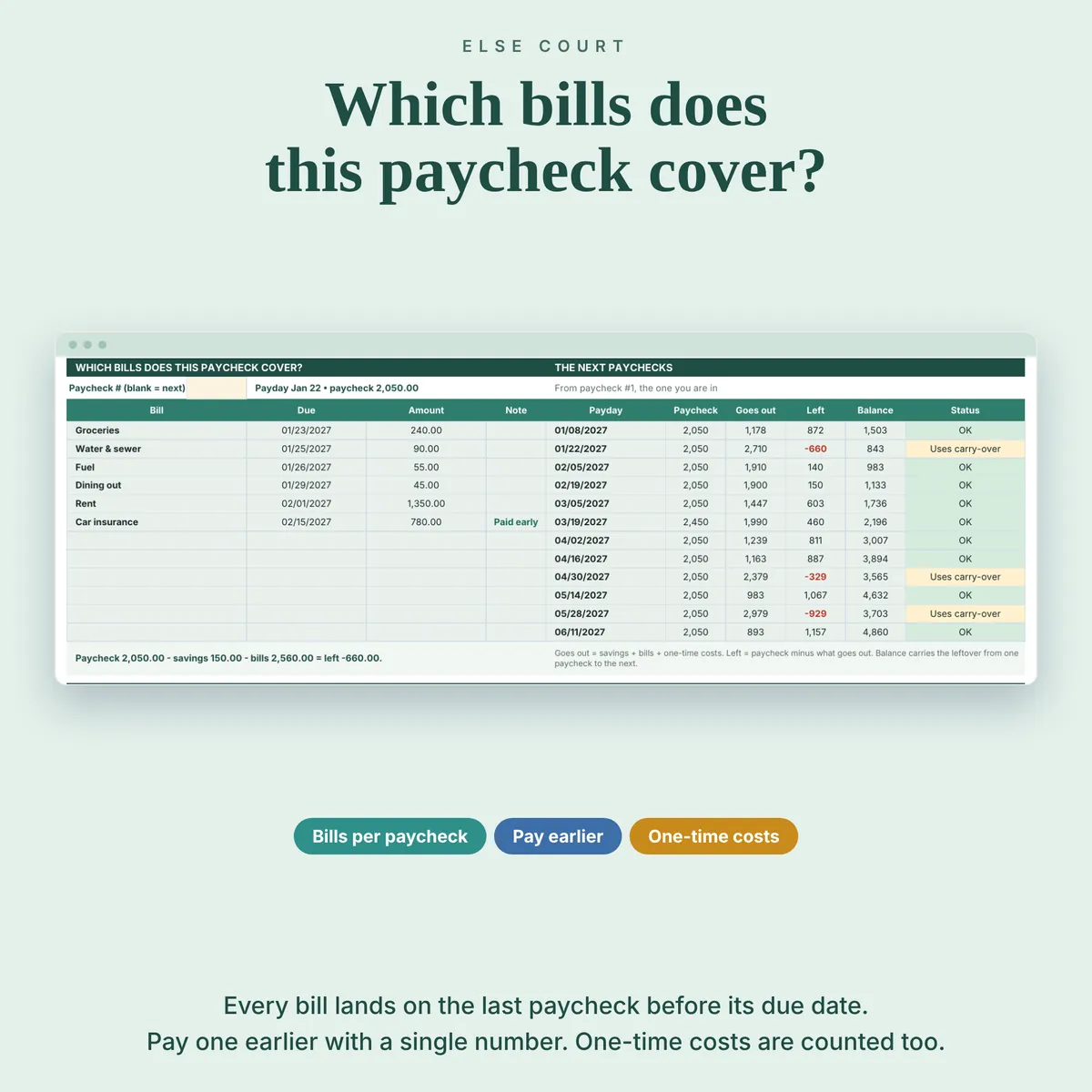
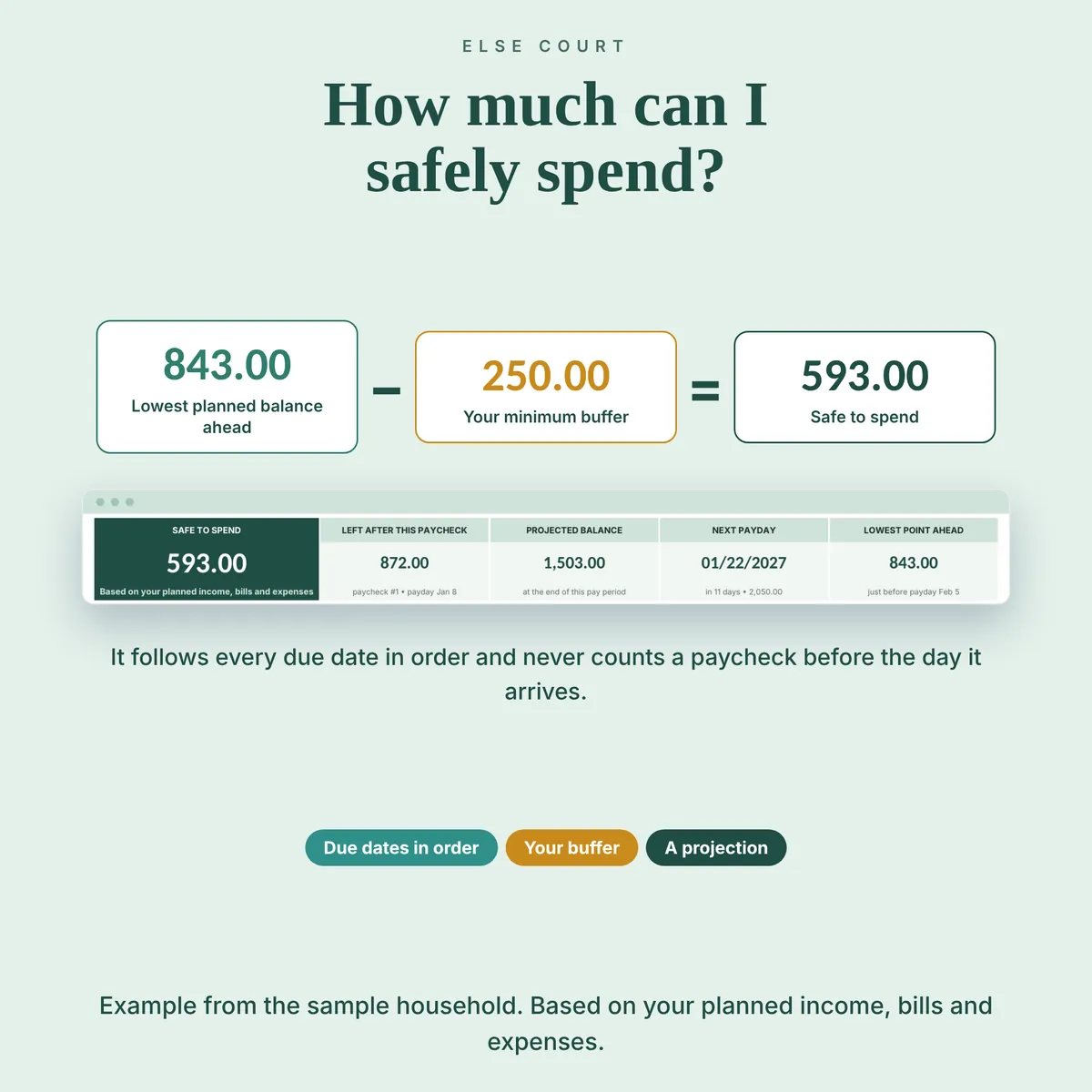
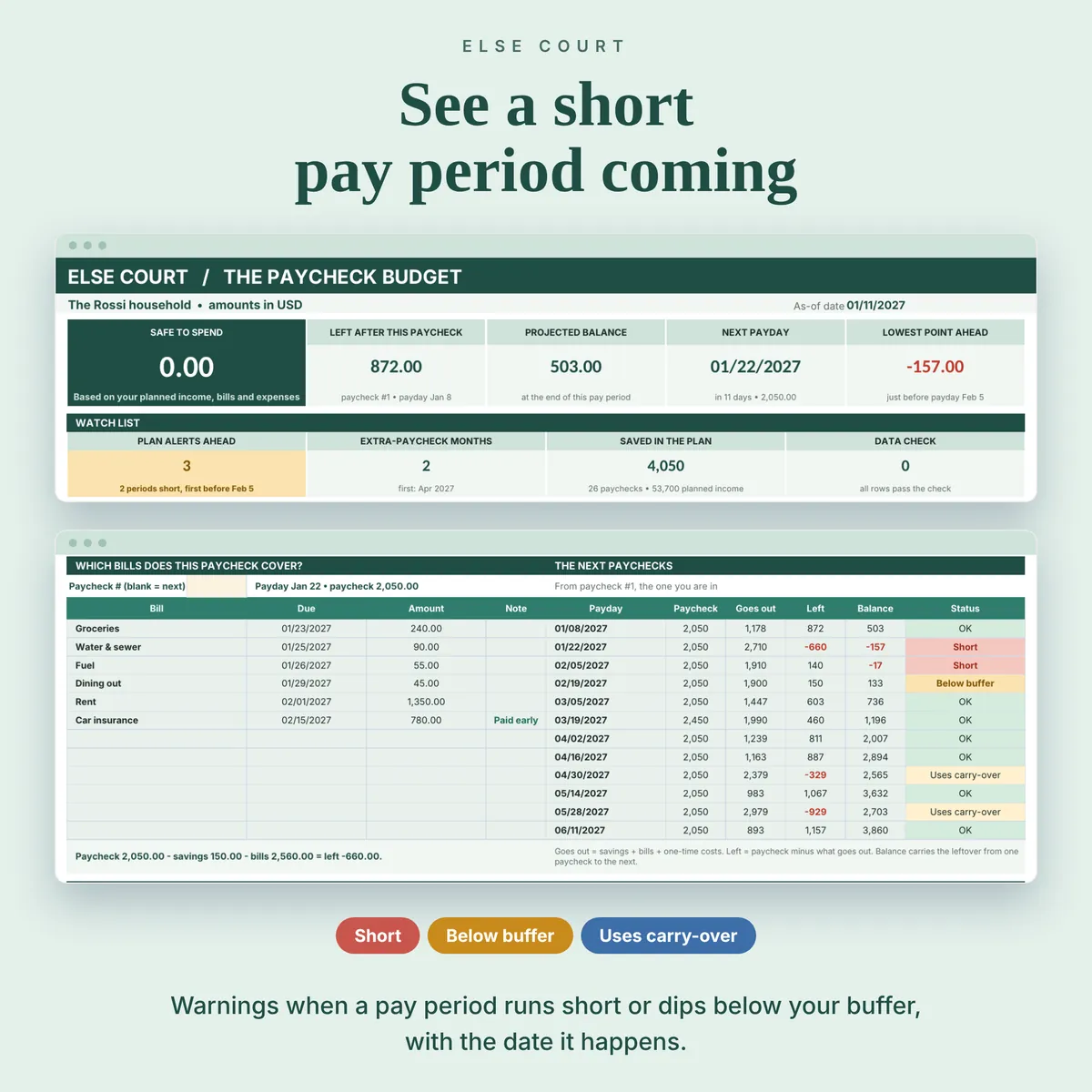
Enter your pay schedule, your bills and your one-time costs. The sheet places each bill on the last paycheck before its due date, shows what is left after every paycheck, carries the balance forward and tells you if a pay period will run short. Safe to Spend is the lowest planned balance still ahead, minus the buffer you set, and it never counts a paycheck before its payday.
Everything is based on your planned income, bills and expenses. It is a projection, not your bank balance, and it does not connect to your bank. It is a digital download for Excel and Google Sheets.
Digital download. Works in Excel and Google Sheets. Nothing is shipped.
What this spreadsheet tracks
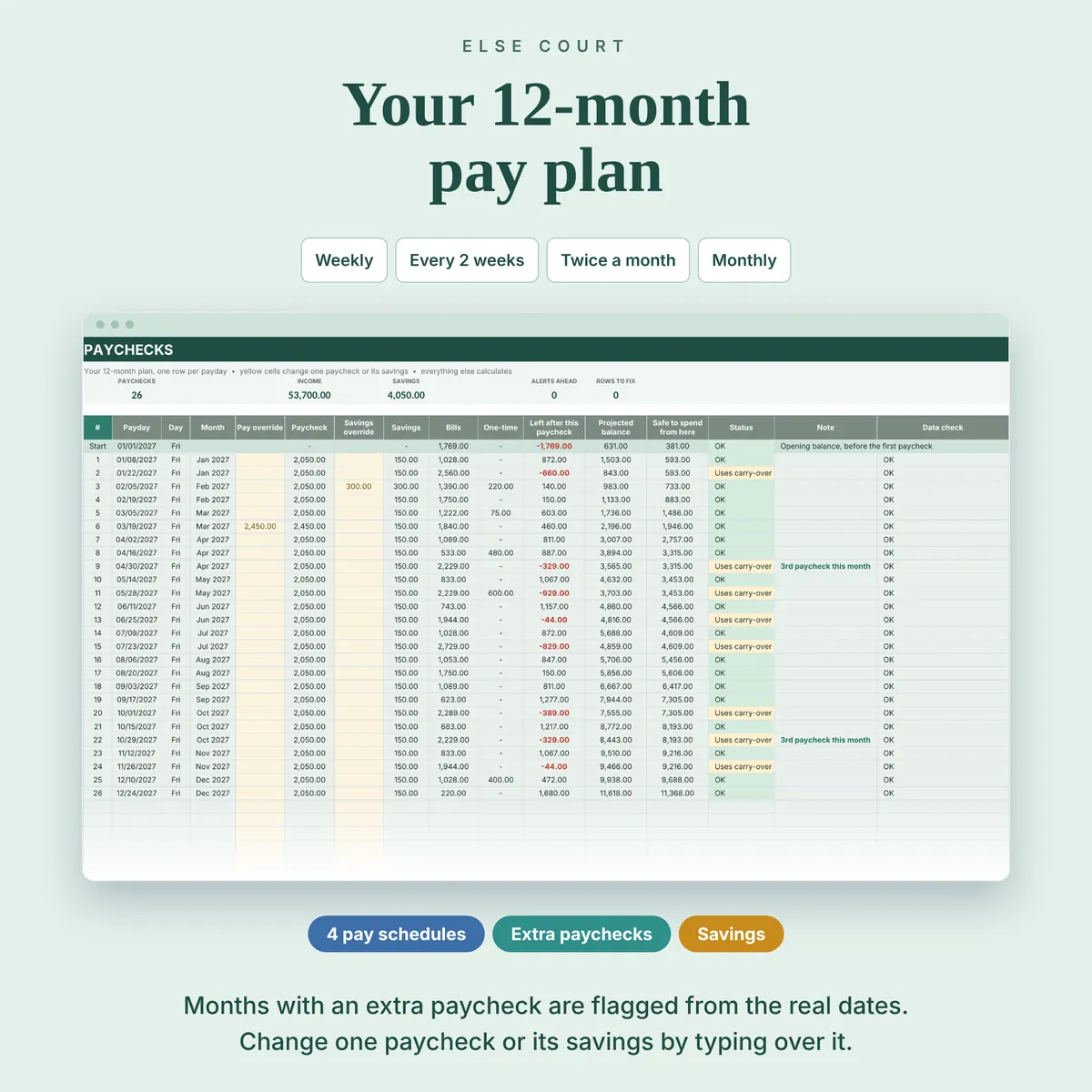
- Weekly, every 2 weeks, twice a month (two days you choose) or monthly pay, with a plan for the next 12 months
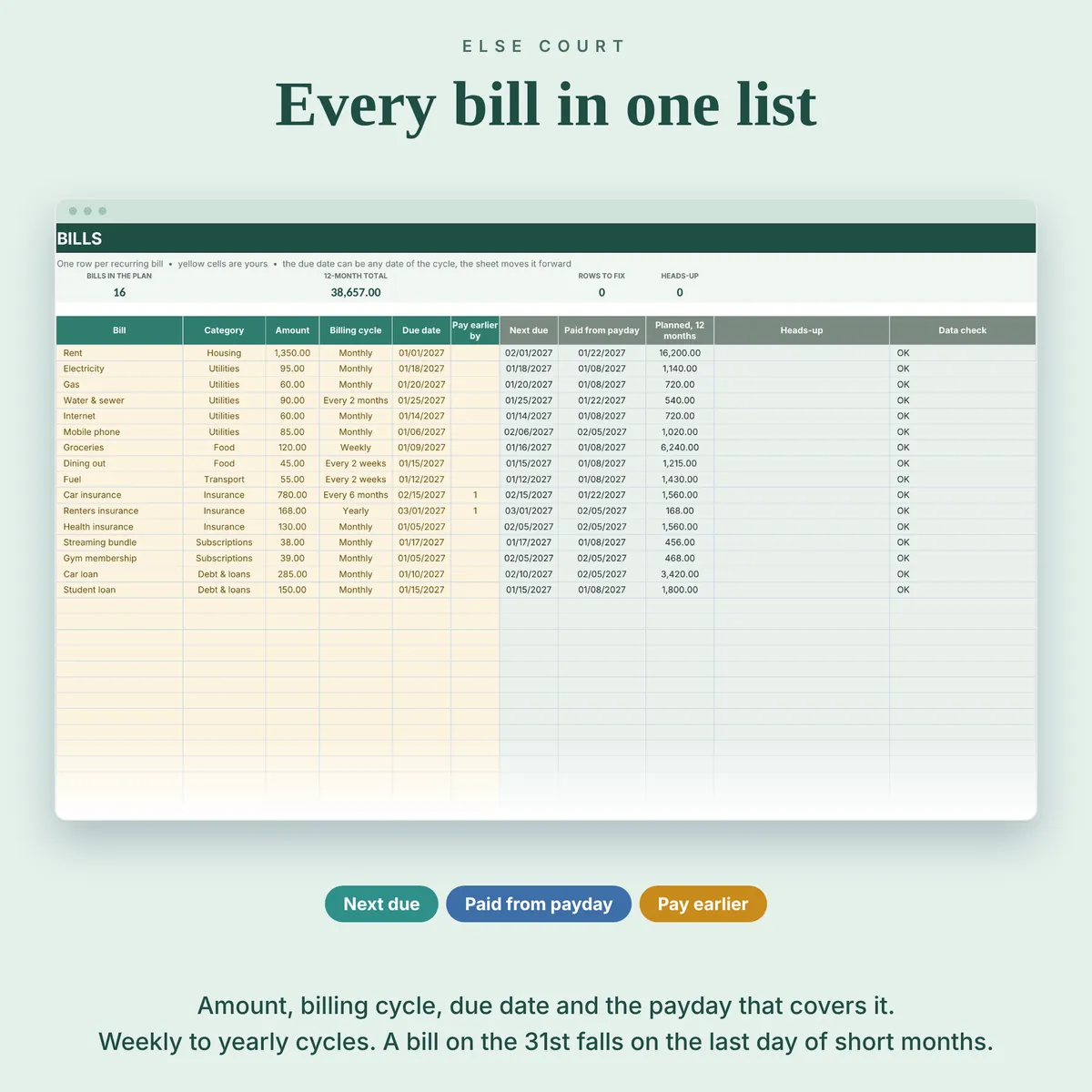
- Up to 60 bills with cycles from weekly to yearly, and up to 60 one-time costs
- The paycheck that covers each bill, with an option to pay a bill earlier by one or more paychecks
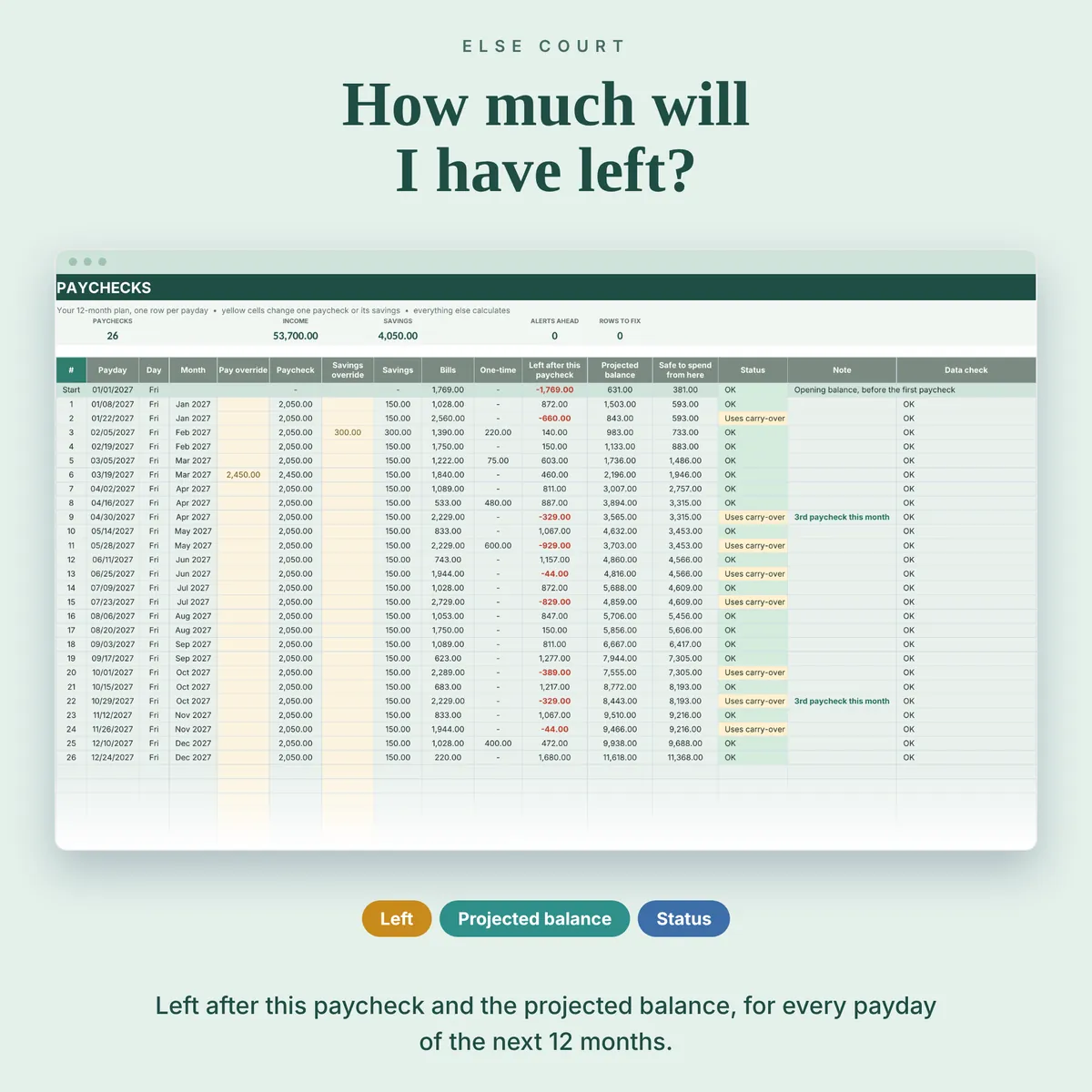
- Left after this paycheck, the projected balance and a status for every paycheck: OK, Uses carry-over, Below buffer or Short
- Safe to Spend, calculated in date order from the as-of date
- Variable paychecks, savings per paycheck and months with an extra paycheck flagged
Who it's for
- People paid weekly, every 2 weeks, twice a month or monthly who budget by paycheck
- Households with irregular paychecks or bills that cluster at the start of the month
- Anyone who wants to see a tight pay period before it happens
How it works
- Fill in Start Here: balance date, opening balance, pay schedule, paycheck, savings and buffer.
- List your bills with category, amount, cycle and one due date, and add any one-time costs.
- Read the Paychecks tab to see what each paycheck covers and what is left.
- Open the Dashboard for Safe to Spend, the lowest point ahead and any alerts.
See it in action
See inside
Frequently asked questions
Does it work in Excel and Google Sheets?
Yes. You get an Excel workbook and a PDF guide with a link to make your own copy in Google Sheets. The two versions are separate files and do not sync.
Is Safe to Spend my bank balance?
No. It is a projection from the opening balance, paychecks, bills and costs you enter. Update the balance date and opening balance to re-sync it with your account.
What if a bill is due before my first paycheck?
It is paid from your opening balance and shown in the first row of the Paychecks tab, so it never disappears.
Does it mark bills as paid or track transactions?
No. It is a planning tool without Paid or Unpaid tracking, and it does not connect to your bank.
Is there an example file?
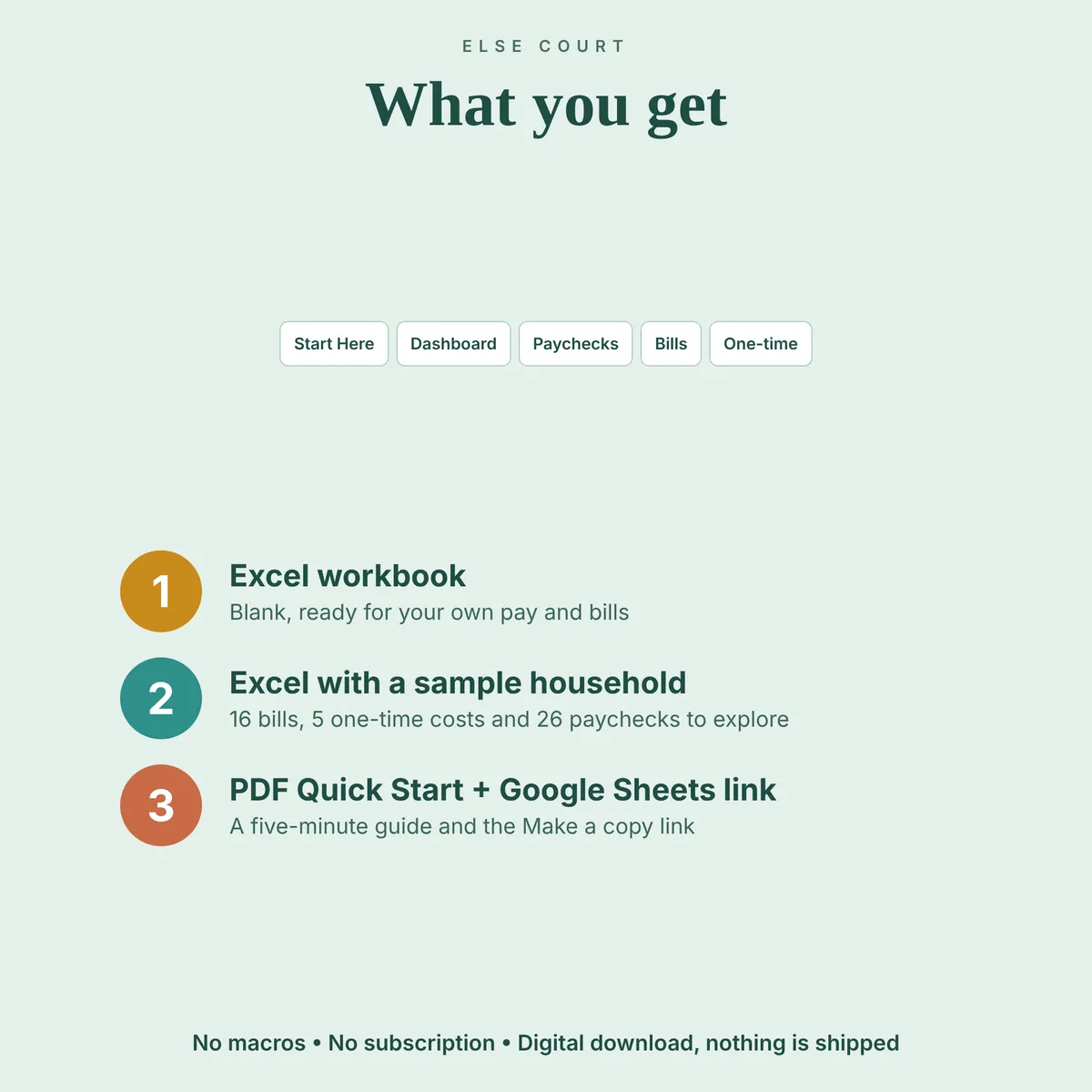
Yes. A second Excel file is filled with example data (a household paid every 2 weeks, with 16 bills and 5 one-time costs), so you can see how everything works before using your own numbers.
Read the guide
More in Personal Finance