Home › Personal Finance › Subscription Tracker Spreadsheet & Bill Calendar
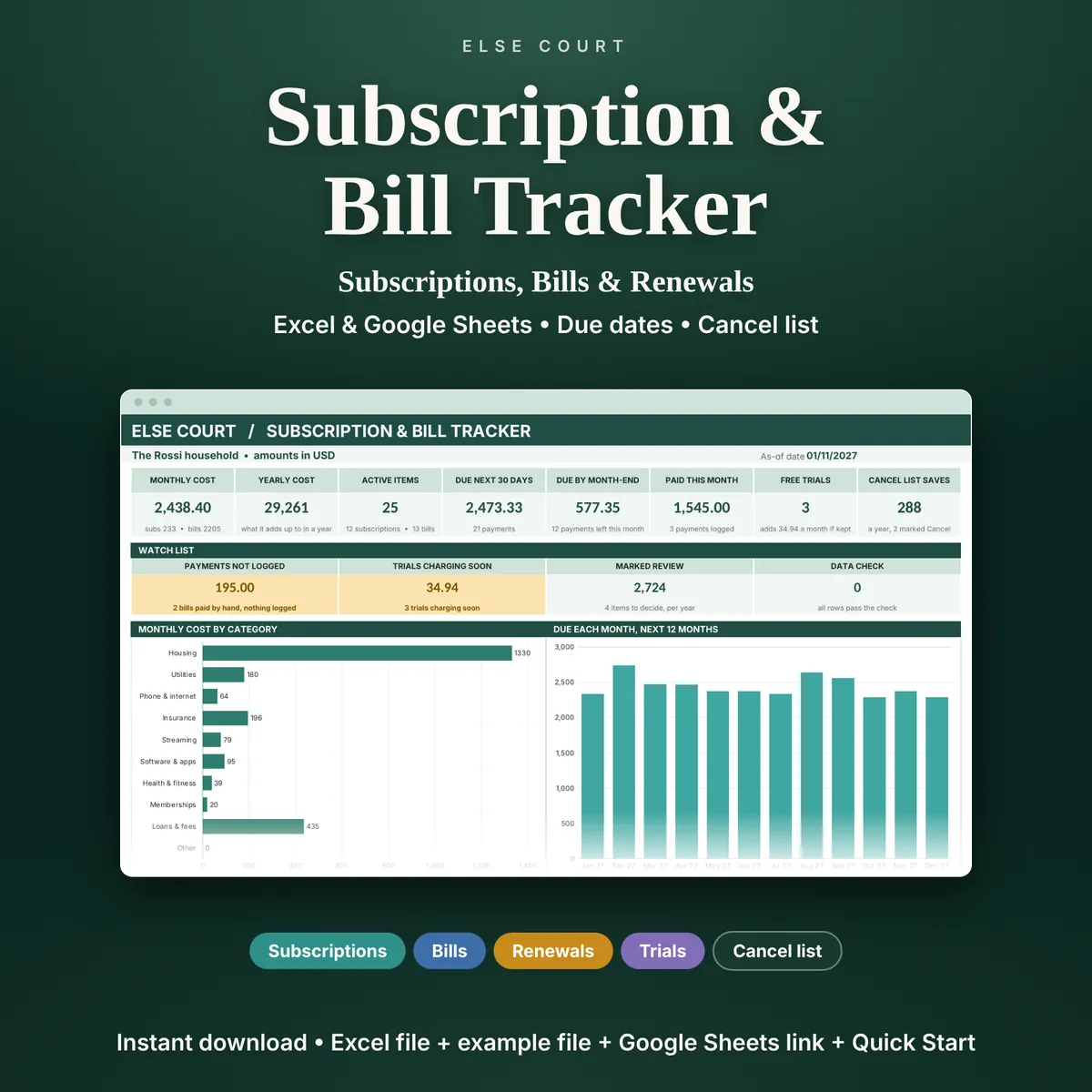
Subscription Tracker Spreadsheet & Bill Calendar
Most people know roughly what they pay for streaming and apps, and much less about the annual renewals, the free trial that is about to charge and the bills that fall due the same week. The Subscription and Bill Tracker puts everything you pay again and again in one list.
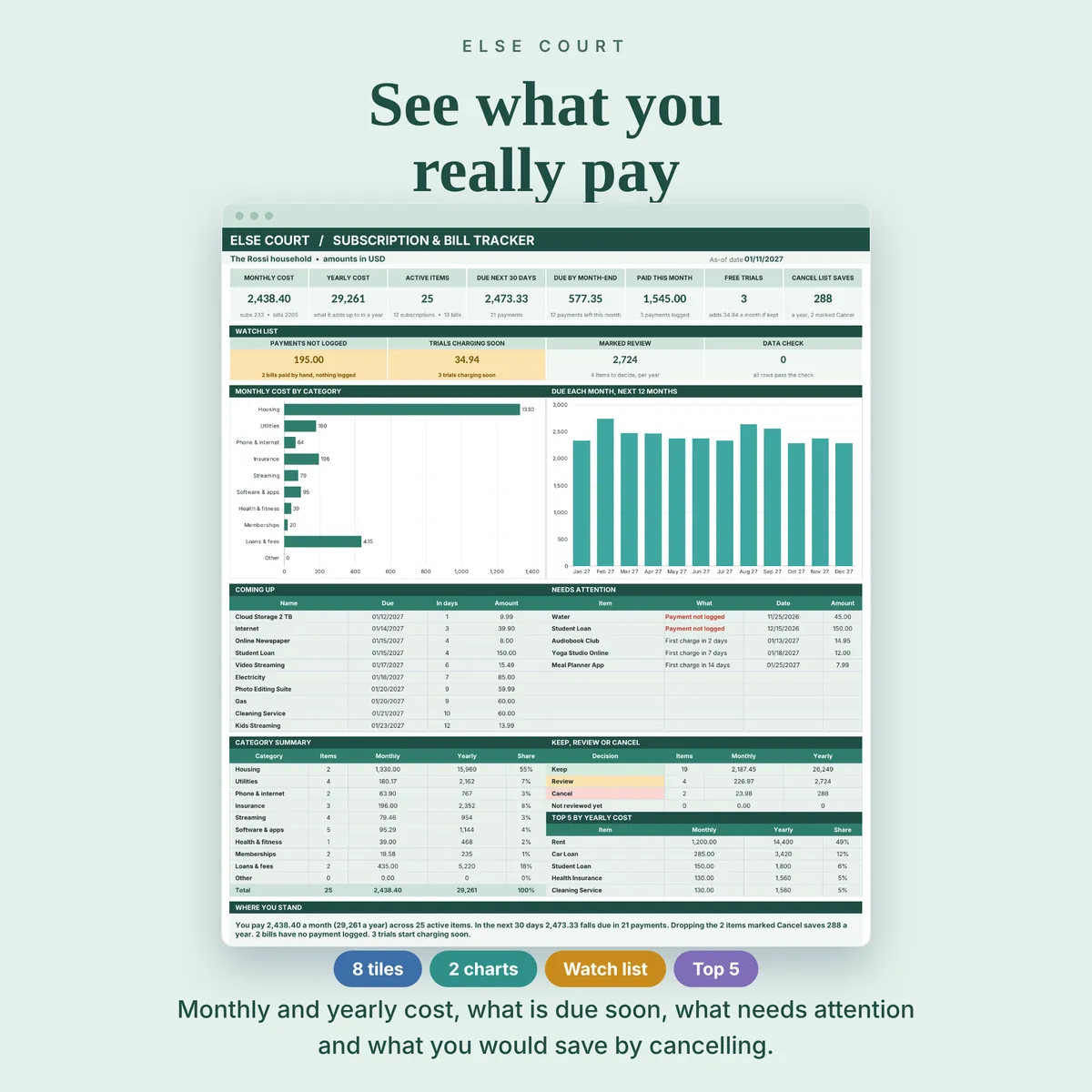
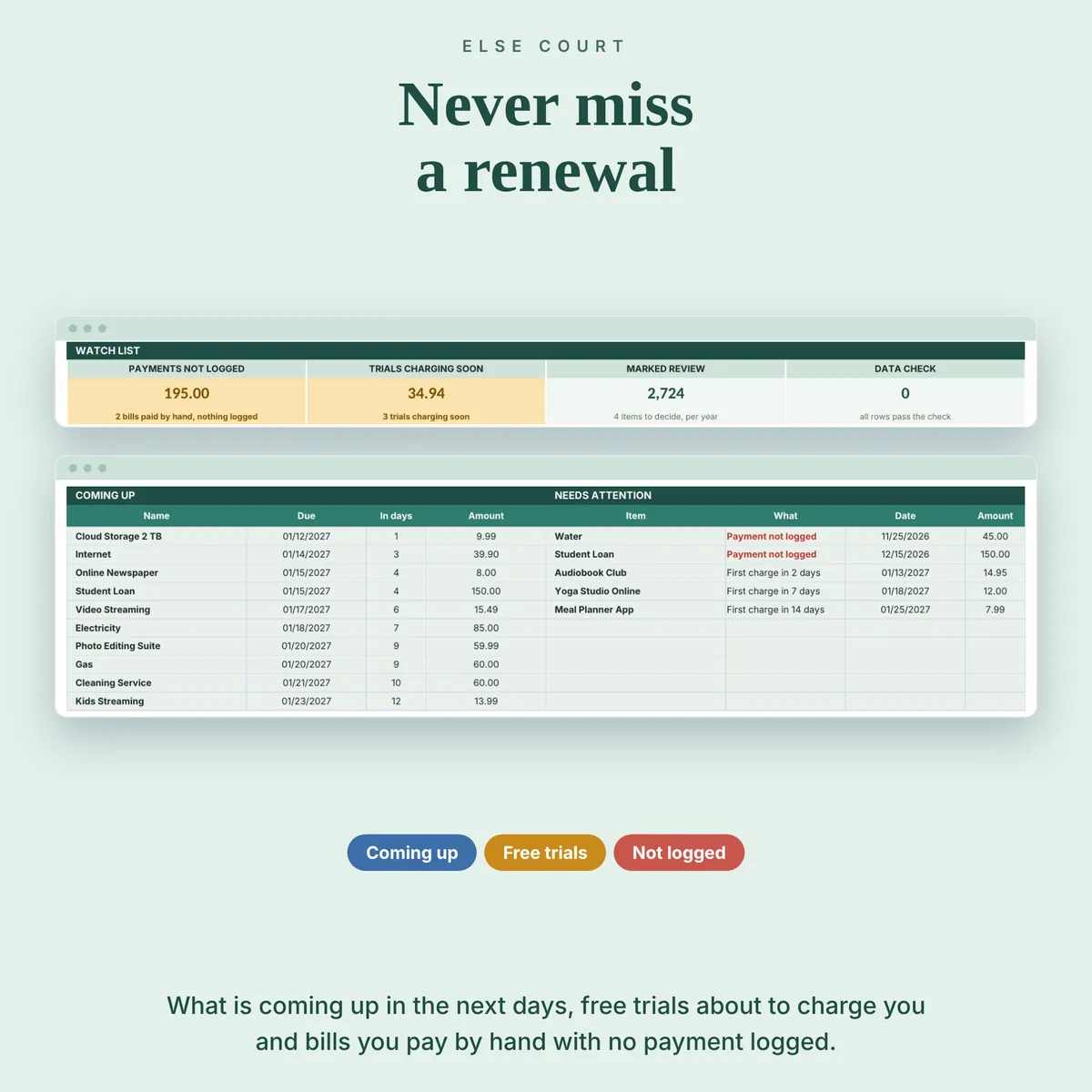
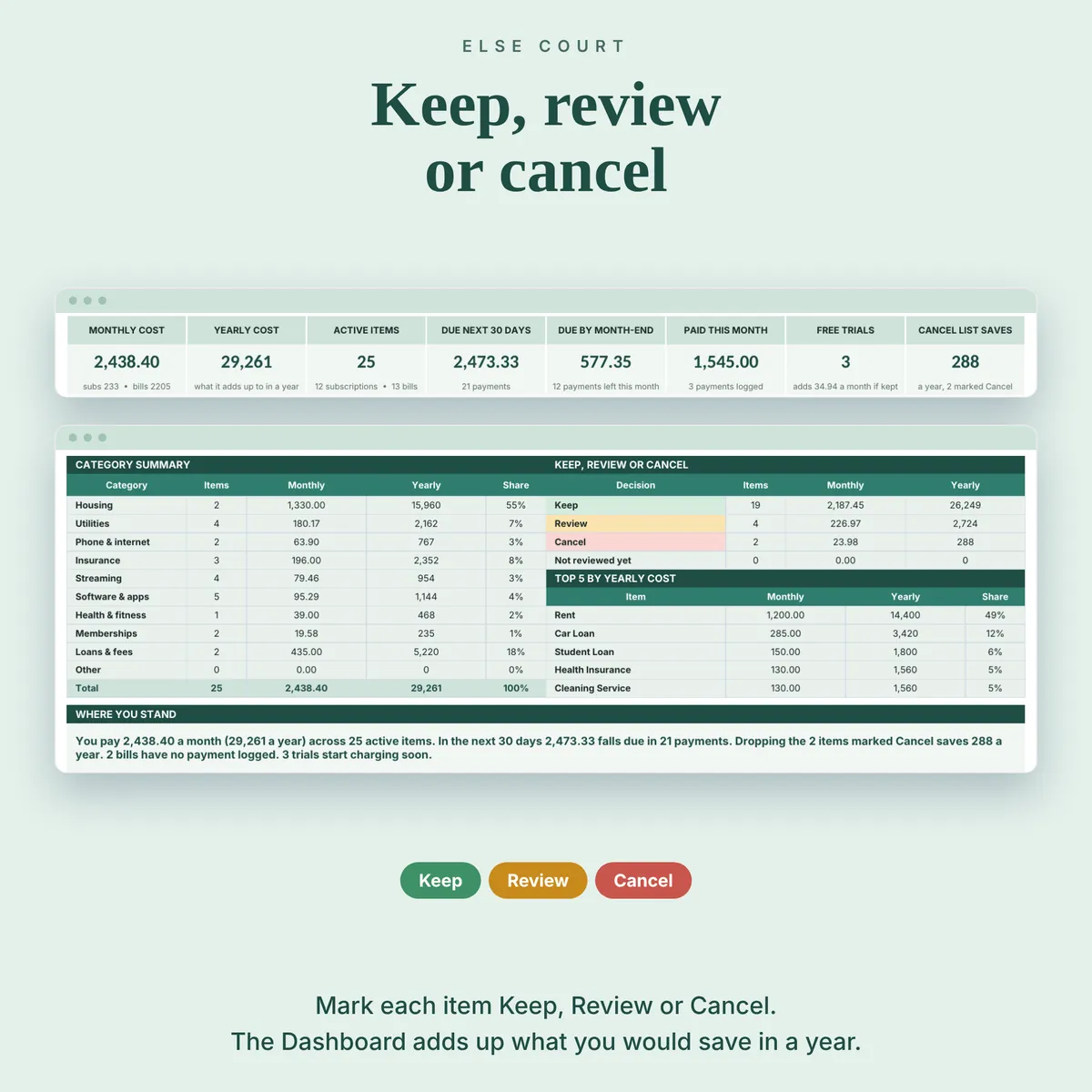
For each item you enter the amount, how often it is billed and one billing date. The sheet works out the monthly and yearly cost, moves the date forward by itself to the next due date, flags what is coming up and adds up what you would save by cancelling the items you marked.
It is a digital download for Excel and Google Sheets, for households, freelancers and small businesses. It does not connect to a bank, so the list stays in your own file.
Digital download. Works in Excel and Google Sheets. Nothing is shipped.
What this spreadsheet tracks
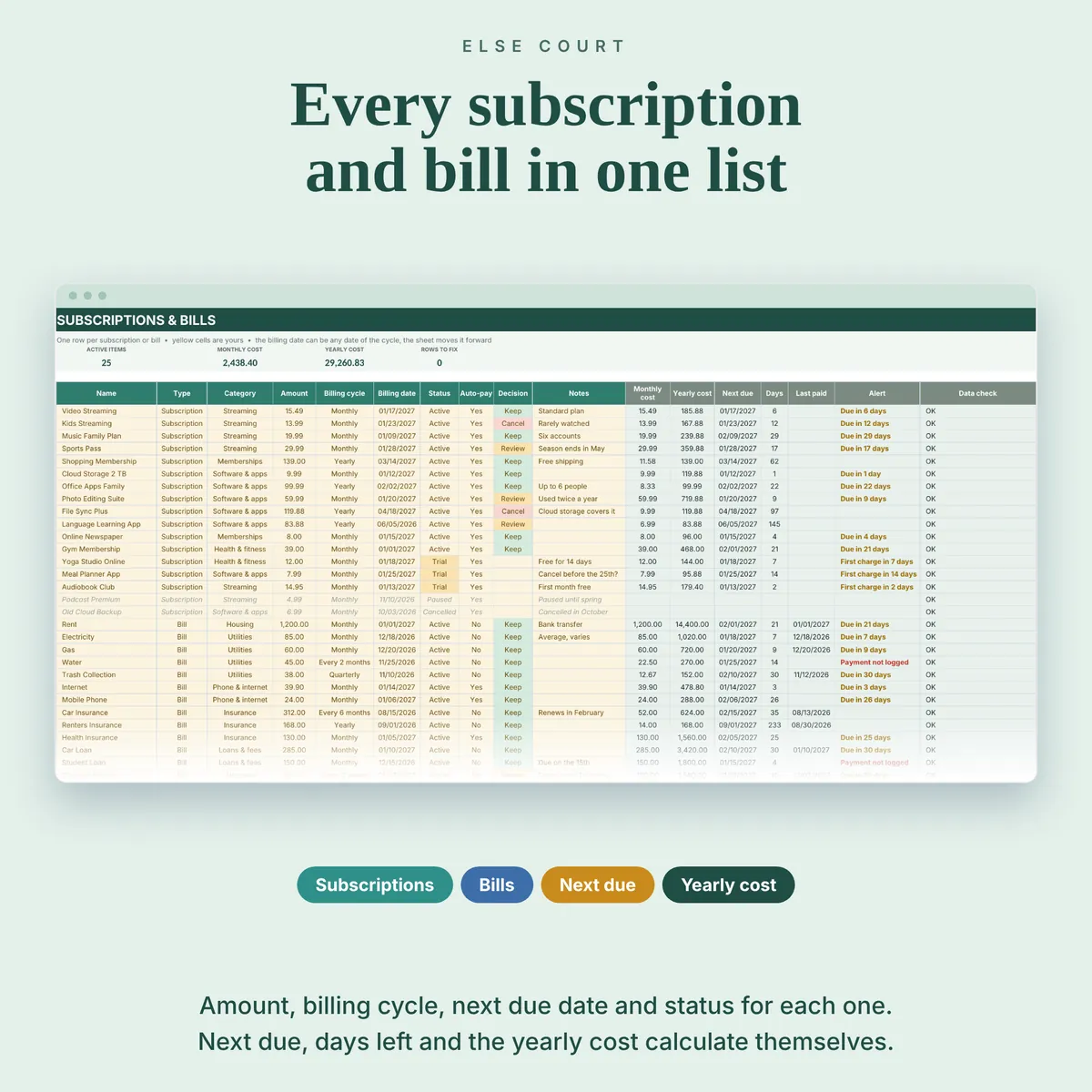
- Up to 100 subscriptions and bills with type, category, amount, billing cycle and status
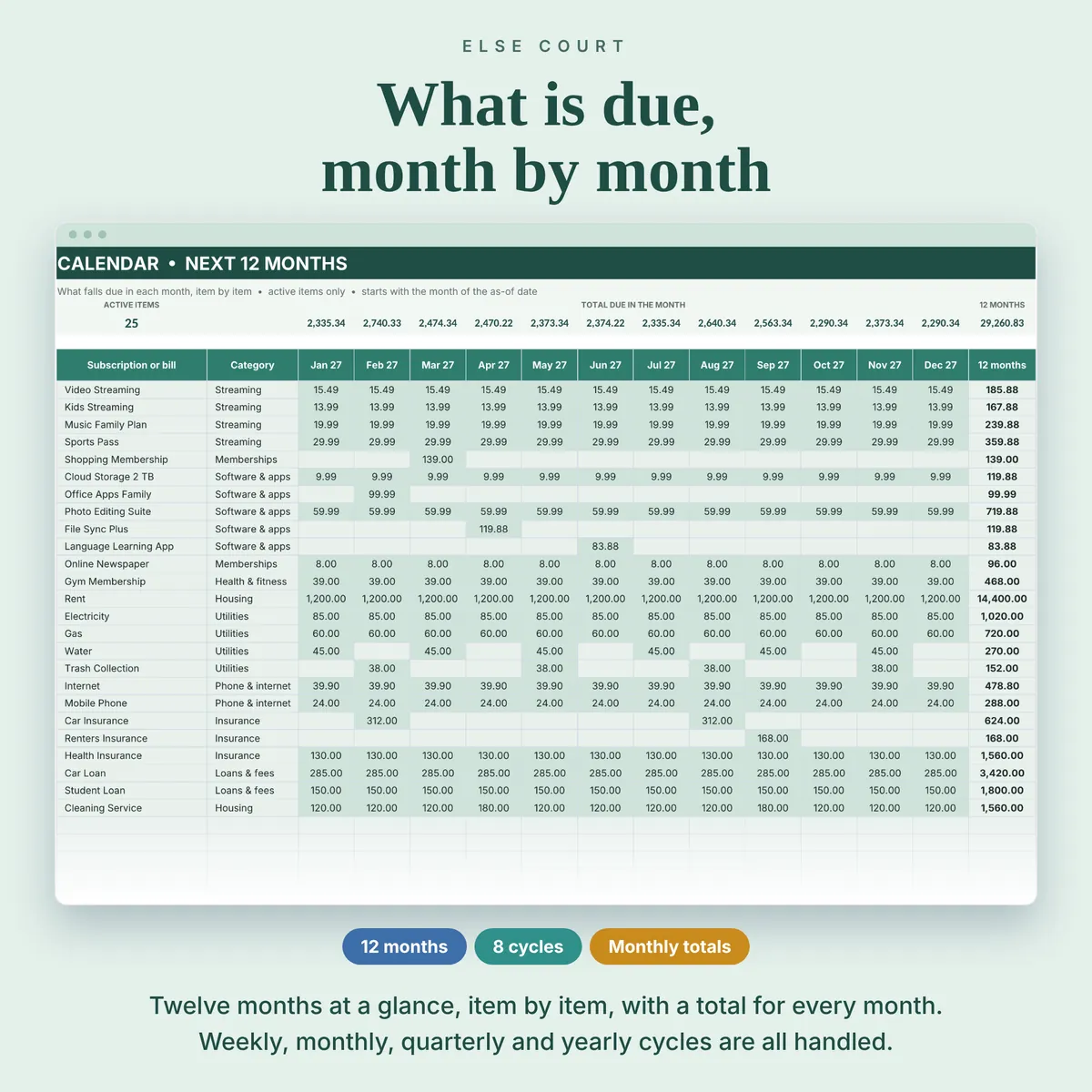
- Weekly to yearly cycles, with month-end dates handled
- Monthly cost, yearly cost, next due date and days left for every item
- Free trials with a first-charge warning, and a Payment not logged alert for bills you pay by hand
- A Keep, Review or Cancel decision for each item, with the yearly saving
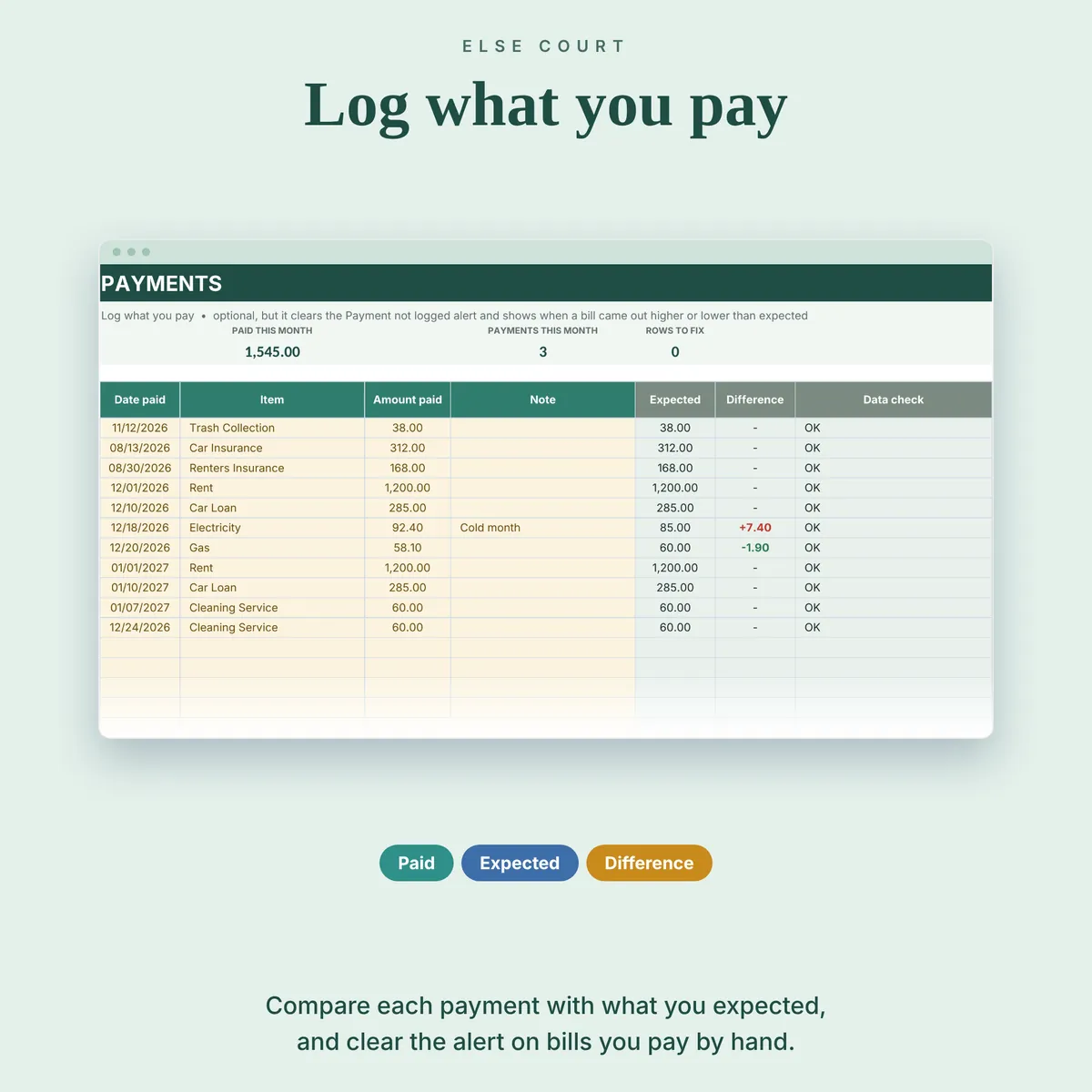
- A 12-month calendar and a payment log with the expected amount and the difference
Who it's for
- Households that want to see what recurring payments cost in a year
- Freelancers and small businesses with software and service subscriptions
- Anyone who wants to catch free trials before they turn into charges
How it works
- Fill in Start Here: a currency label and how many days ahead to look.
- List your subscriptions and bills with amount, cycle and one billing date.
- Set the status, mark auto-pay and choose Keep, Review or Cancel.
- Optionally log payments, then read the Dashboard and the Calendar.
See it in action
See inside
Frequently asked questions
Does it work in Excel and Google Sheets?
Yes. You get an Excel workbook and a PDF guide with a link to make your own copy in Google Sheets. The two versions are separate files and do not sync.
Does it connect to my bank or send reminders?
No. It does not connect to any account and sends no emails or notifications. Open the file to check what is due.
Do I have to update the dates?
No. Enter any one billing date, past or future, and the sheet moves it forward to the next due date.
Does it cancel subscriptions for me?
No. It only records your decision and adds up what cancelling would save.
Is there an example file?
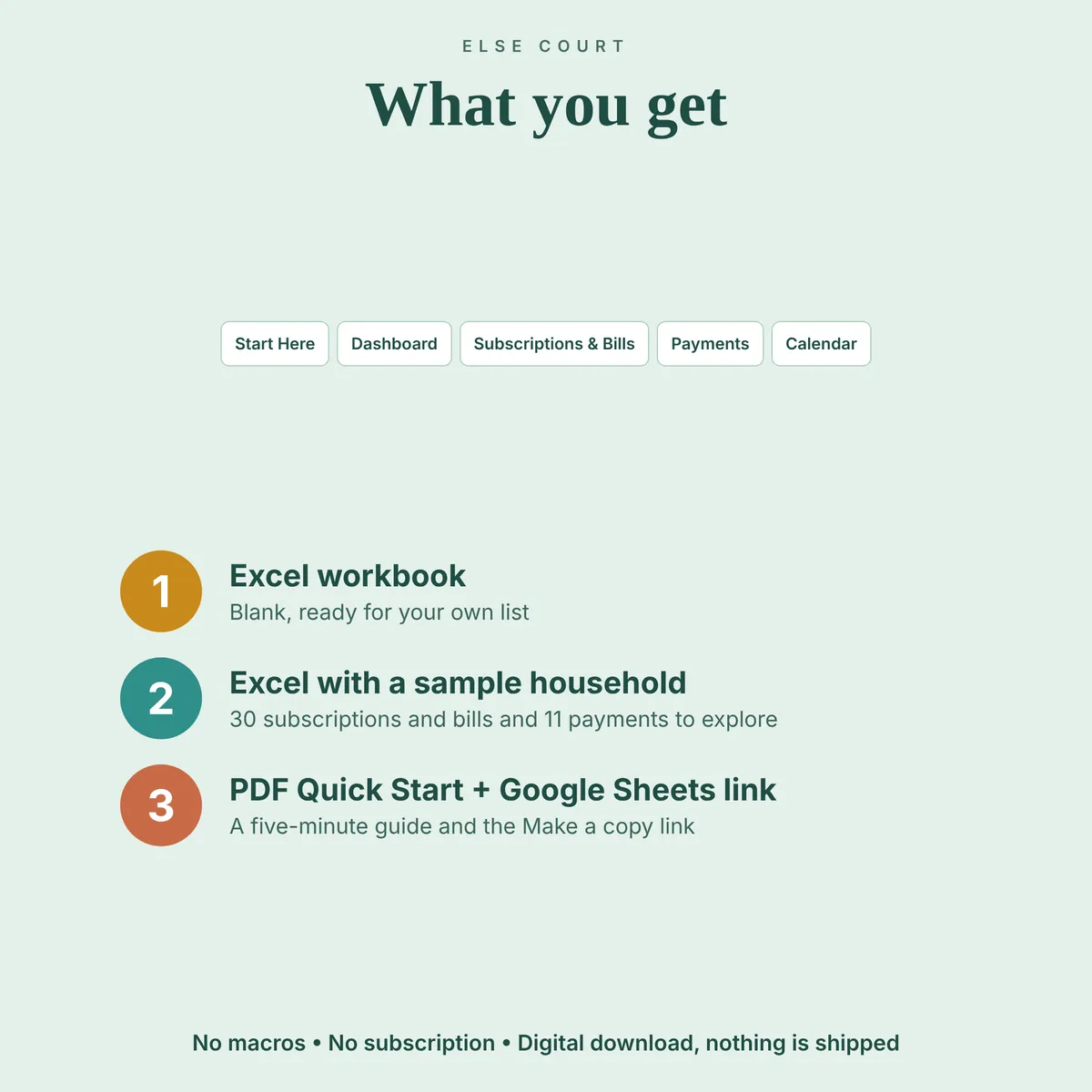
Yes. A second Excel file is filled with example data (a household with 30 subscriptions and bills and 11 payments), so you can see how everything works before using your own numbers.
Read the guide
More in Personal Finance